6‐10
5. Press the A-key below the
icon or B-key below the icon to change the
Color change function code. The new Changed code will be shown in black.
For machines with special devices (Loop/Cord/Sequin etc…)
Press C-key below the
icon and Sub-function is now available to change.
Use A-key below the
icon or B-key below the
icon to change the code.
*Refer to
Chapter 13. 2. Sub-Function Codes
for Sub-Function.
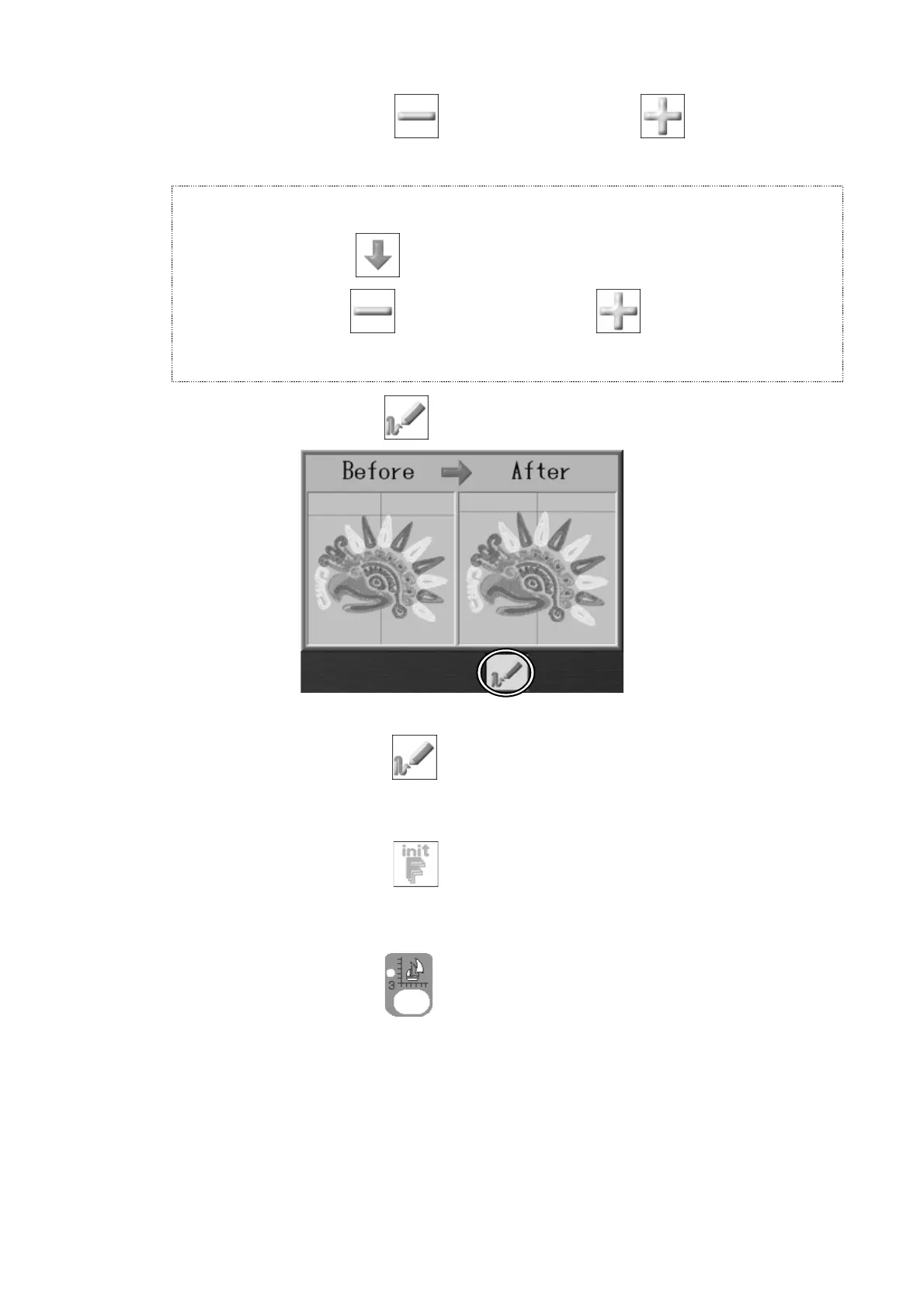
6. Press the E-key below the
icon to preview the Before and After changes.
Press the E-key below the icon again to go back to the Color change function
list.
7. Press the G-key below the
icon to start initializing the Color change function
codes.
Press the Design Edit key
again to go back to the Start screen.
*When there are any changes made, a confirmation screen displays to confirm the
changes. *Refer to
Chapter 3. 12. Confirmation Message
for more details.



 To Next Page