6‐11
6-2. List display and making changes
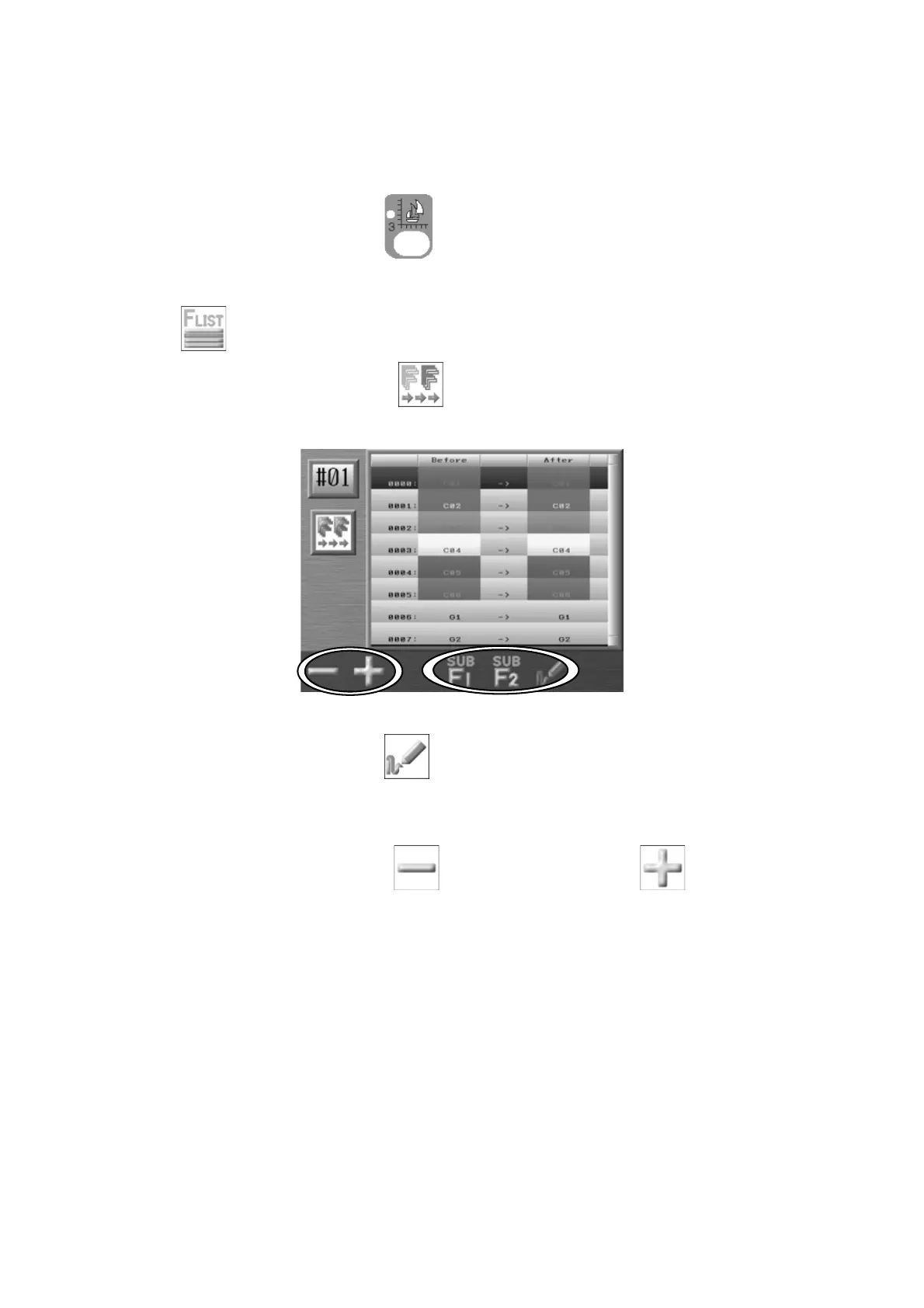
Batch changing for Color Change Functions
1. Press the Design Edit key
.
2. Select the design that you want to see the Color codes and press the C-key below the
icon to show the Color change function list.
3. Press the D-key below the
icon to show the Batch changing screen of Color
change functions.
Press the E-key below the
icon to preview the Before and After changes.
4. Use the Jog keys to select a function code in the list to change.
5. Press the A-key below the
icon or B-key below the icon to change the
After function code. Note: All Before Codes in design will be changed to the After codes
when finished.



 To Next Page