6‐12
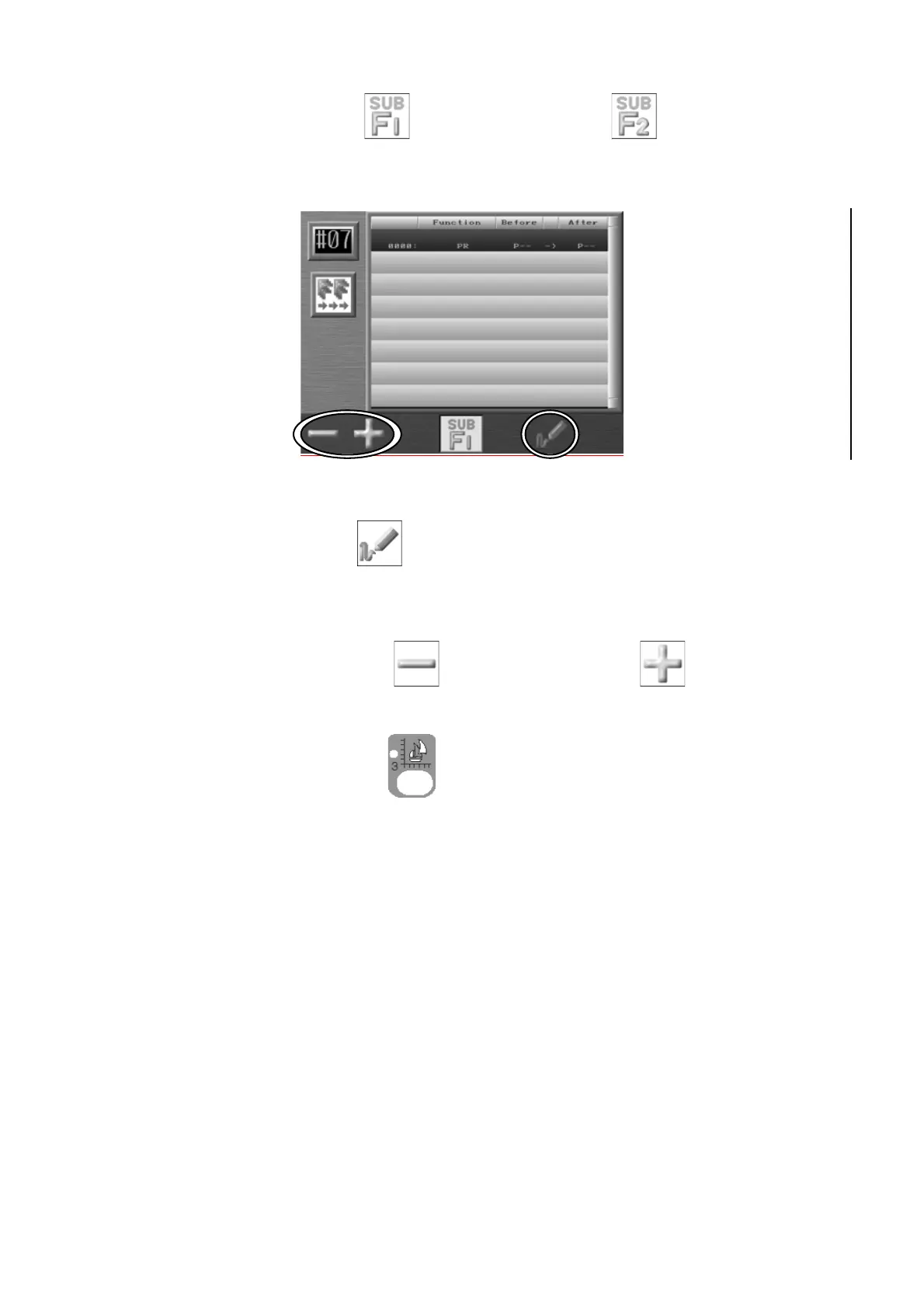
6. Press D-key below the
icon or E-key below the icon to go back to the
Color change function Batch changing screen.
Press F-key below the
icon to show the design preview of both before and after
changing the Sub-functions.
7. Press the A-key below the
icon or B-key below the icon to change the
After Sub-function code.
Press the Design Edit Key
to go back to the Start screen.



 To Next Page