3-7 X Series Mechanical Guide
Position F inger B r acket Adjustment
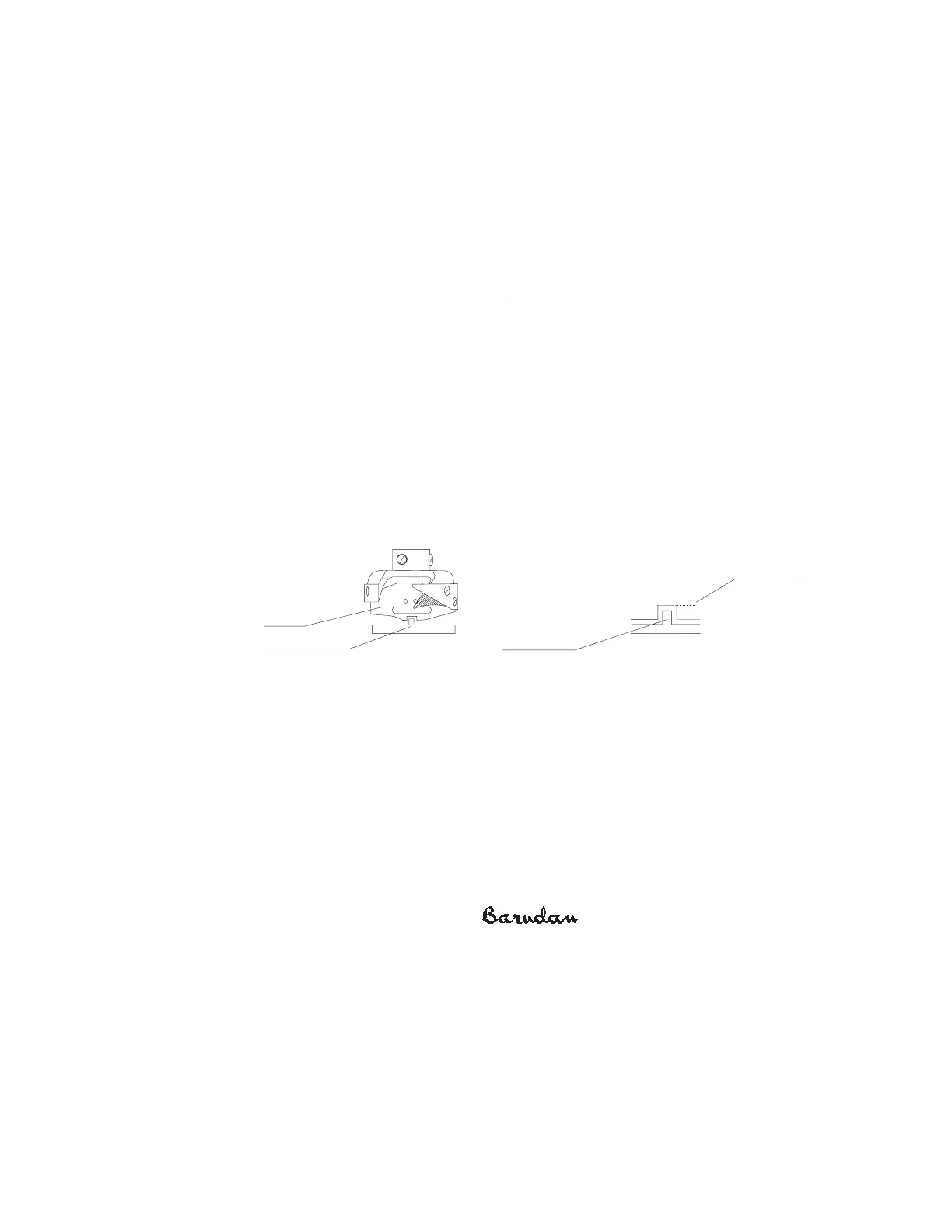
The adjustable Position Finger is mounted in front of the hook assembly to secure the hook
basket in place and balance the bobbin thread down the center of the embroidery. T he
Position Finger is adjustable in two directions, left to right, and front to back. Adjustment of
the Position Finger is required if the bobbin thread is running left or right of center, or if the
Position Finger was removed during the replacement of the hook assembly.
Sometimes the Position Finger moves out of adjustment. When correct, the Position Finger
notch, the protruding part, lines up centered with the hook assembly shaft.
Adjusting the Position F inger Br acket
1. After adjusting the hook timing, leave the Needle Plate off.
2. R otate the Main Drive Pulley 0 degrees.
3. L oosen the set screw slightly, taking care to use the correct size screwdriver since
the screw is very flat and easily stripped. Y ou can also use a hex wrench for newer
models.
4. Carefully move the position finger, centering the notch to the needle. T o make
sure you are looking at the needle straight on, use the lubrication hole, behind the
Needle Plate, as a reference. V isually line up the needle with this hole, then adjust
the position finger. Allow enough clearance between the basket opening and the
notch of the Position Finger.
5. Carefully retighten the screw.
B as ket
P osition F ingerP osition F inger
P osition
F inger Nos e
P osition
F inger Nos e
1mm G ap
1mm G ap



 To Next Page