11‐20
6. Network
Instructions on setting Network configurations
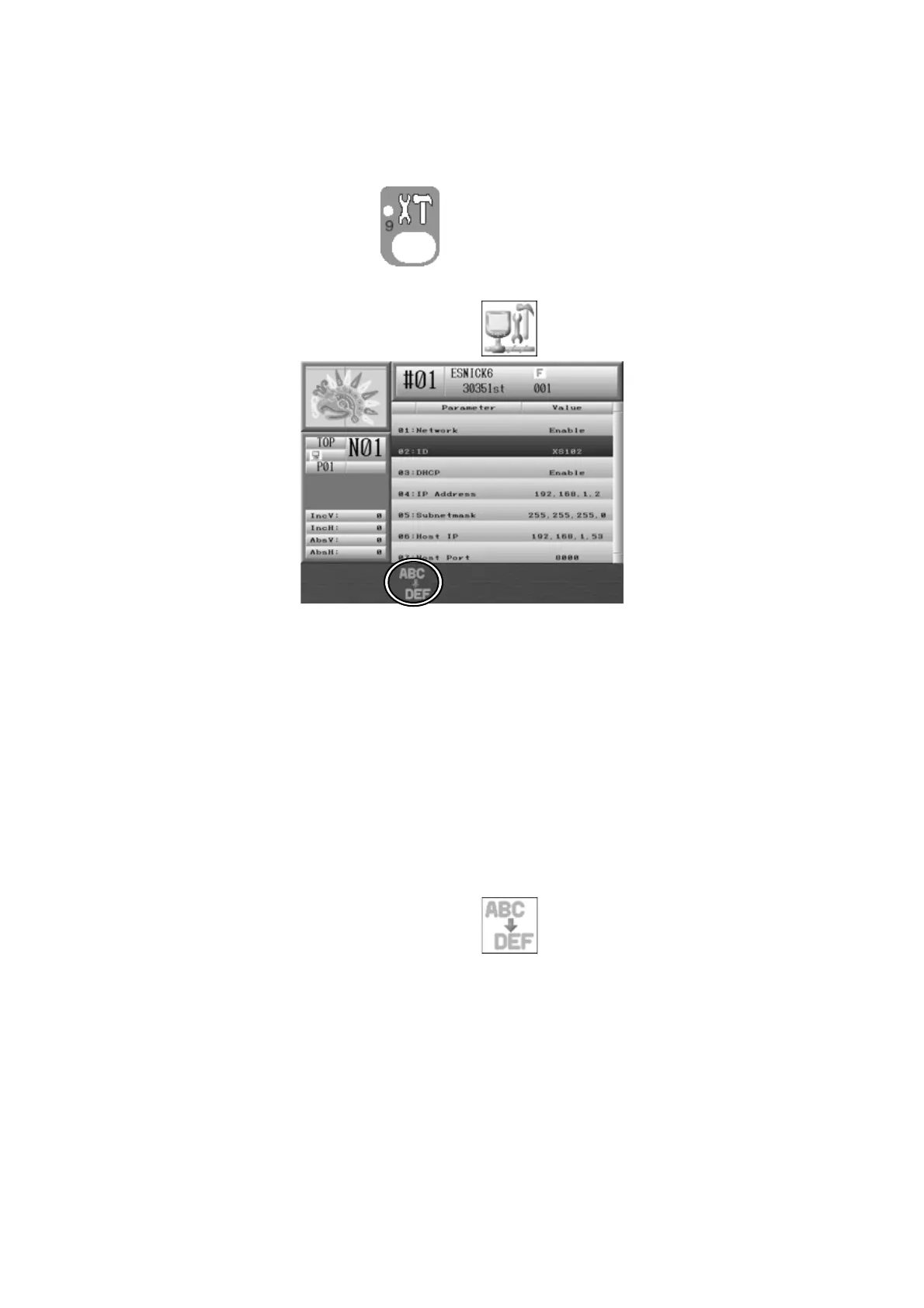
1. Press the Preference key,
. Preferences setting screen displays.
2. Press the E-key below the Main icon of
to display the Network Menu.
3. Select the item that you want to change from the Network setting item list.
Network :Input the “1”
ID :Set up desired automat ID name
IP Address :Set up IP address of the machine
Subnet mask :Leave as it – standard fixed value
Host IP :Set up IP address of the server
Host Port :Input the Port of the server
4. Press the C-key below the Main icon of
.
Dialogue boxes to change each function’s value appears.



 To Next Page