4‐8
5. Appliqué
Appliqué rotates the main motor so the presser foot can be pressed down manually, to
accurately position the frame or appliqué.
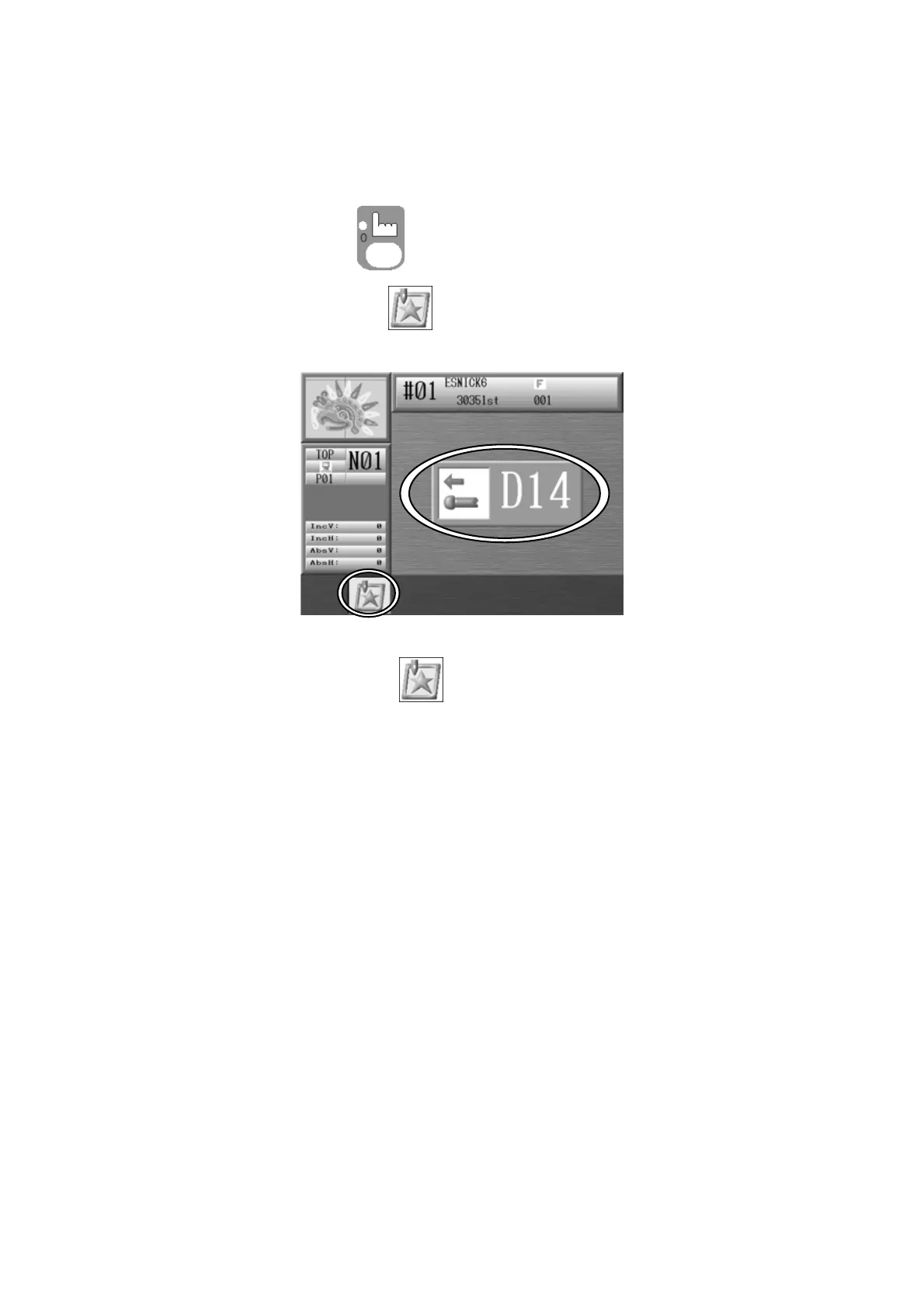
1. Press the Manual Key
and open the Manual operation screen.
2. Press the B-key below the
icon and the following screen displays, indicating to
push the Start switch to execute. Push the Start Switch.
Press the B-key below the icon again to cancel and go back to the Manual
operation screen.
3. Manually move the needle bar closer to the fabric.
*Repeat steps 1 to 3 to retrieve the needle bar.



 To Next Page