4‐3
1-2. Direct Needle
Instructions for selecting a specific needle
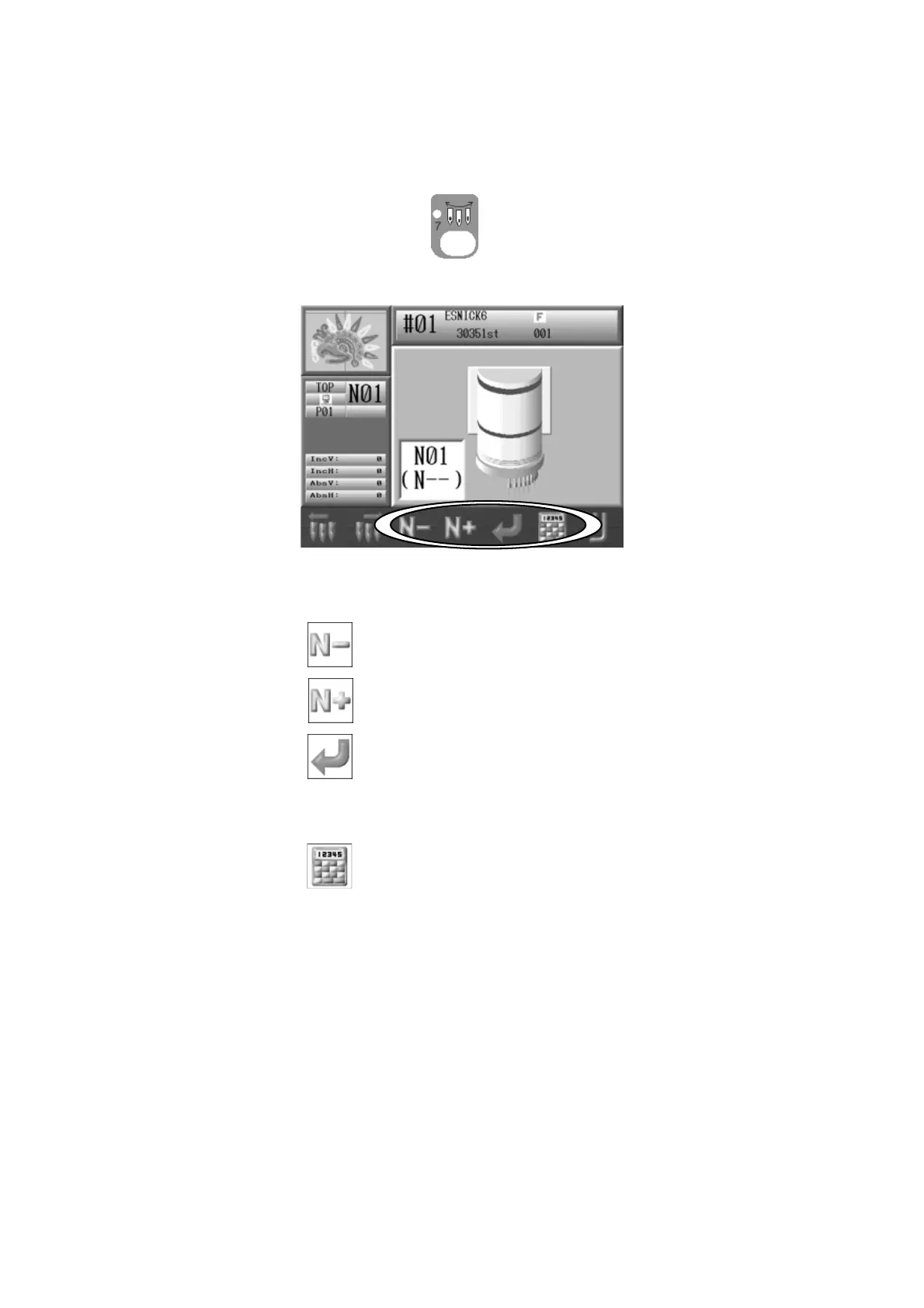
1. Press the Needle Change Key
and the following Color Change screen will
display.
2. The needle number in the box shown in parenthesis, is the new needle number you
want to change to directly.
Press the C-key
to select the next smaller needle number.
Press the D-key
to select the next larger needle number.
Press the E-key
to change needle.
3. The needle number can be changed by using the Numeric Entry Dialogue.
Press the F-key
to show the Numeric Entry Dialogue.
Note: When the machine is first powered on, the machine must be oriented to the
correct stop position to make a needle change. In this case, after following the steps
above, the D14 message will display, prompting you to press the start switch to execute
the needle change.



 To Next Page