4‐4
2. Presser Foot Height Adjustment (Optional Device)
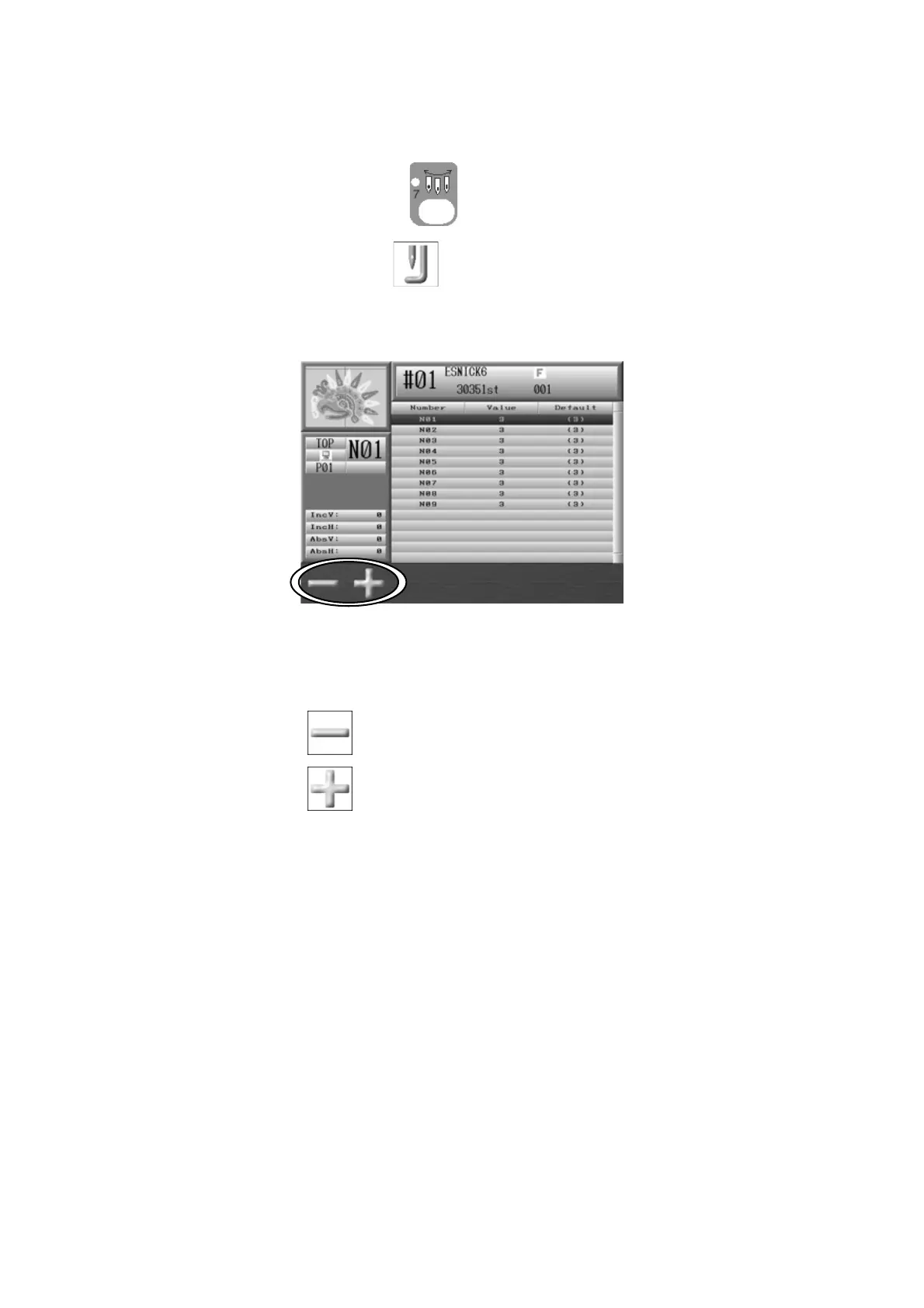
This feature is only for machines, which have the Presser Foot Height Adjustment option.
1. Press the Needle Change key and the Color Change screen will display.
2. Press the G-key below the
icon and the screen for adjusting the Presser Foot
Height will appear.
3. Select the needle number to adjust by using the Jog Keys.
4. Press the A-key
to select the next smaller height value.
Press the B-key
to select the next larger height value.



 To Next Page