4‐5
3. Trimmer
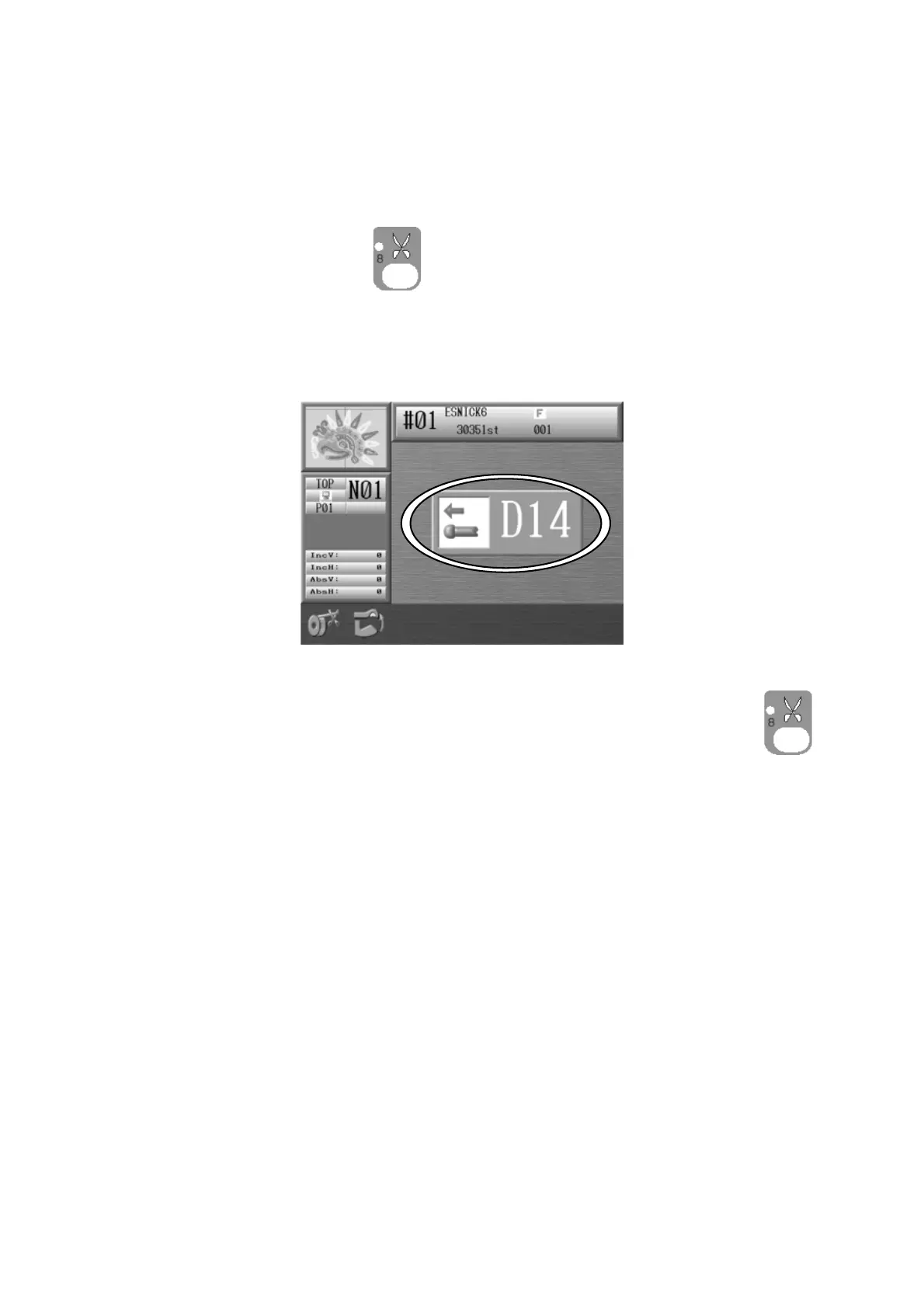
3-1. Trimming the Top Thread and Bobbin Thread
Instructions for trimming the top thread and bobbin thread manually
1. Press the Trimming Key
.
2. The D14 Start Switch message appears.
Push the Start Switch to execute the trimming.
To cancel trimming and go back to the Start screen, press the Trimming Key .
*The On/Off switch on each tension assembly (Head Switch) can also activate the trimming.
Turn the Head Switch Off then On and the Green LED on the Tension Assembly will blink.
Push the Start switch to execute the trimmer.
(The Green LED on the tension assembly must be blinking, when you push start)



 To Next Page