4‐6
3-2. Bobbin Thread Trimming
Instructions for trimming the bobbin thread manually
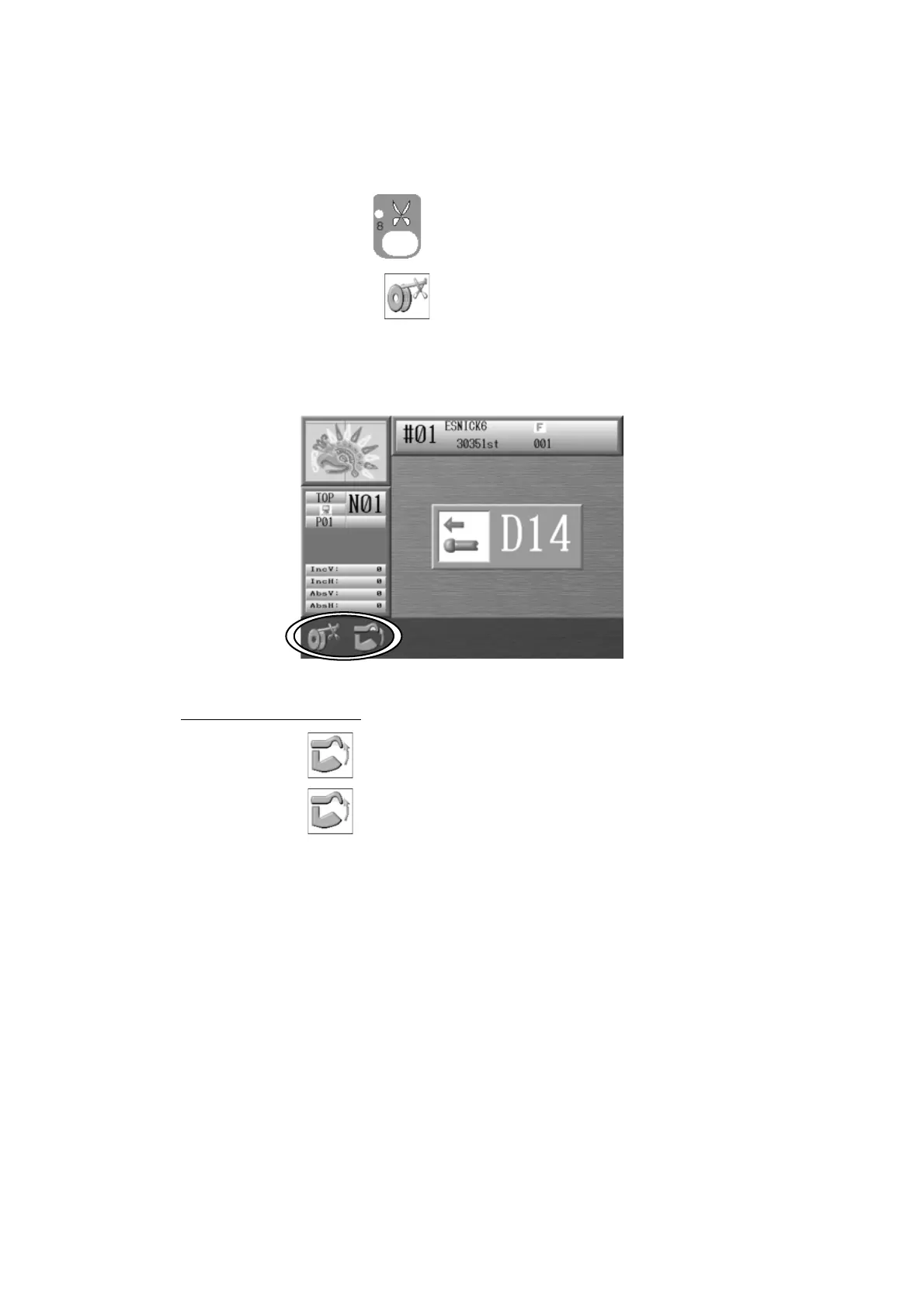
1. Press the Trimming Key
and the D14 Start Switch message appears.
2. Press the A-key below the
icon to trim the Bobbin thread.
*While Automending or stitch back without trimming, the bobbin thread may break.
In order to avoid this, we suggest Bobbin thread trimming before automending or
stitching back.
Trimmer cleaning mode
Press the B-key
to clean the trimmer.
Press the B-key
again to exit the Trimmer cleaning mode.
*There are some models that do not have the trimmer cleaning mode.
For those models that do, we strongly recommend cleaning the trimmer regularly using
the cleaning mode.



 To Next Page