12‐4
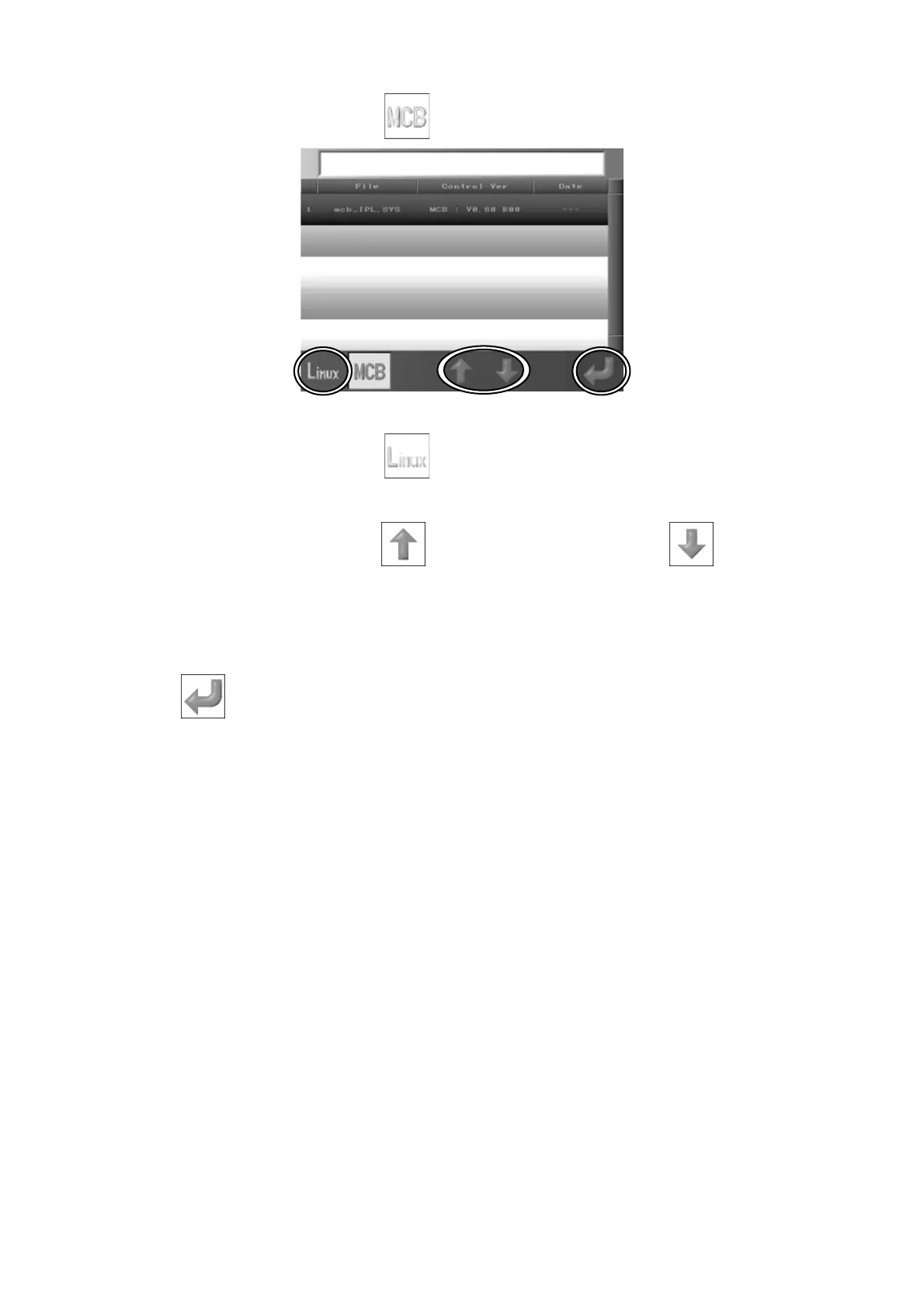
6. Press the B-key below the
icon to display the Control System Update screen.
7. Press the A-key below the
icon to display the Operation System Update screen.
8. Use the D-key below the
icon and the E-key below the icon and select
the System to update.
9. Select the System software that you want to update, and press and hold the G-key,
to update the system software. The System starts updating.
10. When the process is complete, turn Off the power and restart.



 To Next Page