7‐5
No. & Icon Parameter Function
Default
Value
Range of Values
7
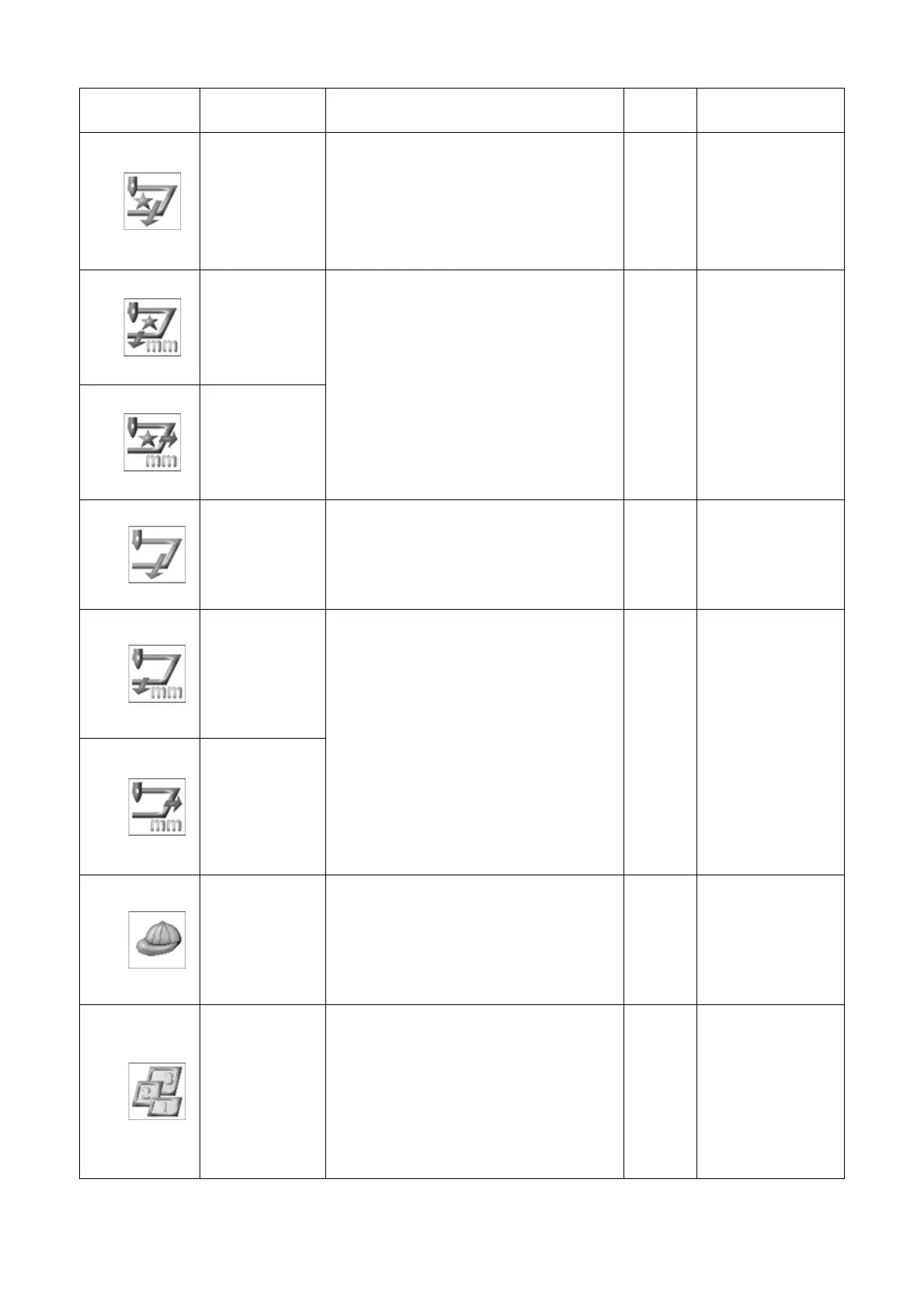
Appliqué
Moves the pantograph forward for
easy placement of appliqué fabric.
The default movement is 1-1/2 times
the height of the pattern. A new
value can be programmed in the A.
Offset parameter.
0
0: On
1: Off
8
A H Offset
9
A V Offset
Sets the amount of distance in the H
and V direction that the pantograph
will move when Appliqué is on. If set
at 0, the pantograph moves forward
1-1/2 times the height of the pattern.
0
-3000mm
~3000mm
10
Frame
Automatically moves the pantograph
forward at the end of the pattern, by
the height of the pattern, unless a
new value is programmed in F.
Offset parameter.
0
0: On
1: Off
11
F H Offset
12
F V Offset
Sets the amount of distance in the H
and V direction that the pantograph
moves when Frame is on. If set at 0,
the pantograph moves forward by the
height of the pattern.
0
-3000mm
~3000mm
13
Cap Frame
Sets the machine up for Cap frame
embroidery, by slowing down the
maximum sewing speed and speed
table settings.
0
0: Off
1: Cap Frame
2: Option 1
3: Option 2
14
Frame Type
Able to set frame preference for the
use of sub-soft limits. 0-off.
3 different Frames sizes are
programmable.
0
0 ~3



 To Next Page