7‐12
:Sets the distance between designs in the H(Y) direction in millimeters.
:Sets the inside margin of the frame in the V(X) direction in millimeters.
:Sets the inside margin of the frame in the H(Y) direction in millimeters.
8. Press the A-key below the icon for smaller numbers.
Press the B-key below the
icon for larger numbers.
Note: Press the D-key below the to change values using the Numeric Entry Menu.
*Refer to
Chapter 3 10. Numeric Entry Dialogue Box
.
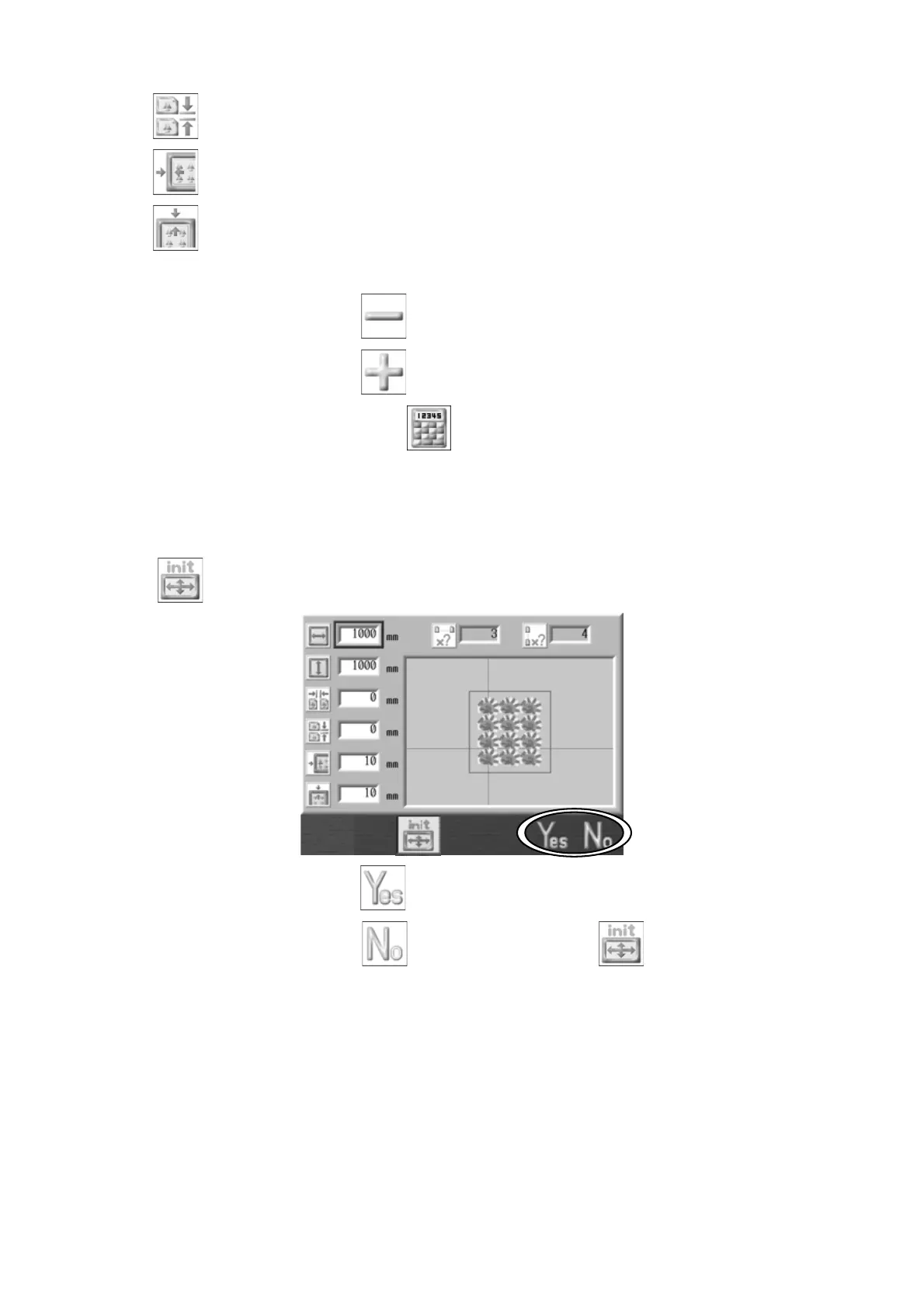
Note: To initialize embroidery area to MC default settings, Press the C-key below the
. The following window appears to confirm the initializing.
Press the F-key below the
icon to accept.
Press the G-key below the
icon or C-key below the icon to cancel.
Note: The following Program parameters are automatically set with this feature.
#17: V repeat
#18: H repeat
#19: V space
#20: H space.



 To Next Page