8‐4
3. Speed
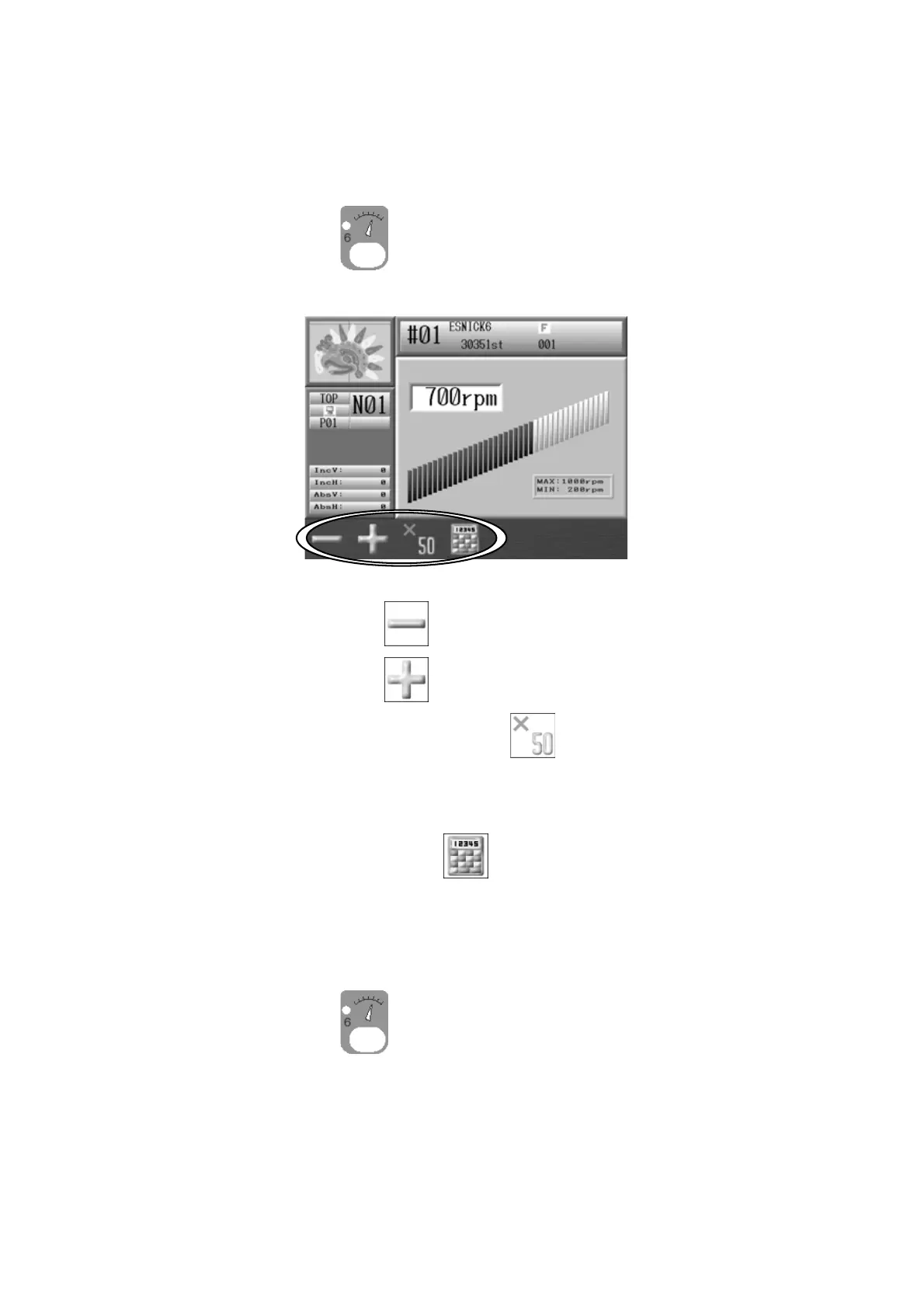
Instructions on changing the machine speed
The sewing speed can also be changed while the machine is sewing.
1. Press the Speed key
.
2. Speed Menu appears.
3. Press the A-key below the icon
to reduce the speed by 10 rpm.
Press the B-key below the
icon to increase the speed by 10 rpm.
If you press and hold the C-key below the
icon and then press the A or B key,
the speed increases by 50 rpm.
Note: Press the D-key below the
icon to change the speed using the Numeric
Entry Menu. *Refer to
Chapter 3 10. Numeric Entry Dialogue Box
and enter the
speed.
4. Press the Speed key
again to go back to the Start Menu.
*The display will automatically go back to the Start Menu if no keys are touched for
several seconds.



 To Next Page