8‐6
*If the design interferes with the border, the machine makes a beep sound and stops the
trace in that direction. Relocate or resize the design so it fits in the border.
4-2. Outline Trace
*Be sure the Frame limit parameters in the MC (Machine Condition) are correctly set before
using this feature.
The Pantograph traces the outline of the design to be sewn to see if the machine is sewing at
the right position and right size. This feature is only available in Drive mode and BEFORE
sewing begins. *The outline reflects the Program parameters that have been changed.
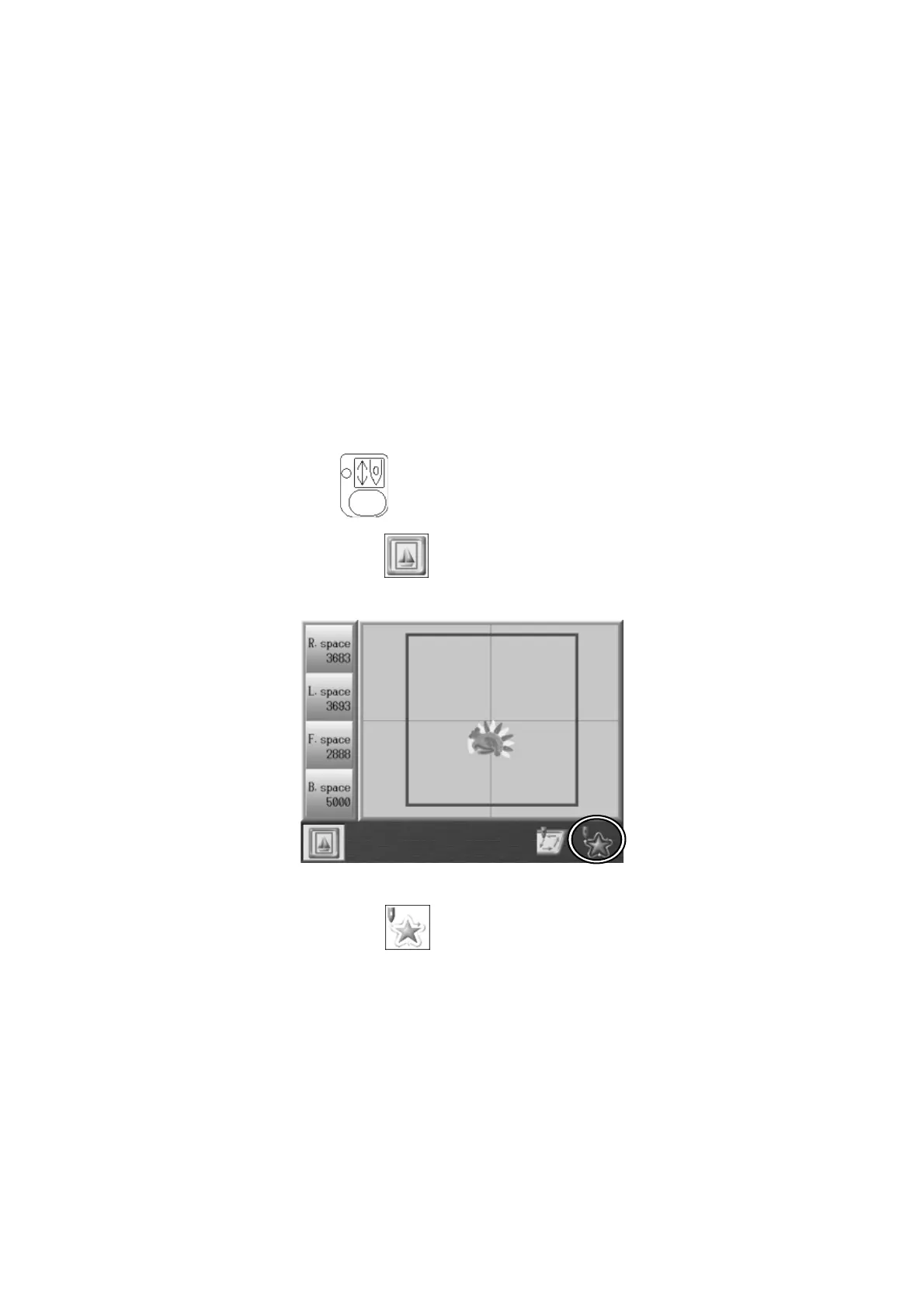
1. Press the Drive Key
and open the Drive Mode Screen.
2. Press the A-key below the
icon.
3. Press the G-key below the icon to start the Outline trace.
*If the design does not fit within the border, the machine makes a beep sound and stops
the trace in that direction



 To Next Page