10‐5
3-2. Design Additions
Instructions for combining 2 designs together into one memory location. Both
designs must be in memory, and you import one of the designs into the other
design location.
1. Press the Design Edit key
and then, press the A-key below the icon to
open the Running stitch addition menu.
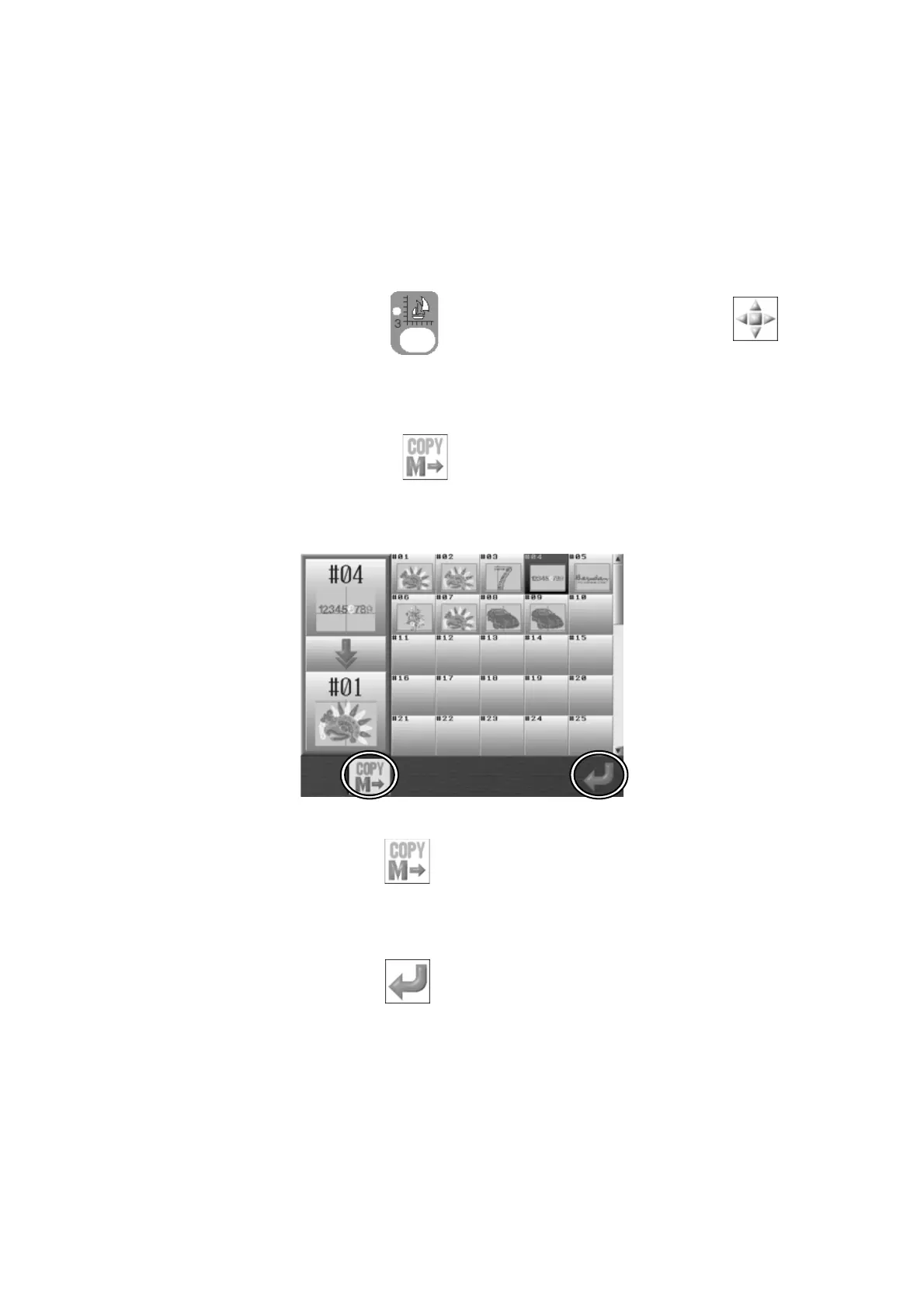
2. Press the B-key below the
icon to import another design into the selected
design.
*There needs to be more than 1 design saved in Memory to use this function.
Press the B-key below the
icon to go back to the Design Addition Menu.
3. Use the Jog keys to select another design that you want to add to the selected design.
4. Press the G-key below the
icon
to start importing the design.
*If the importing design had been resized or rotated, it will import the data with these
changes.
*Stitch addition and Design addition will be saved into memory after the last stitch in the
selected design.



 To Next Page