11‐16
4-2. Easy Settings
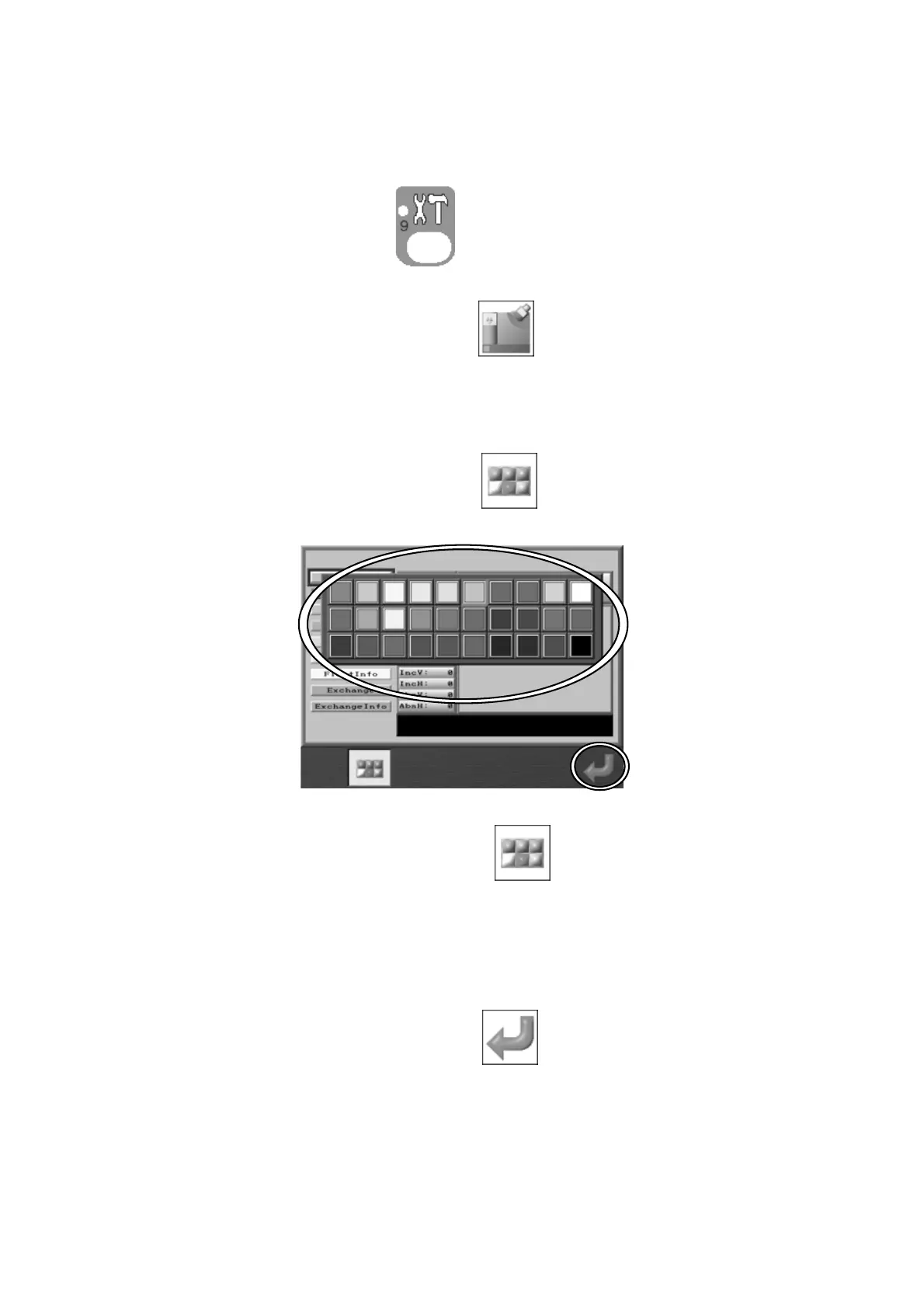
Instructions on selecting a design color from the color list
1. Press the Preference key,
. Preference setting screen below displays with
various options.
2. Press the C-key below the Main icon of
to view the Screen Color setting screen.
3. Use the Jog keys and choose the number to change the color.
4. Press the B-key below the Main icon of
. Following dialogue appears.
Press the B-key below the Main icon of
to close the dialogue without saving
changes.
5. Use the Jog keys and select the color.
6. Press the G-key below the Main icon of
. It shows the design color.



 To Next Page