5‐14
4-2. Back-up the designs in memory
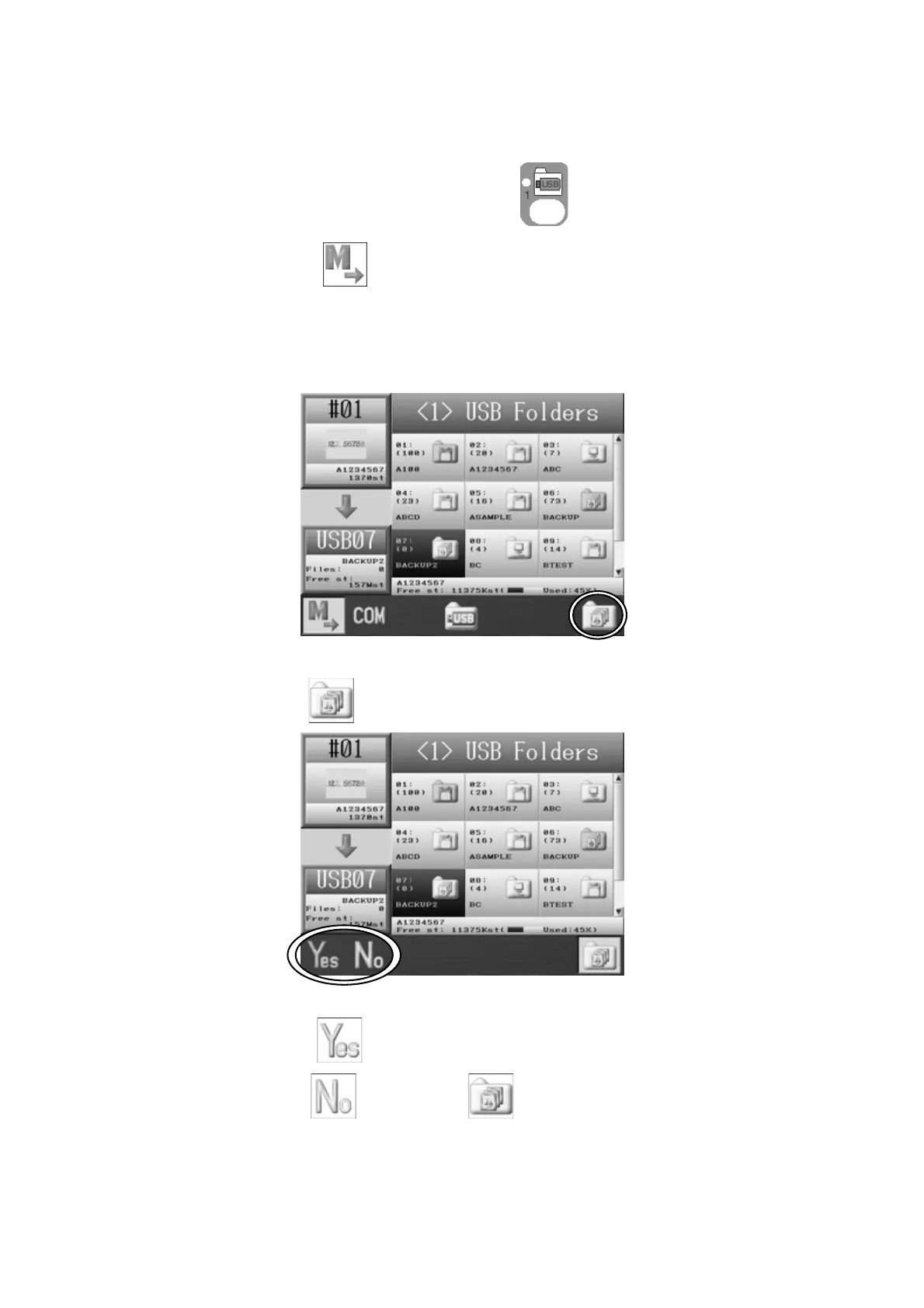
Backs up all the designs in memory.
1. Press the Design Loading/Downloading Key .
2. Press the A-key,
to display the Memory to USB Flash Drive downloading
screen.
3. Use the Jog keys and select an empty XSB folder you want use for a Back-up.
*If there is no XSB folder, create one.
See chapter 5.5-1 Creating a folder.
4. Press the G-key
.
5. Press the A-key,
to start the Back-up.
Press the B-key
or the G-key to cancel the Back-up and go back to the
USB Downloading screen.



 To Next Page