5‐23
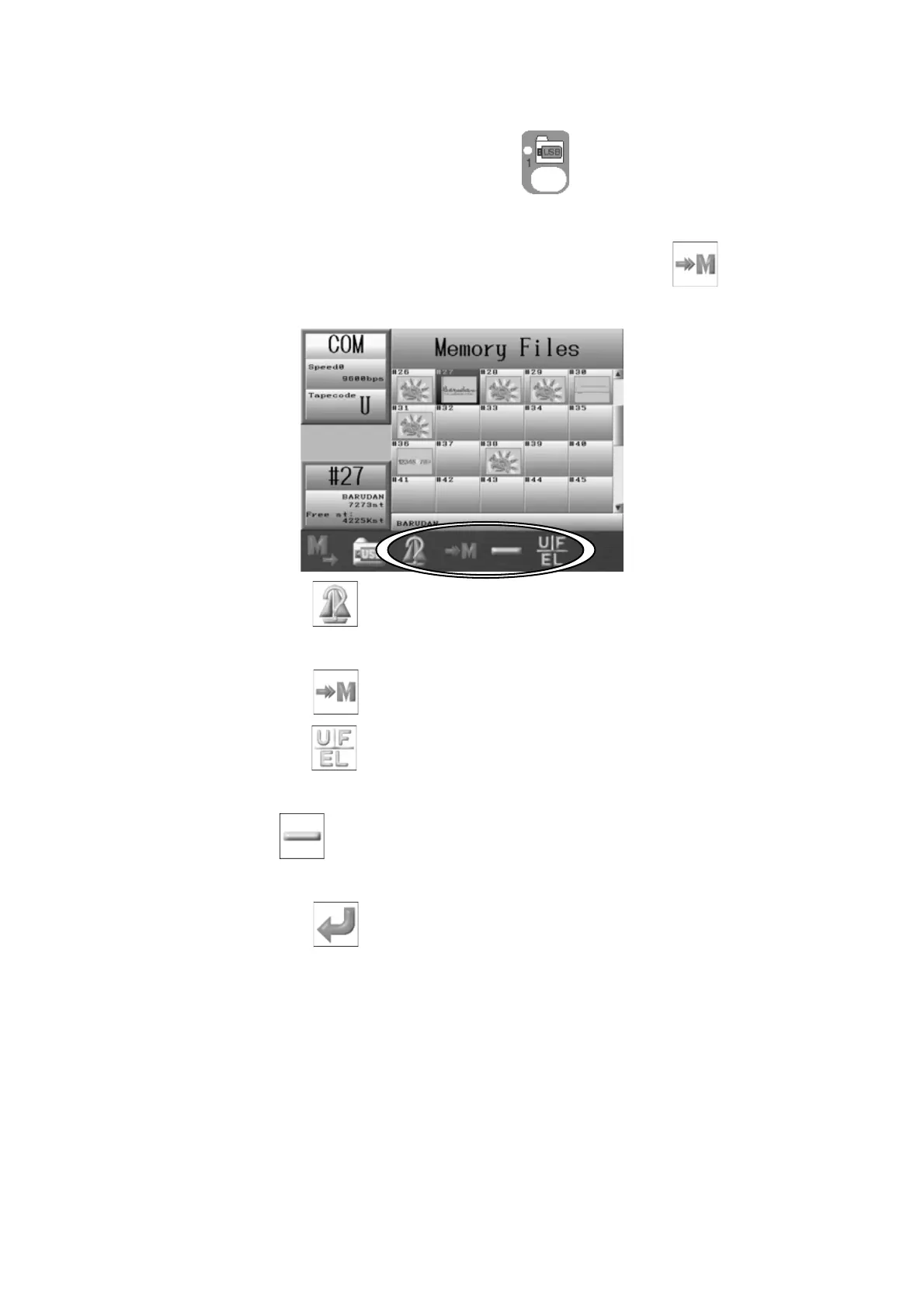
7-2. Adding a Design through the COM port.
1. Press the Design Loading/Downloading key, .
2. Use the Jog keys and select a design in Memory to add the design to.
3. If the selected Memory location has a design loaded in it, the
icon will show
above the D-key.
Press the C-key,
to show the Design information.
*Refer to Chapter 6 2. Design Information.
4. Press the D-key,
and the design becomes ready to load.
5. Press the F-key,
to select a different Tape code, if needed.
*Refer to 7-1. Loading a New Design for more details.
The E-key
is for changing the loading speed.
*Refer to
7-1. Loading a New Design
for details on changing speeds.
6. Press the G-key,
to ready the machine for the download.
7. Have the connected device ready and send the design.



 To Next Page