141
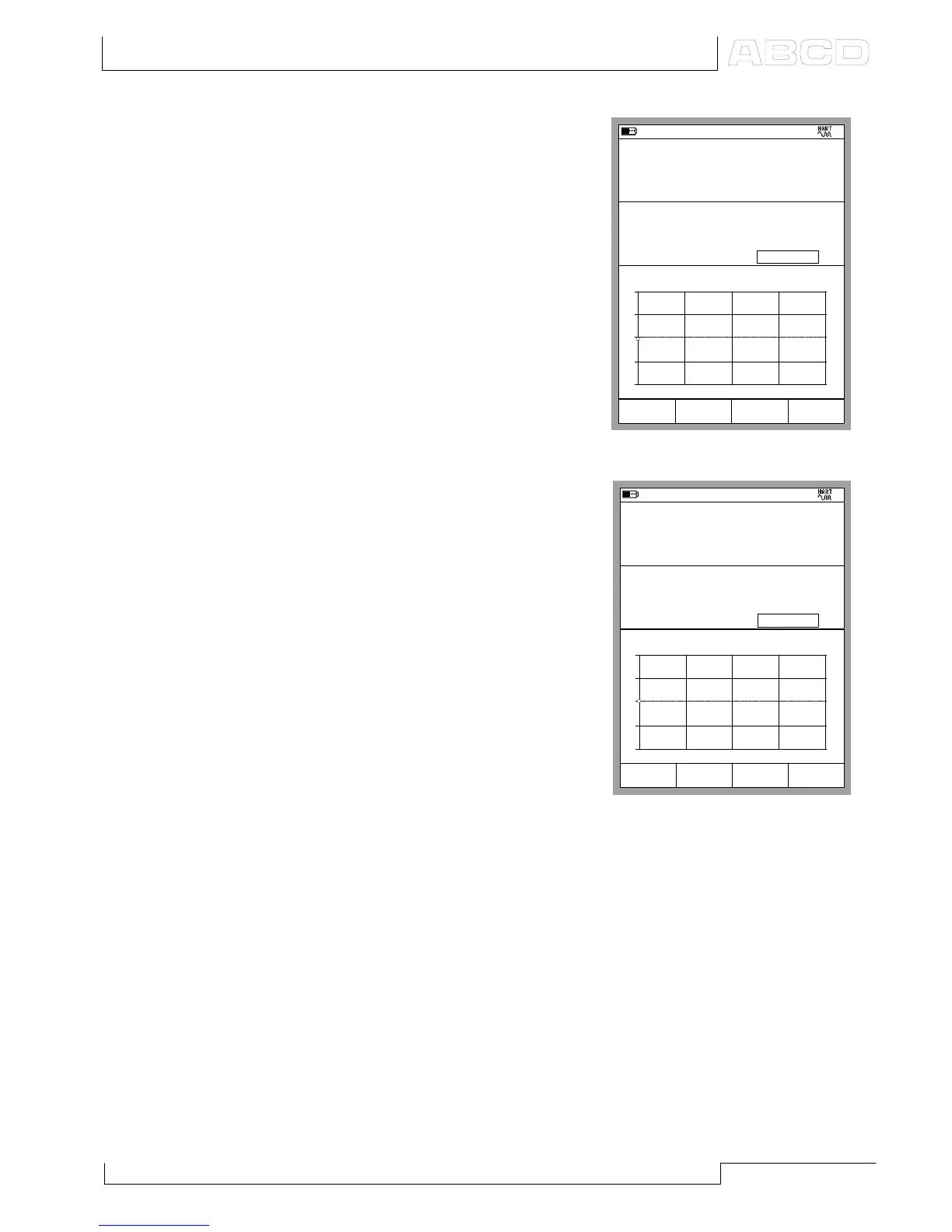
When trimming the Digital Output
(PV), the Input window displays
the instrument’s input signal mea-
sured by MC5-IS. The Output win-
dow displays the digital output of
the instrument.
The lower part of the Output win-
dow includes an additional trim
field. Use either the C/Fetch Func-
tion Key to copy the value shown
in the input window or manually
enter a value the digital output
should be trimmed to. Then use
the D/Send Function Key.
When trimming the Analog Output
(AO), the Input window displays
the current set point communicated
by MC5-IS. The Output window
displays the current generated by
the instrument and measured by
MC5-IS.
Again, the lower part of the Out-
put window includes an additional
field. Use either the C/Fetch Func-
tion Key to copy the value shown
in the Output window or manually
enter a value that is the correct
output current. Then use the
D/Send Function Key.
Note.
Some of the menu options may be disabled when trimming certain HART
instruments. Refer to the HART instrument’s manual for device dependent
information concerning the trimming procedure.
16.05.2002 15:58
Input
Error
1.00
Output
bar
1.021
-0.04 % of span
1.029
+
0
-
0% 50% 100%
Pressure [P1:INT20C]
Pressure [E: HART \ PV]
bar
Trim 0% to:
Trim
End
Fetch MENU
Gauge
1.029
Calibrating a HART Instrument
20.08.2002 15:44
Input
Error
1.00
Output
mA
3.9982
N/A % of span
4.0000
+
0
-
0% 50% 100%
Current [Keyed]
Current [E: Meas.]
mA
Enter measured 0%
Trim
End
Fetch MENU
3.9982



 To Next Page