8
General
T/C measurement and simulation may also be done without the
internal reference junction by using the Low Voltage terminals in
the ET module. Then the reference junction arrangements have to
be done outside MC5-IS and the correct reference junction settings
as well as the reference junction temperature have to be informed
to MC5-IS.
Part B of this manual describes in detail what kind of reference
junction settings are available.
Display
MC5-IS has a reflective display. The resolution of the display is 240
x 320 pixels.
To quickly tune the contrast of the display:
• Press and hold the contrast button
down.
• Use the up
and down
arrow keys to change the contrast.
The changed setting is automatically saved as default settings.
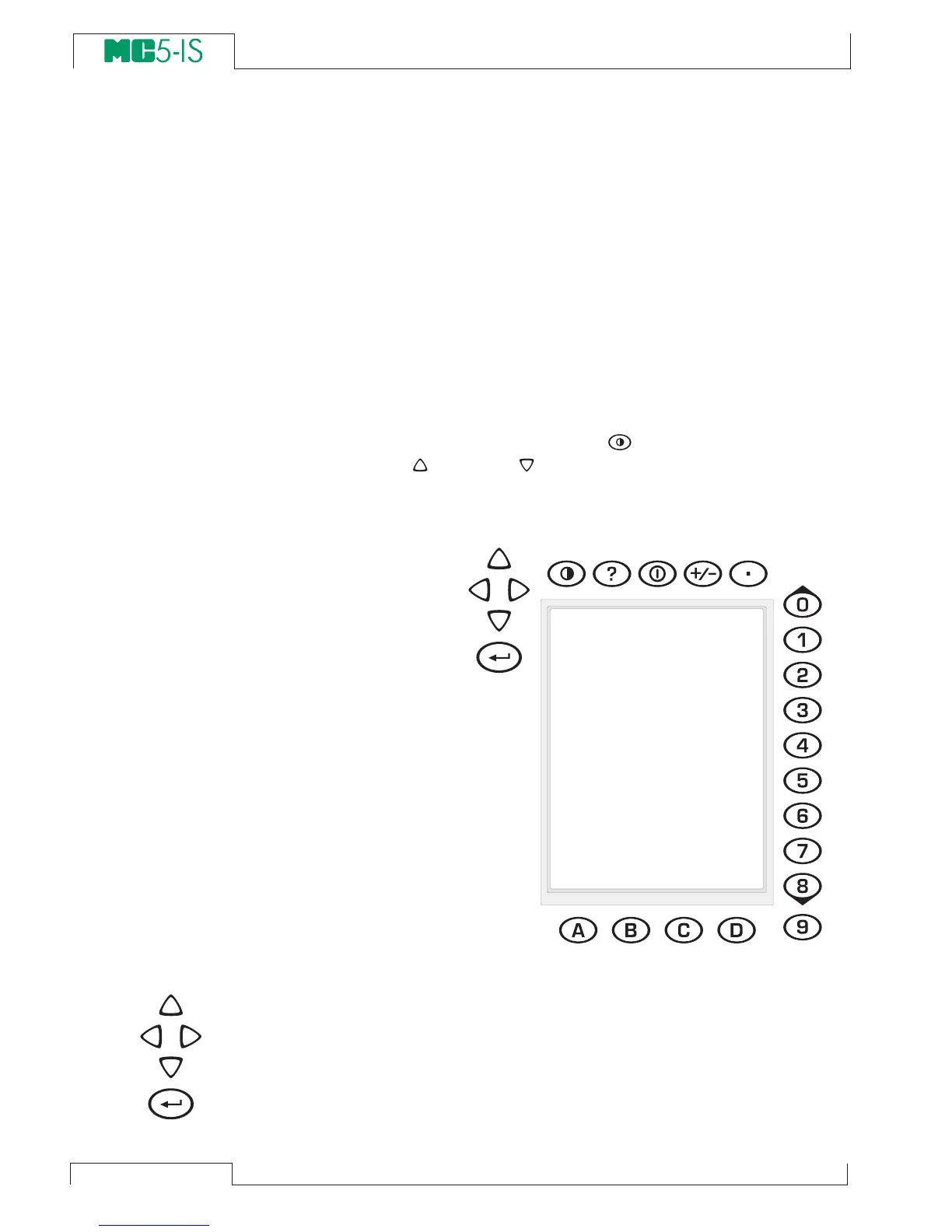
Keyboard
The keys on the
MC5-IS’ keyboard
are grouped accord-
ing to their function
as follows:
The Cursor Keys and the Enter Key
The Cursor keys and the Enter key are located close to the upper
left corner of the display.
The Cursor keys are used when moving the cursor on the screen.
They also have several special functions in certain situations, e.g.
when tuning the contrast of the display.
The Enter key finishes the entering of values.



 To Next Page