Appendix 01 - 3
If you get locked out of the unit, in order to re-activate the unit, you will need to telephone Honeywell or
your local Bendix/King dealer and provide them with your Serial Number and the Lockout Number.
Your details will be verified and checked against the Honeywell database and register of stolen units.
Once the operator is satisfied that the unit has not been stolen and that you are the officially
recognised owner, you will be given an Unlock Code Number.
This Unlock Code is a 10-digit number. You must enter this into your unit on Screen 55. The digits
will replace the question marks as each one is entered. The Unlock Number is deemed to be entered
as the last digit is input. Every time an incorrect unlock number is entered, the unit will generate a new
LOCK OUT number. This makes it impossible for a would be thief to stumble upon the unlock number
by trial and error. The chances of guessing the correct unlock code are 10 million to 1.
Once a lock out has occurred and the unit has been re-activated with an unlock number, the PIN will
be reset to the default of 1234.
Be very careful if you activate the Auto Power On Lock feature. Locking yourself out of the
system can be very inconvenient.
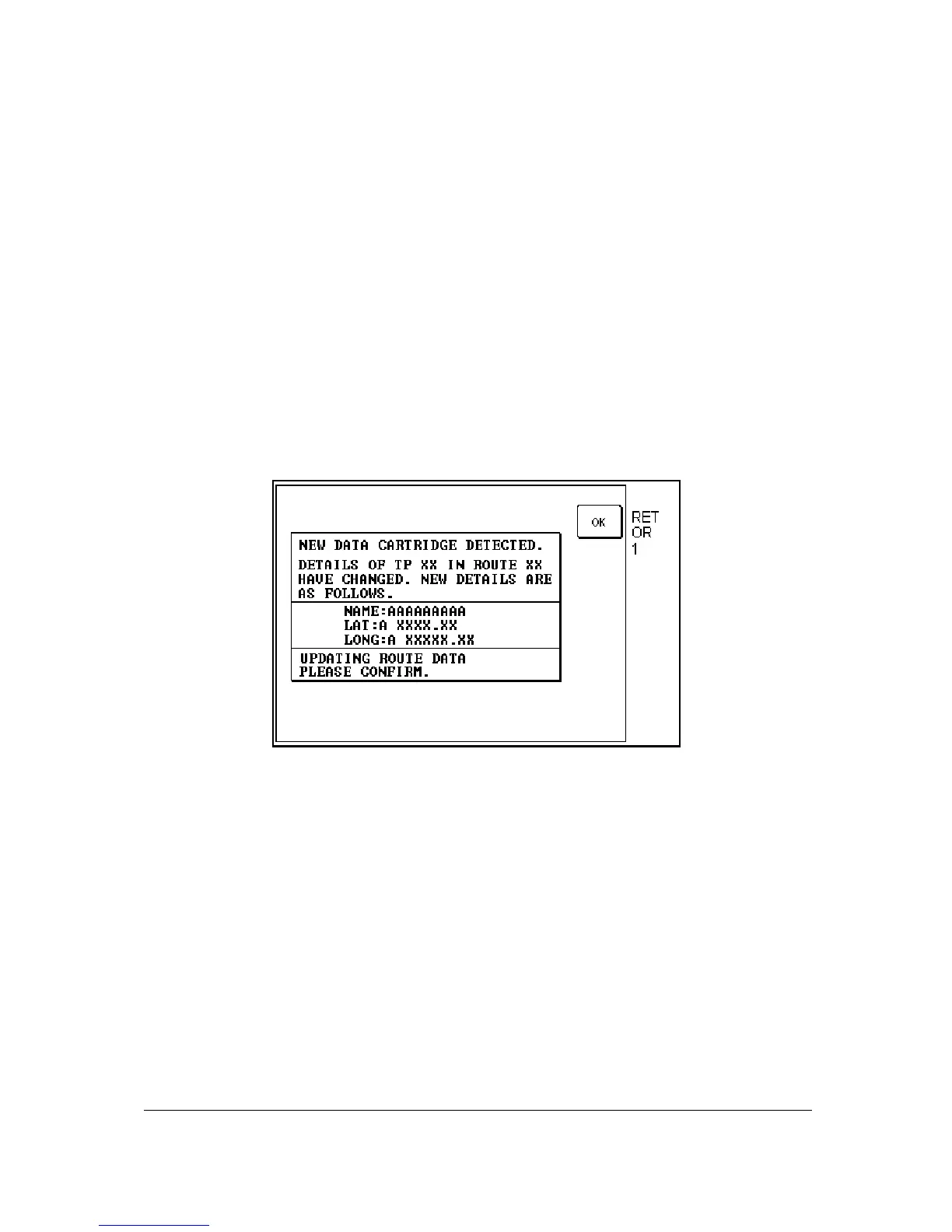
New Data Card Warning
Screen 56: Flight Plan Change Warning Screen
If, during initialisation, the unit detects a new memory card, the software will check through the flight
plans programmed into the unit and validate the data.
Whenever you build a flight plan by using items from the memory card, the Name, Lat. and Long of
each chosen item is copied into RAM along with a note of which database and which country you
extracted it. When a new memory card is detected, each item in each flight plan is checked against
the new database.
This is done by reading the first item from the first flight plan in RAM and conducting a search through
the relevant part of the new memory card looking for a Name match. If a perfect match is found for
the Name, the Lat. and Long are then checked and if they match correctly also, then no action is
required and the software goes on to check the next item.
If a discrepancy is found in either, Lat. or Long, Screen 56 will appear showing the new information for
the User waypoint in question. You must confirm that you are aware of the change by pressing Key 1.
If no match can be found for the name (i.e. the name has been changed or the item has been deleted
from the new database) the Lat. and Long fields on Screen 56 will be left blank and the bottom section
of the box will read:



 To Next Page