9-4
Beacon Information
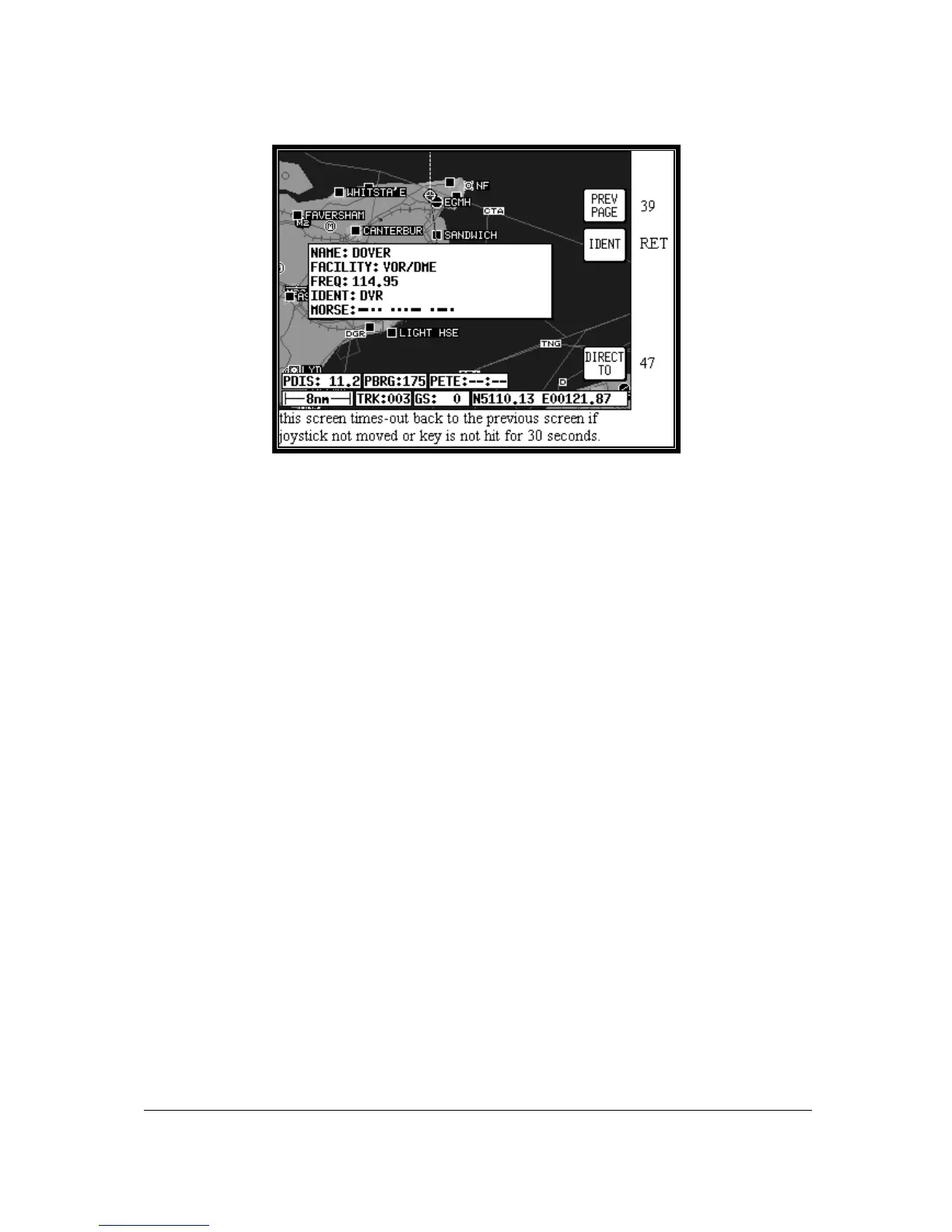
Screen 40A: Map Mode Beacon Information Screen
As explained above, you can access this Screen from Screen 39 by placing the joystick pointer over a
VOR or NDB icon and pressing Key 4, MORE INFO. Full details of the Beacon are listed, type,
frequency and ident. The fourth line in the box is a visual representation of the Morse ident and if you
are one of those pilots whose knowledge of Morse is less than perfect, all you have to do is press Key
2, IDENT. The unit will bleep out the correct ident (on its internal bleeper and on the external alarm, if
this is switched on). You can then compare this to the ident you are hearing over the radio to verify that
you are indeed tuned to the beacon you want.
To obtain a goto for the chosen Beacon (VOR or NDB) all you have to do is press Key 5, labelled
DIRECT TO. To return to the Map of Screen 39 you should press Key 1, PREV PAGE. Alternatively,
the unit gives you 30 seconds to read what you require and then automatically returns to Screen 39.
Pressing Key 5, DIRECT TO, in Map Mode when the joystick is not active, can also access this
Screen. Allowing you to call up the item of interest from the either the VOR’s or NDB’s database as if
you were selecting it for a DIRECT TO.



 To Next Page