14-11
GPS Receiver Information Log
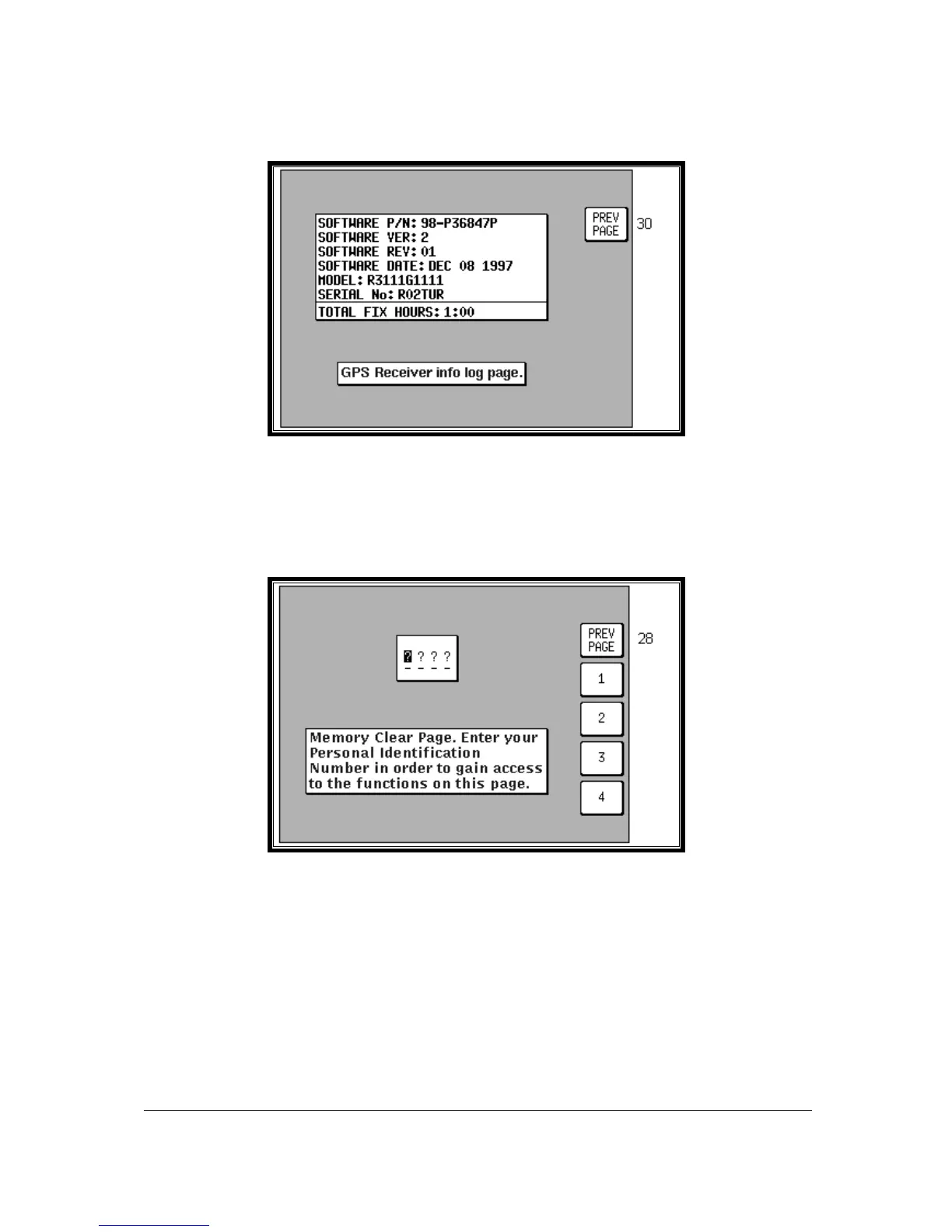
Screen 31: GPS Receiver Information Screen (Skymap IIIC only)
Most of the information on this Screen is technical engineering information about the internal GPS
receiver. The Total Fix Hours figure increases only during the periods when the GPS receiver has a
2D or 3D fix. You can if you wish also reset these figures along with the Total Unit Hours Run value by
using Screen 33, Memory Clear Screen.
Clear Memory
Screen 32: Memory Clear Entry Screen
All the routines, which can clear the unit’s memory are protected by your PIN, specifically to prevent
any unauthorised person wiping out the valuable data contained in memory. Therefore, when you
enter this Screen the cursor will be positioned over the first of four question marks. You must enter
your PIN at this stage before you can proceed to the memory clear functions on Screen 33. (The
factory default PIN is 1234). As soon as the fourth digit of a correct PIN is entered, the unit will call
Screen 33. If the PIN entered is incorrect the display will switch immediately to Screen 25 (PIN
INCORRECT) and then take you back to Screen 28, the Cover Screen for Installation and Diagnostics.
If you do make a mistake, however, you are allowed to make as many attempts as you need to enter
the correct PIN.



 To Next Page