6-5
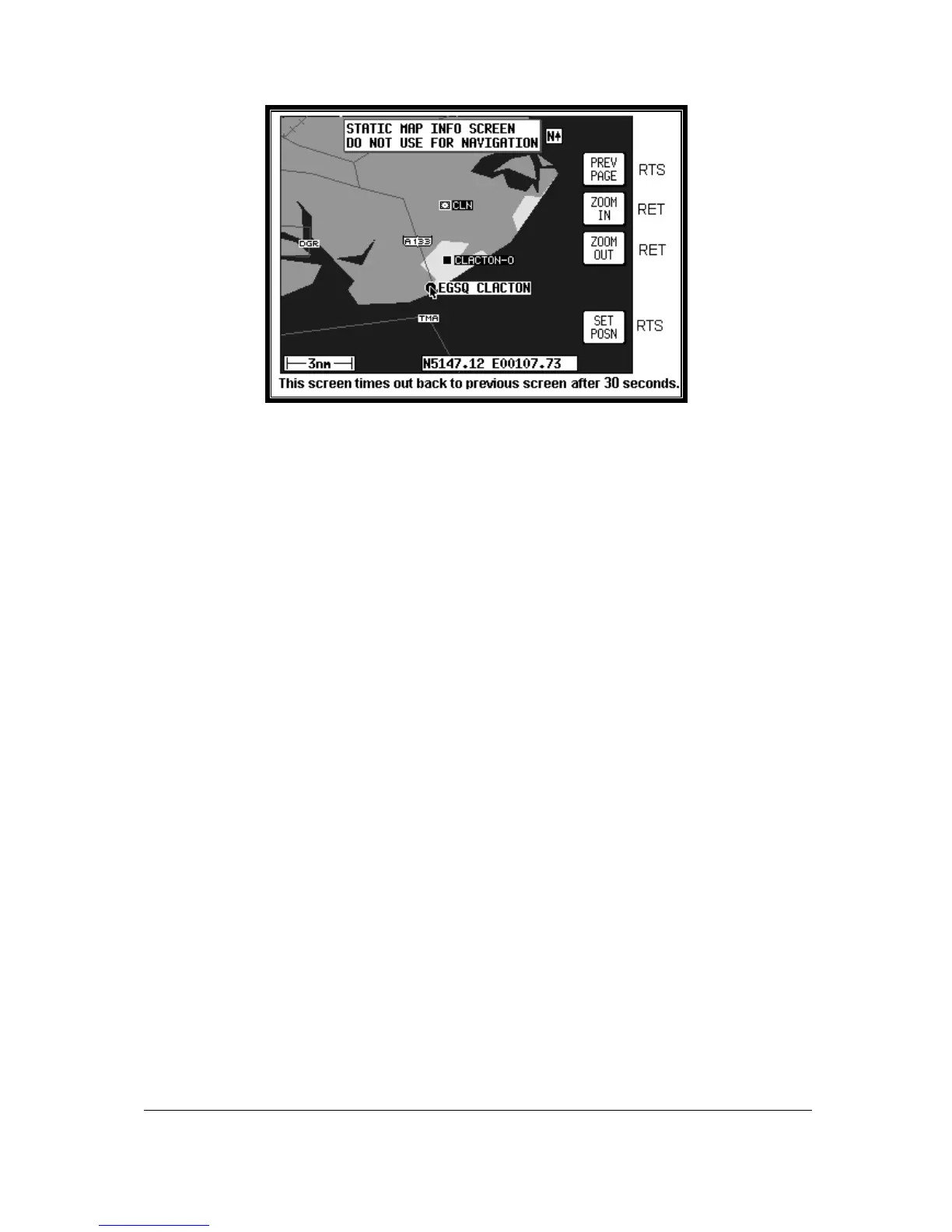
Screen 10A: View Map Screen
When Screen 10A is displayed you can zoom in or out using Keys 3 or 4. By using the joystick you
can ‘bump’ the borders of the map window to view anywhere in the world. The POS: box at the bottom
of the screen displays the latitude and longitude of the pointer.
Once you have the joystick pointing at your present location, press Key 5 SET POSN to return to
Screen 3, GPS Status Screen. The pointer latitude and longitude will have become the LAST FIXED
POSITION on Screen 3.
When new values for latitude and longitude have been selected numerically, pressing Key 1 SET will
enter the new latitude and longitude and revert to Screen 3. If the unit is receiving sufficient satellite
signals to calculate a fix, user-entered latitude and longitude will be ignored. Keys 3 and 4 give direct
access to Time and Date adjustment.



 To Next Page