14-10
Key 1 returns you to Screen 21, Setup Cover Screen.
Key 2 calls Screen 63, Screen Position Setup Screen.
Key 3 calls Screen 30, Engineering Log Screen.
Key 4 calls Screen 32, Memory Clear Entry Screen.
Key 5 calls Screen 35, Data In/Out and Test Screen.
Screen Position Setup
Screen 63 is for use during manufacture to position the picture centrally in the viewable area of the
display. This screen is also used to focus the image on the display. It is not a Screen with which you
as user of the Skymap IIIC need greatly concern yourself. This screen is protected by a maintenance
PIN number.
Under normal circumstances you should not need to access this screen.
View Logs
Engineering Log
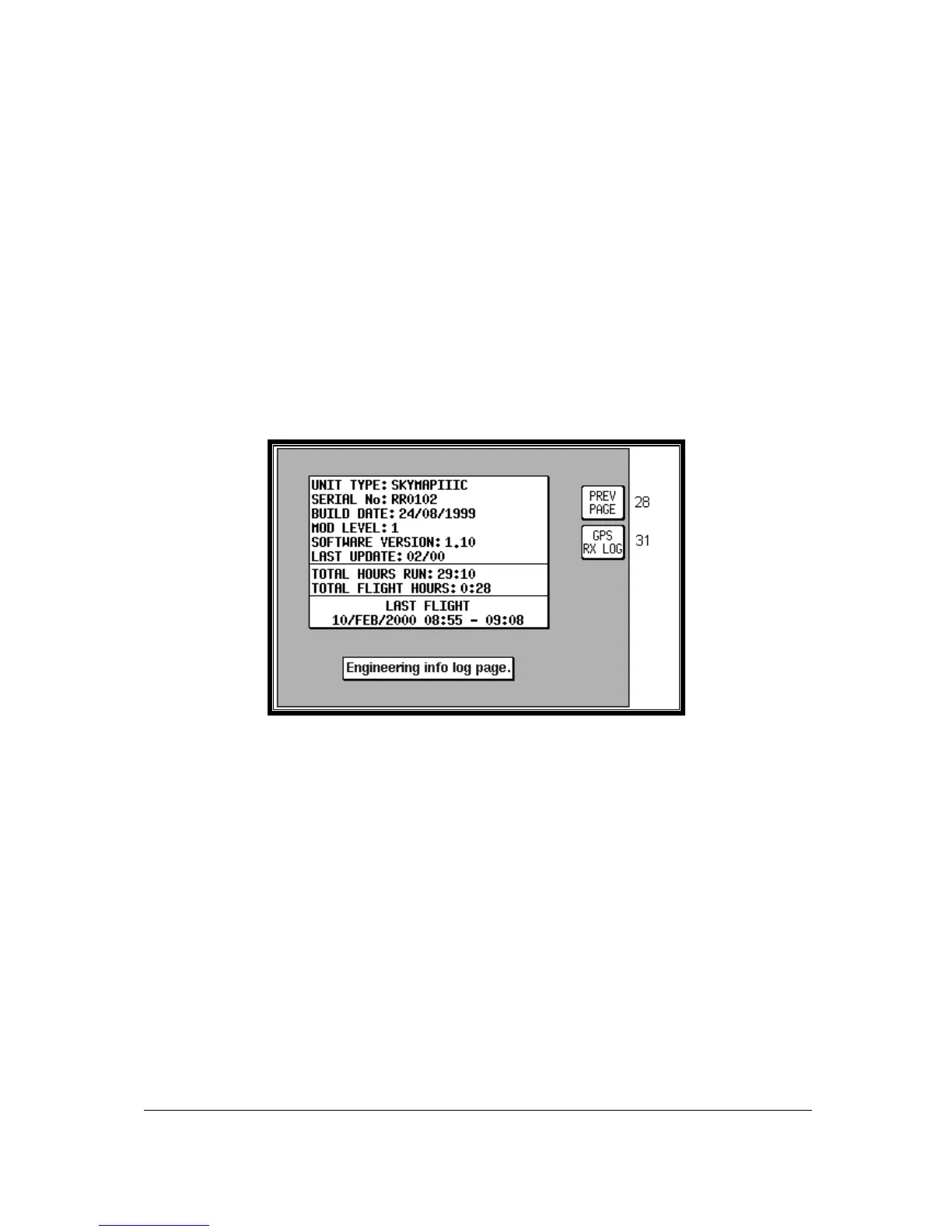
Screen 30: Engineering Log Screen
This Screen can be used to produce technical engineering information about the unit. Unit type, serial
number and build date information were all stored within the Non Volatile Memory at the time your unit
was initialised at the factory. The version of the software in use and the latest update information are
stored on the data card.
The Total Hours Run value is updated every minute. This can give you an indication of the total time
that the unit has been in operation. You can, however reset this figure, using Screen 33. (It is perhaps
worth noting that a copy of the cumulative total of hours run remains recorded within the NVM, cannot
be user-reset and can only be read by Honeywell technicians.) The Total Flight Hours is a value
stored in exactly the same way as Total Hours Run, the difference between these two figures being
due to the fact that Flight Hours are totalled only during periods when the Ground Speed is above 30
knots. Last Flight data is available only with the Skymap IIIC. The Date and Start Time are logged as
soon as the Ground Speed exceeds 20 knots and the Stop Time is logged whenever the Ground
Speed drops back to less than 3 knots. Key 2, GPS RX LOG, is available only on Skymap IIIC units
and gives access to the GPS Receiver Engineering Log Screen 31.



 To Next Page