6-3
When using the Skymap IIIC for the first time (or after it has been relocated by more than 100 miles
since it was last used) setting up the present position (to within 50 miles or so) and ensuring that UTC
and Date are correct (to within a few minutes) will considerably speed up the TTFF (time to first fix). It
is not absolutely necessary to do this, since given time, the receiver is quite capable of working out its
own position.
Adjusting Time and Date
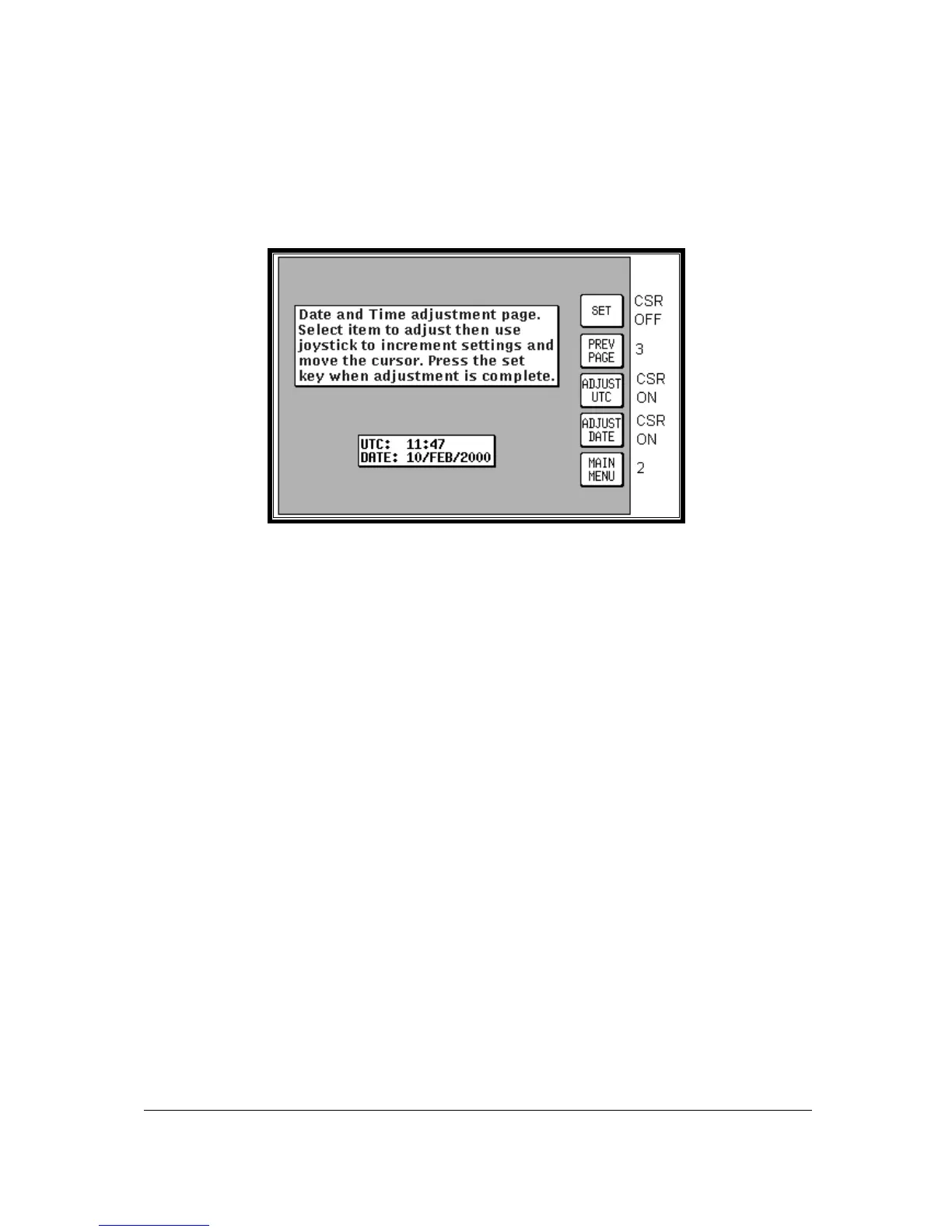
Screen 4: Date and Time Adjustment Screen
Pressing GPS STATUS in Main Menu followed by UTC & DATE accesses this Screen. Pressing Key
3, ADJUST UTC, places a cursor over the first digit of the Hours value on the time display. The value
can then be increased or decreased by moving the joystick up or down. Pushing the joystick to the
right then moves the cursor to the next digit. Similarly, moving the joystick to the left moves the cursor
back along the data entry field. When the time is adjusted, the information will only be saved if you
press Key 1 SET.
Pressing Key 4 puts a cursor onto the Date entry field. The date is adjusted in the same way as time.
With the cursor over the Month when the joystick is moved up or down, the first three characters of
each month are scrolled together i.e. JAN, FEB, MAR, APR etc. Adjusting the year works in the same
way. Your Bendix/King unit is fully Year 2000 compliant. Only after pressing Key 1 SET is the new
date saved. The Time and Date will be automatically corrected as soon as the first satellite reaches
TA (time available) status. If any satellite is already at status TA or above, user inputs of time and
date will be ignored.



 To Next Page