12-1
12 DEMO MODE
To allow you to practice all aspects of navigation on the ground and to become familiar with handling
it, your unit can be used as a simulator by selecting its fully functioning Demo Mode. Using this mode
you can also replay your logged flight data.
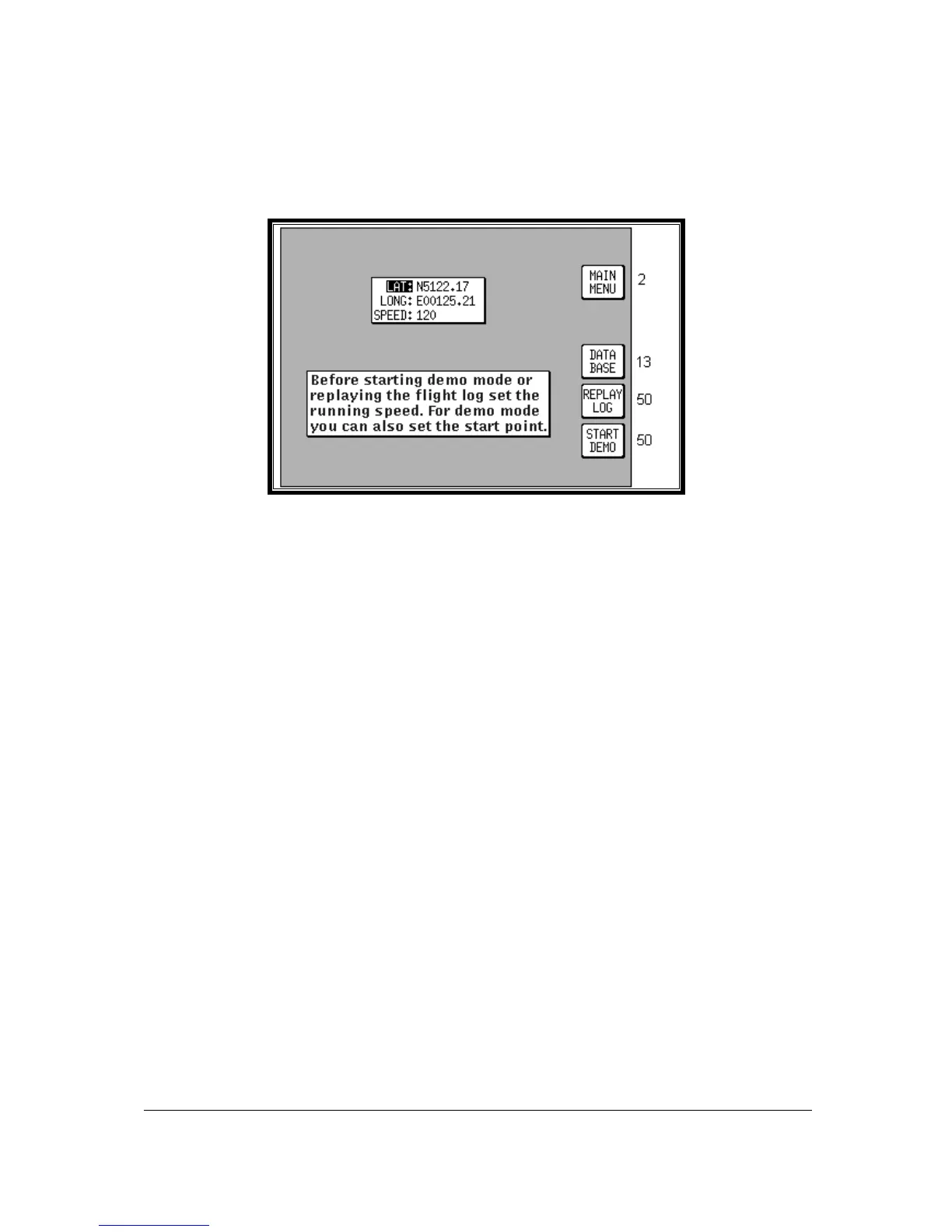
Screen 20: Demo Mode Setup Screen
This Demo Mode Screen can be accessed by pressing Key 3, DEMO MODE, on Screen 1, Title
Screen, provided that, since the time you switched it on, your Skymap IIIC has not received valid
satellite information from its internal GPS receiver, or your Tracker IIIC similarly lacks fix data from its
external receiver.
When you enter Demo Mode you will find a cursor over the word LAT. You can then use the joystick
to set up the latitude and longitude for any point from which you want the demo to start. (The default
latitude and longitude will be the co-ordinates of your last fix position.) Alternatively you can press Key
3 and select a start point from the built in database. You can also set the airspeed at which you want
to fly the demo to anything between 000 and 999 Knots.
Once you have set your position and speed, if you press Key 5 you will find Screen 38, Map Mode,
displayed and you are ready to start Demo Mode. All map Screens that you access whilst Demo
Mode is switched on will, for safety reasons, have a DEMO MODE warning box displayed to ensure
you do not use them while in the air.
If you wish to replay the flight data logged into your unit, set the airspeed as explained above then press
Key 4. Screen 50 will then be displayed with the logged data being replayed at the specified speed. This
allows long flight plans to be replayed in fast motion.



 To Next Page