9-5
General Icon Information
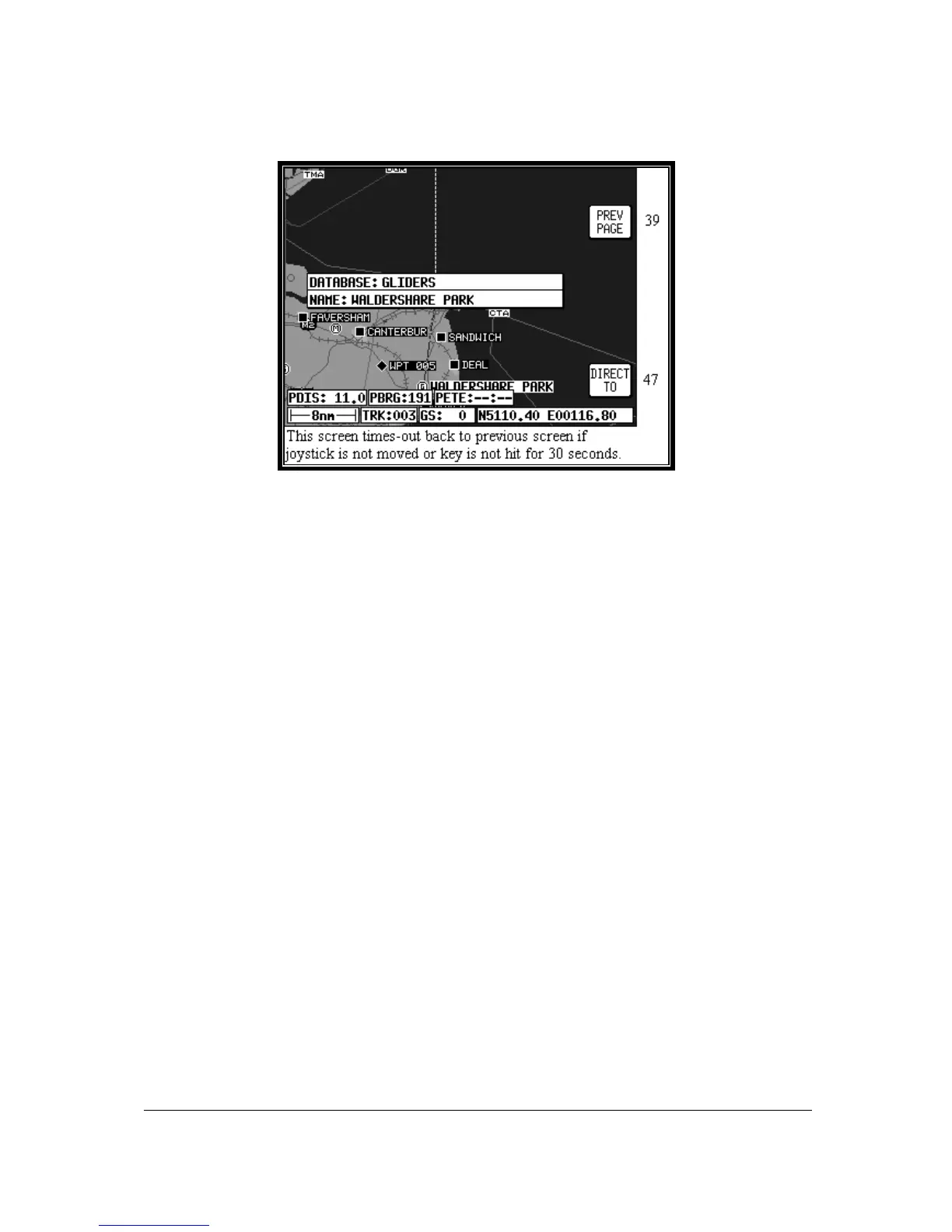
Screen 40C: Map Mode General Information Screen
As explained above, you can access this Screen from Screen 39 by placing the joystick pointer over
any data icon that is not an airport, VOR or NDB and pressing Key 4, MORE INFO. All available
information concerning the chosen data item is then listed.
To obtain a goto for the chosen item all you have to do is press Key 5, labelled DIRECT TO. To return
to the Map of Screen 39 you should press Key 1, PREV PAGE. Alternatively, the unit gives you 30
seconds to read what you require and then automatically returns to Screen 39.



 To Next Page