13-1
13 E6-B CALCULATOR
E6-B functions are accessible by pressing Key 3, NOTE PAD, in Main Menu followed by Key 3, E6-B
CALC, in the Note Pad Screen. This gives access to Screen 57, E6-B Calculator Screen. This function
is not available in Demo Mode.
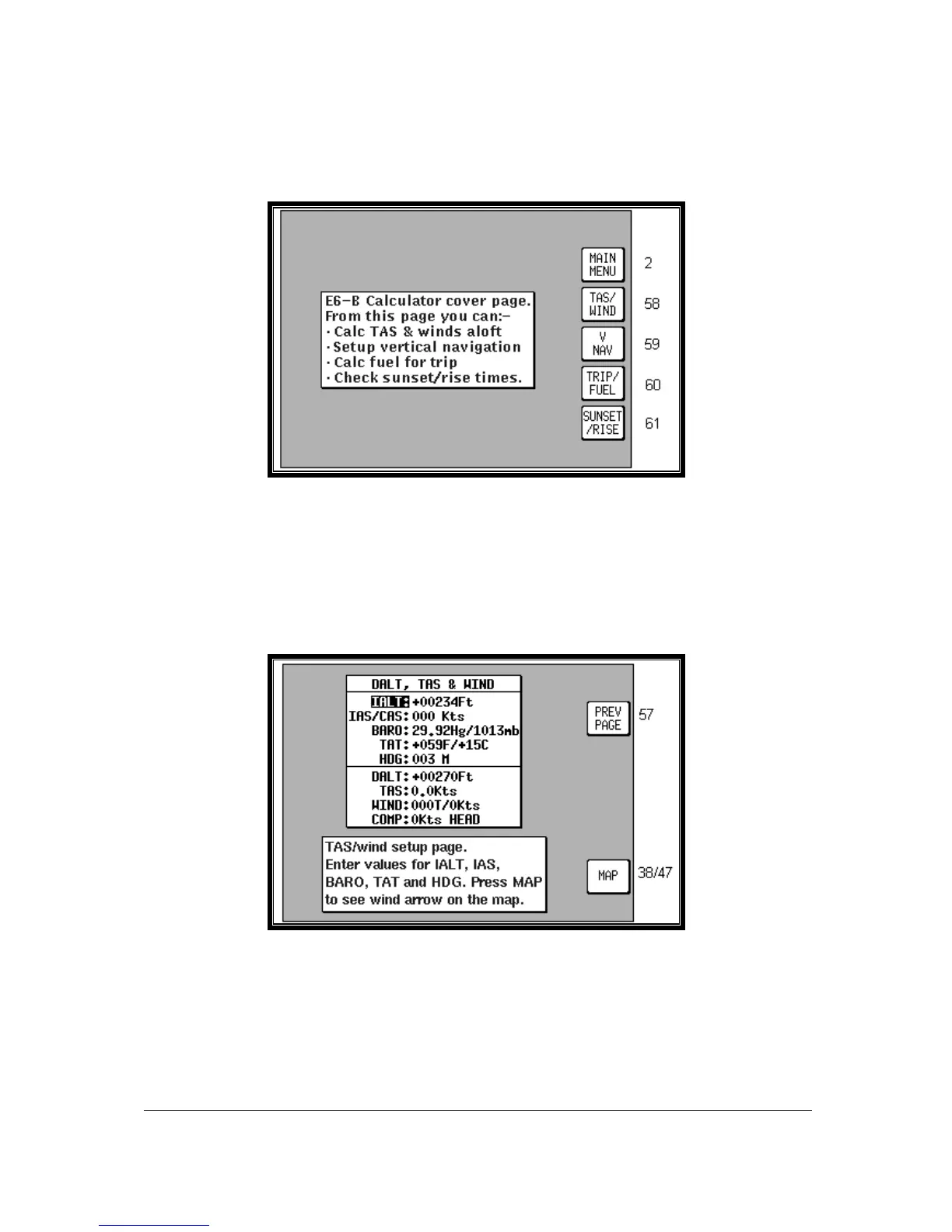
Screen 57: E6-B Calculator Cover Screen
Key 1 returns you to Screen 2 Main Menu.
Key 2 calls Screen 58, the Density Altitude/TAS/Winds Aloft Calculator page.
Key 3 calls Screen 59, Vertical Navigation page.
Key 4 calls Screen 60, Trip/Fuel Planning page.
Key 5 calls Screen 61, Sunset/Sunrise Calculator page.
Density Altitude/TAS/Winds Aloft Calculator
Screen 58: Density Altitude, True Air Speed & Winds Aloft Screen
On entry to this Screen a cursor will be positioned over the Indicated Altitude (IALT) data entry field.



 To Next Page