7-2
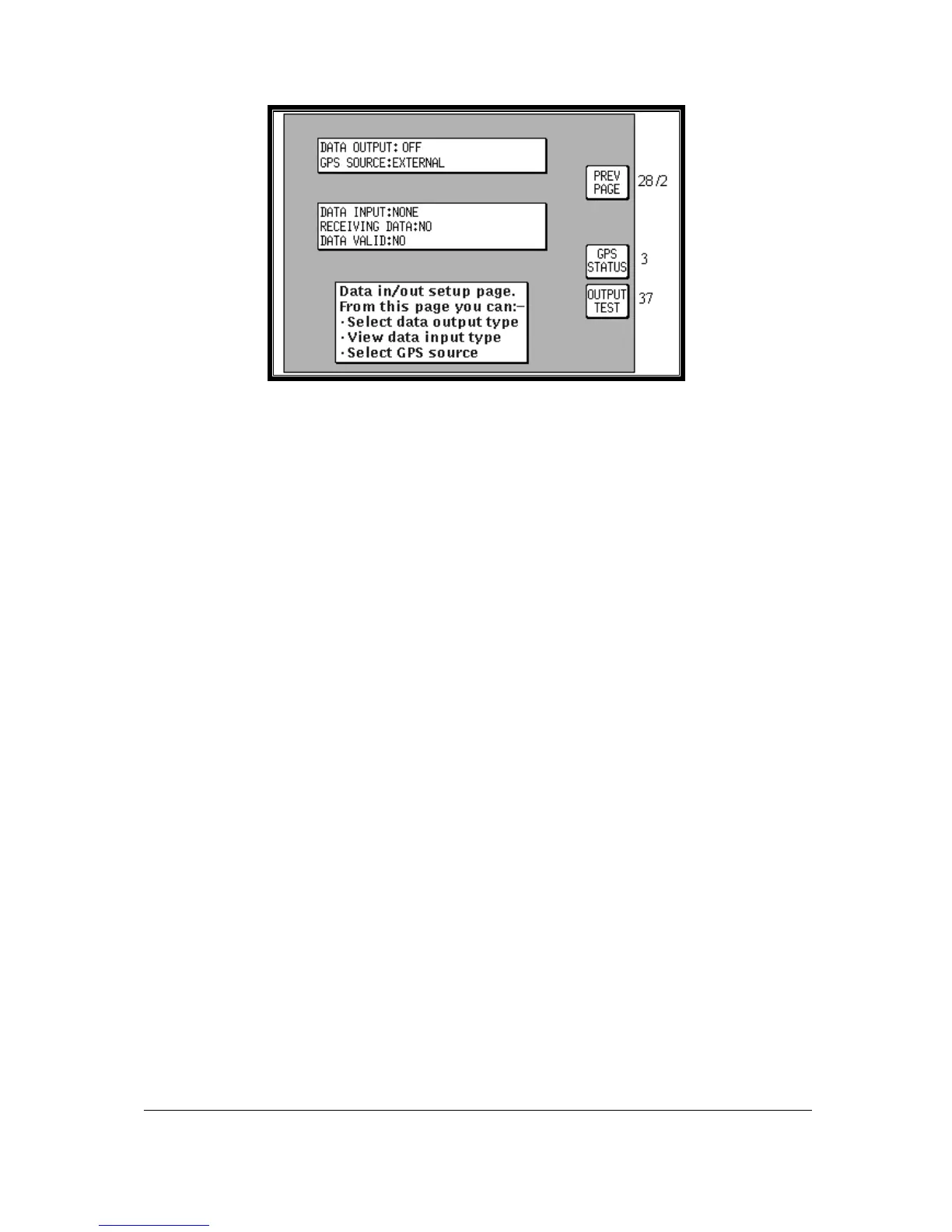
Screen 35(T): Data Input/Output Setup and Test Screen
If your GPS or LORAN is correctly connected, switched on and outputting data, your Tracker IIIC will
automatically start to read and decode the incoming data. There is no need to set an input type on the
Tracker IIIC as this is done automatically.
After a few seconds if data is being received, the word YES will appear next to the RECEIVING DATA:
heading. The type of data being received will then be displayed beside the DATA INPUT: heading.
If the data being received contains valid fix information (i.e. your GPS or LORAN has a fix) the word
YES will appear next to the DATA VALID: heading. Once the unit is receiving and validating the
incoming data you are ready to navigate using Tracker IIIC 's advanced features.
Press Key 1, PREV PAGE, to return to either the Installation & diagnostics Cover Screen or the Main
Menu Screen.



 To Next Page