4-8
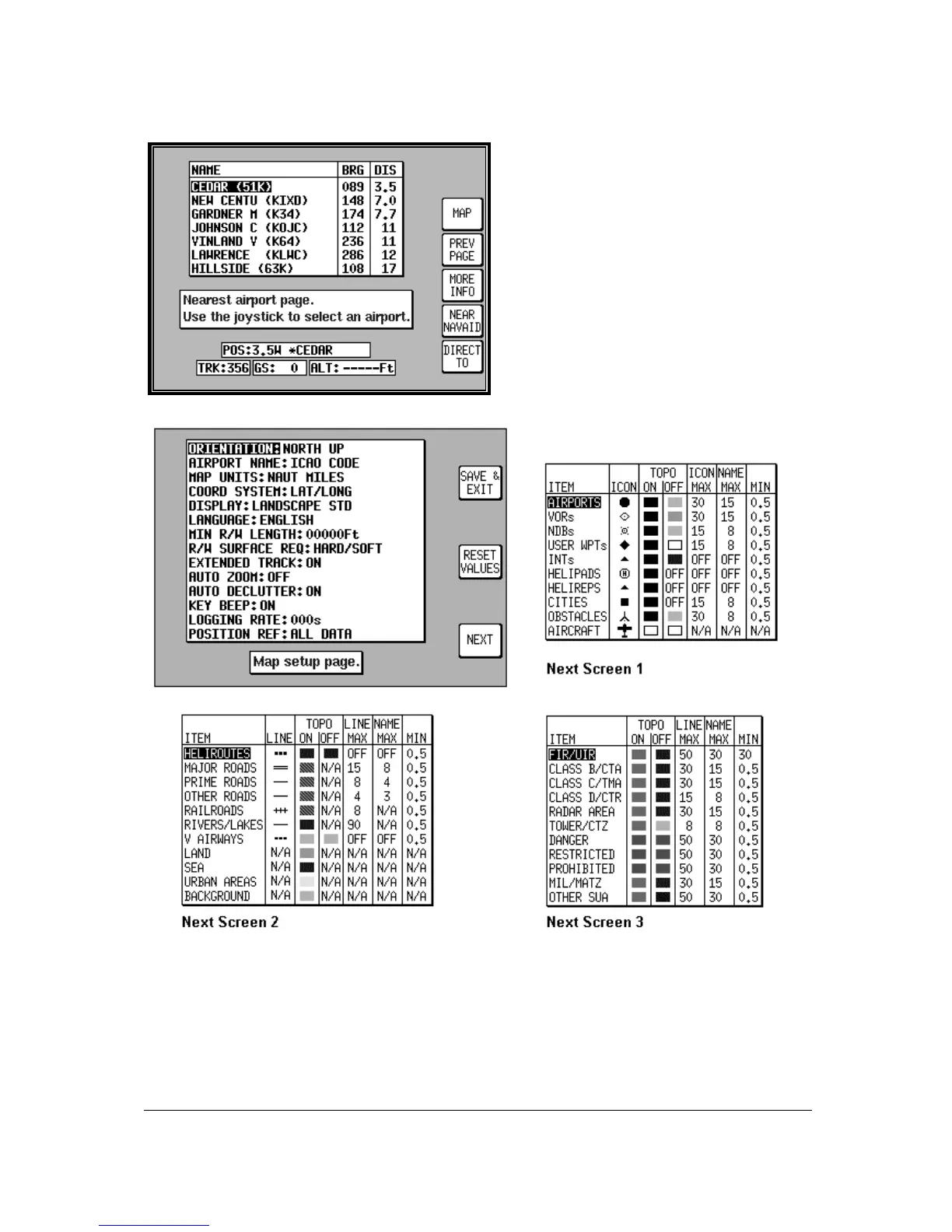
Ten Nearest Search
The ten nearest airports or beacons can be
displayed by either pressing NAV MENU or
DIRECT TO in MAP mode, followed by either
NEAR APTS (for airports) or NEAR NAVAID
(for beacons). The desired information will be
presented dynamically as a bearing and
distance from your present position. Any
displayed item can be instantly navigated to by
pressing the DIRECT TO key. Alternatively the
MAP key can be used to return the user to
MAP mode.
Setup Map Functions
The above screens allow the mapping functions to be configured. The initial screen is reached by
pressing SET UP in MAIN MENU, followed by MAP SETUP. The subsequent screens are reached by
pressing the NEXT key.



 To Next Page