8-2
be included in the ten nearest airports search on Screen 43, Ten Nearest Airports Screen, and will
receive equal priority with other database airports for position reporting purposes.
On Screen 39, MAP Mode with Joystick Active Screen, if the pointer is placed over a user-defined
airport and the MORE INFO Key is pressed, Screen 40, Map Mode Airport Information Screen, will be
displayed with the data you have entered being displayed.
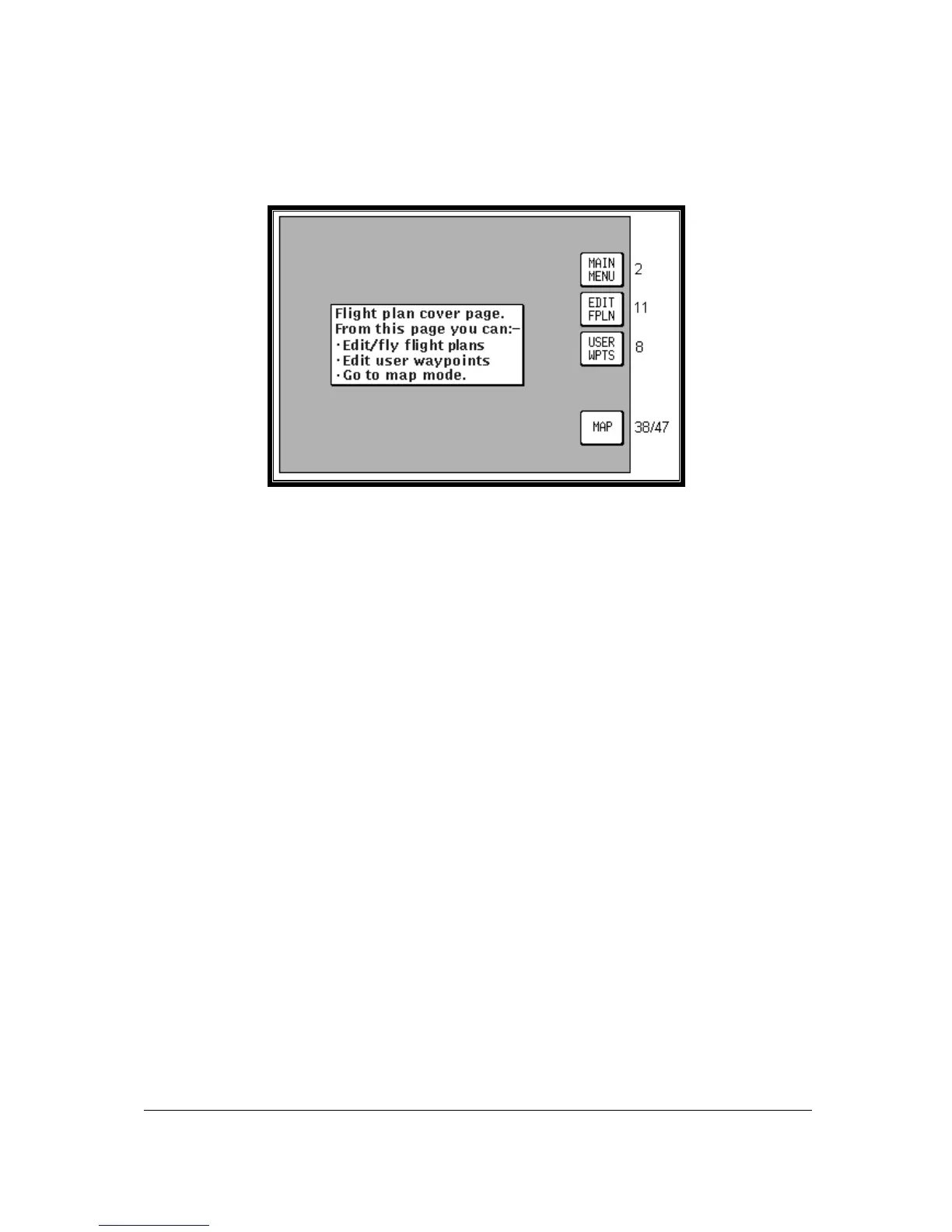
Screen 7: Flight Planning Mode Cover Screen
Pressing Key 2, FLIGHT PLAN, in Main Menu, accesses this Screen.
Key 1 returns to Main Menu.
Key 2, EDIT FPLN, gives access to flight plan creation and editing pages.
Key 3, USER WPTS, gives access to user waypoint creation and editing pages.
Key 4 has no function.
Key 5 gives direct access to the current MAP Mode.



 To Next Page