10-5
Beacons
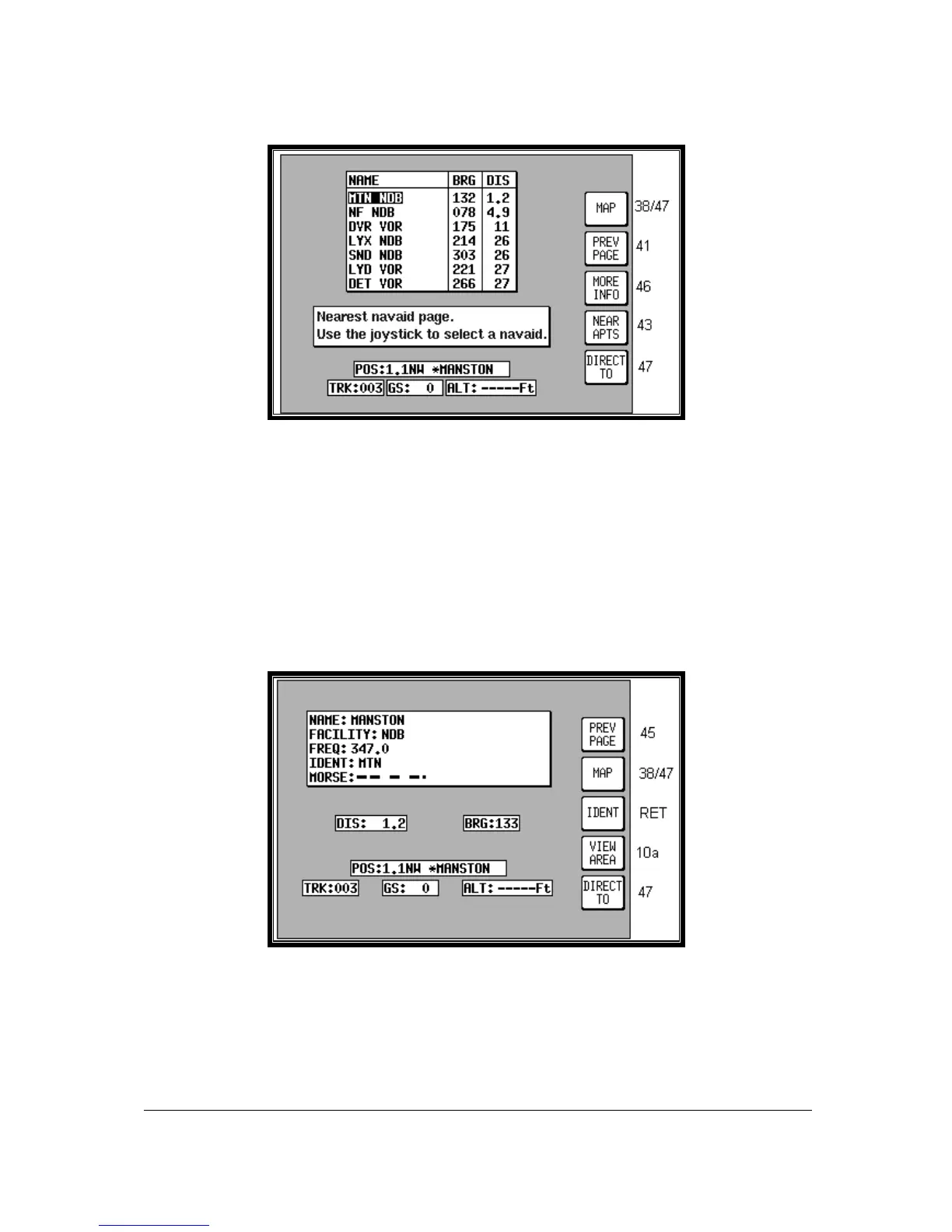
Screen 45: Ten Nearest Beacons Screen
This Screen is accessed by pressing Key 4, NEAR NAVAID, on Screen 41, NAV Menu Cover Screen,
and dynamically shows the range and bearing of the ten nearest beacons. When this Screen appears
you will find a cursor placed over the first beacon in the list. The list can be scrolled up and down
using the joystick. Once you have placed the cursor over the name of the beacon you want, press Key
3, MORE INFO, to display Screen 46 below, which gives additional information about that beacon.
Pressing Key 1 will return you to MAP mode (Screen 38 or 47). Key 2 returns you to Screen 41, NAV
Menu Cover Screen. Pressing Key 4, NEAR APTS, will take you to Screen 43, giving you the list of
the ten nearest airports.
To obtain a DIRECT TO for the chosen beacon all you have to do is press Key 5, labelled DIRECT
TO, and you will switch back to (Screen 47) MAP mode with the selected DIRECT TO activated.
Screen 46: Beacon Information Screen
The Screen above shows the additional information about the beacon chosen on Screen 45, Ten
Nearest Beacons.



 To Next Page