11-5
Alternative Navigation Map Modes
You may have selected one of the other Map presentation modes detailed in the NAV Menu Screens
Section of this Manual. The same navigation data as described previously is presented on all the
alternative screens in different ways.
TOPO ON / TOPO OFF Large Text Mode
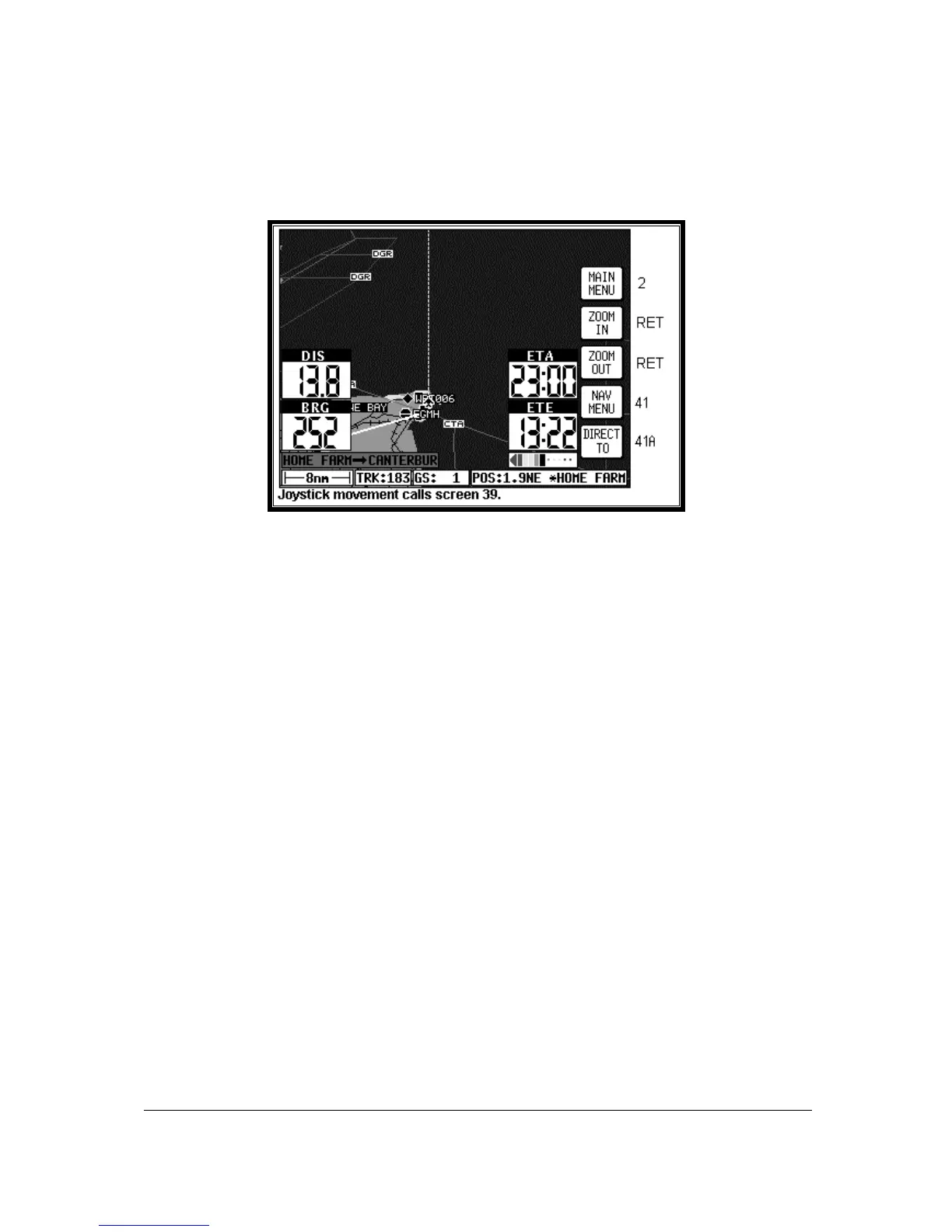
Screen 47A: TOPO ON Large Text NAV Information Screen.
This Screen presents the numeric navigation information in large text laid over the map display in such a
way as to allow you a forward view of the map if being used in Track Up Mode. As with standard Large
Map NAV Mode, the CDI scale and format may be adjusted. If the joystick is touched, the display will
immediately revert to Large Map format to allow full use of map graphics. When the joystick is reset or
after 30 seconds with no key or joystick activity, Screen 47A will be reinstated.
As with Large Map Mode, if the TOPO OFF Large Text Mode is selected, the map will display
aeronautical data only on a black background.



 To Next Page