101
Practical applications of the BR-532
Appendices
2. Insert a fill-in during the performance of the verse.
Specify the initial measure as the final measure of Verse 1.
fig.S05-16
Specifying the initial measure at the final measure of
Verse 1
(*)
(*)
Final measure of Verse 1
The Rhythm Guide ends up as shown below.
fig.S05-17
Inserting a one-measure count to
synchronize the start of the song
with an external device
When using Pattern Arrange, create a virtual step.
1. When creating a rhythm guide, make Step 1 a virtual
step and specify the appropriate style and form (such as
the Metro setting).
2. Set the starting measure of Step 2 to 2 (refer to
[Example 5]).
* If the rhythm guide has already been bounced, use “Track
Erase” (p. 55) to delete the beginning measure.
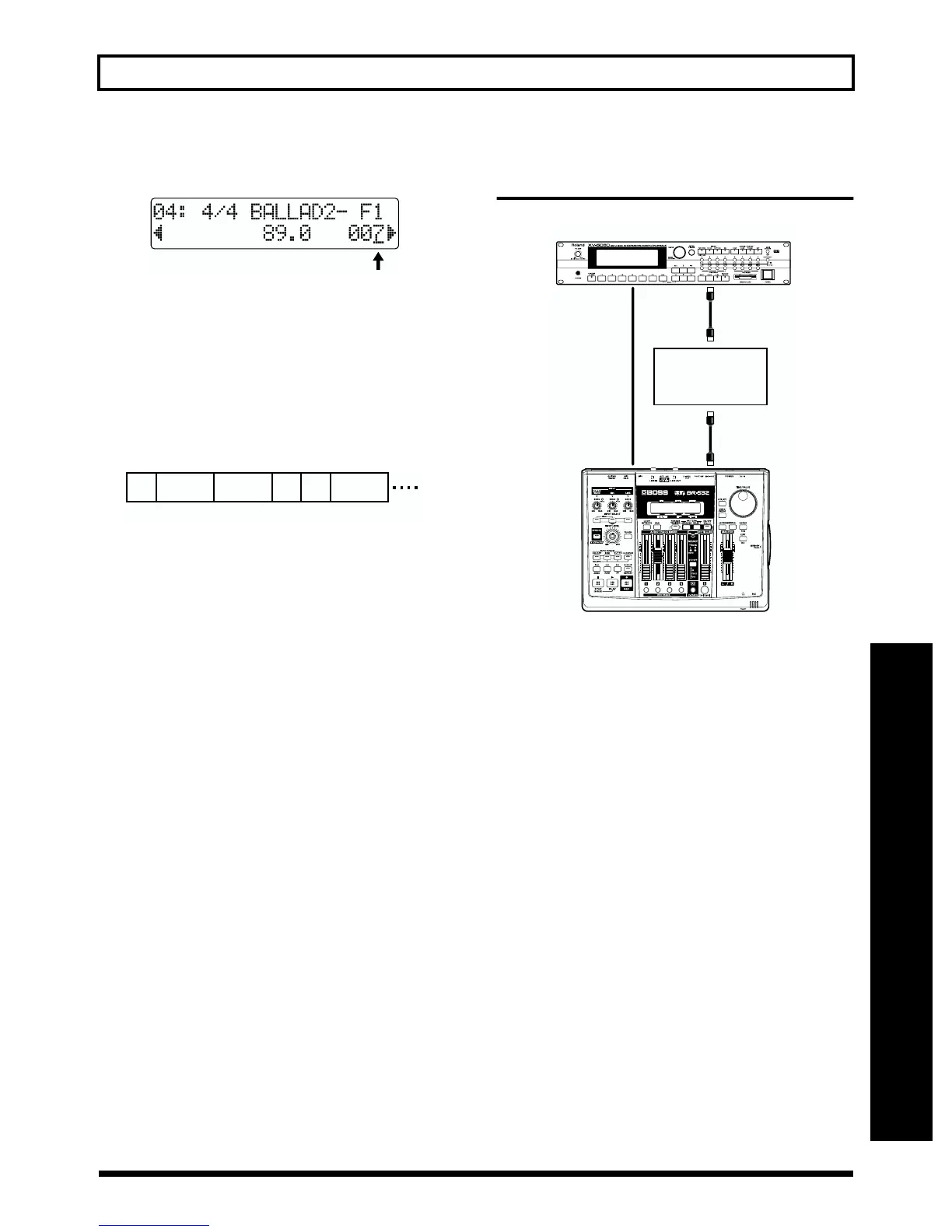
Recording using an external
sound source
fig.S05-18
1. Use an external MIDI sequencer to create a rhythm
pattern (refer to your sequencer owner’s manual).
2. With the BR-532 as the master (p. 69), synchronize with
the external MIDI sequencer, and input the sound
source’s output to LINE IN.
3. Slide the AUDIO SUB MIX (p. 72) switch on the rear
panel to ON, then carry out recording and playback.
* If you have plenty of free space on your memory card, you
could go ahead and perform a line recording of the output from
the external sound source, then you wouldn’t need to remain
connected with the MIDI sequencer.
= Initial measure of
the previous step
+ number of measures
in Verse 1
– 1
= 6 + 2 – 1
= 7
Verse
1
12467 10
Intro Verse
1
Verse
2
Verse
1
8
Fill
1
MIDI Sound Module
MIDI Sequencer
MIDI OUT
MIDI IN
MIDI OUT
MIDI IN
LINE IN
LINE OUT



 To Next Page