46
Re-recording only a mistake—Punch-in/out
8. Listen to the re-recorded results.
Return the song to a point earlier than you re-recorded,
and play it back.
Adjust the volume of track 1 using the TRACK fader.
Manually punching in and out
using a foot switch
In order to use a foot switch
When you are using a foot switch (BOSS FS-5U, Roland DP-2,
etc.) to punch in and out, connect the foot switch to the
FOOT SW jack on the BR-532 and change the function of the
FOOT SW jack by following the procedure given below.
1. Press [UTILITY].
2. Press PARAMETER [ ] [ ] to move the cursor to
“SYS,” and press [ENTER].
3. Press PARAMETER [ ] [ ] and select “Foot Sw.”
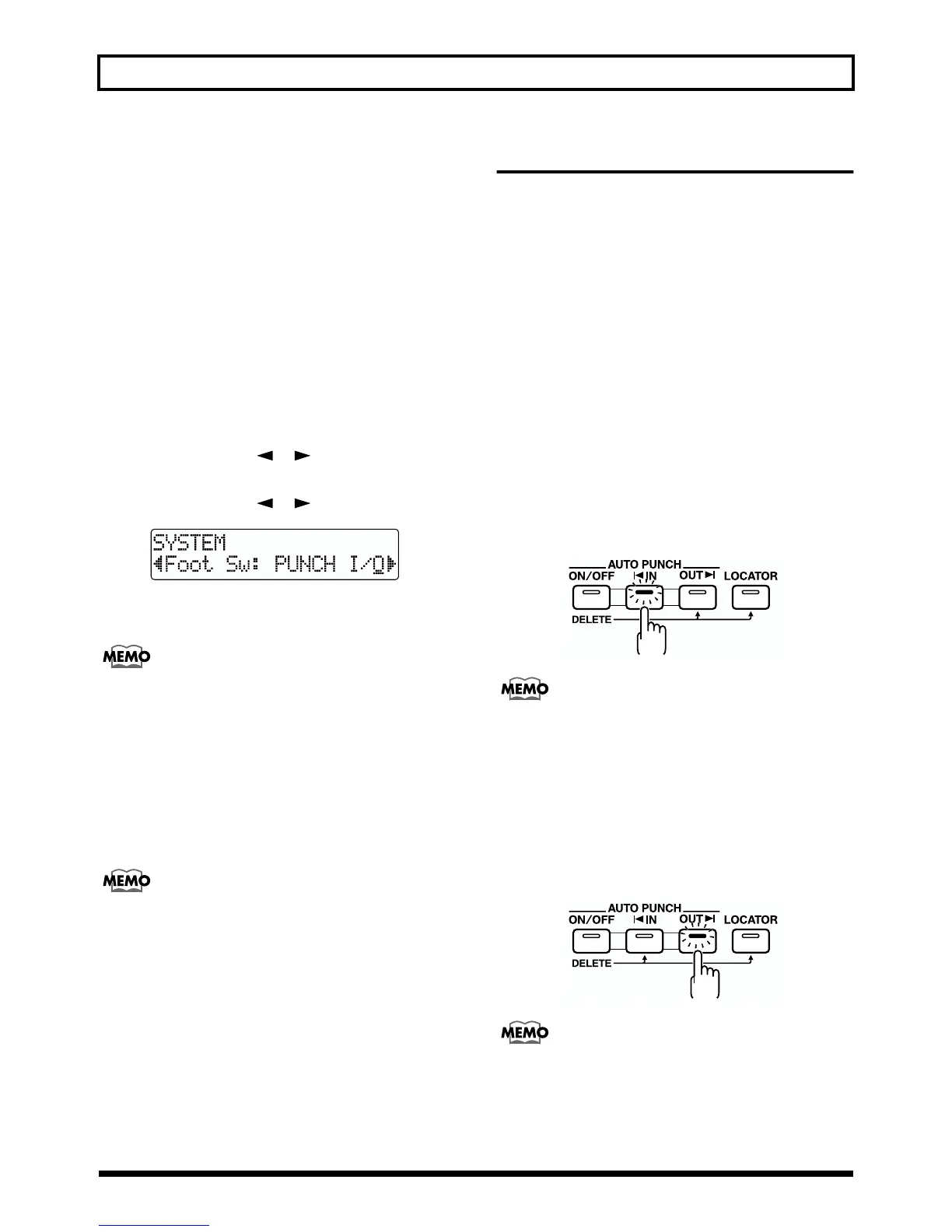
fig.R06-03
4. Turn the TIME/VALUE dial and select “PUNCH I/O”
(PUNCH IN/OUT).
PLY/STP: The song will alternate between play and
stop each time you press the foot switch.
FX ON/OFF: The effect will alternate between on and
off each time you press the foot switch
5. Press [EXIT] (or [UTILITY]) several times to return to
the Play page.
* During automatic updating, “Keep Power On!” appears in the
upper line of the display, while the lower line shows what is
being processed.
Now the operation of the foot switch allows you to
punch in and out just as pressing [REC] does.
Auto punching in and out
Automatically punching in and out at predetermined
locations (or times) in the song is referred to as “auto
punching in/out.”
When you want to punch in and out at accurate times or
when you want to concentrate on playing rather than
punching in and out manually, the auto punch in/out
function is very useful.
Specifying the area for recording
Before you begin recording, you must register the locations
at which punch-in and punch-out will occur automatically.
1. Register the location where you want to punch in.
Move the location where you want to punch in and press
AUTO PUNCH [IN] to register that location for
automatic punch in.
At this time, the AUTO PUNCH [IN] indicator lights,
telling you that the punch-in position is registered.
fig.R06-04
If the AUTO PUNCH [IN] indicator is lit, you will
automatically move to the registered punch-in location
when this button is pressed.
2. Register the location where you want to punch out.
Move the location where you want to punch out and
press AUTO PUNCH [OUT] to register that location for
automatic punch out.
At this time, the AUTO PUNCH [OUT] indicator lights,
telling you that the punch-out position is registered.
fig.R06-05
If the AUTO PUNCH [OUT] indicator is lit, you will
automatically move to the registered punch-out location
when this button is pressed.



 To Next Page