90
Insert Effect Parameter Functions
Depth (0–100)
Adjusts the depth of the Chorus effect.
Pre Delay (0.5–50.0 mS)
Adjusts the time needed for the effect sound to be output
after the direct sound has been output.
Effect Level (0–100)
Adjusts the volume of the effect sound.
Compressor
The compressor is an effect that attenuates loud input levels
and boosts soft input levels, thus evening out the volume to
create sustain without distortion.
Effect On/Off (OFF, ON)
This parameter turns the compressor effect on/off.
Sustain (0–100)
Adjusts the range (time) over which low-level signals are
boosted. Larger values will result in longer sustain.
Attack (0–100)
Adjusts the strength of the attack. Larger values will result in
a sharper attack, creating a more clearly defined sound.
Level (0–100)
Adjusts the volume.
De-esser
Useful for reducing `sibilant’ or `S’ sounds produced by a
vocalist.
Effect On/Off (OFF, ON)
This parameter turns the de-esser effect on/off.
Sens (0–100)
Adjusts the manner in which the de-esser will be applied
relative to the input signals.
Frequency (1.0k–10k)
Adjusts the frequency at which the de-esser effect will begin
to be applied. The effect will be made apparent in the
frequencies above the frequency set here.
Defretter
This simulates a fretless bass.
Effect On/Off (OFF, ON)
This parameter turns the defretter effect on/off.
Sens (0–100)
This controls the input sensitivity of the Defretter. It should
be adjusted for the bass guitar you have until you get the
harmonic changes to sound natural.
Attack (0–100)
This controls the attack of the Defretter. Increasing the value
will cause the harmonics to change more slowly, thus producing
a relatively attack-less sound, similar to a fretless bass.
Depth (0–100)
This controls the rate of the harmonics. Increasing the value
will increase the harmonic content and therefore will create a
more unusual sound.
Level (0–100)
Adjusts the volume of the defretter sound.
Delay
This creates a thicker sound by applying a delayed sound to
the direct sound.
Effect On/Off (OFF, ON)
This parameter turns the delay effect on/off.
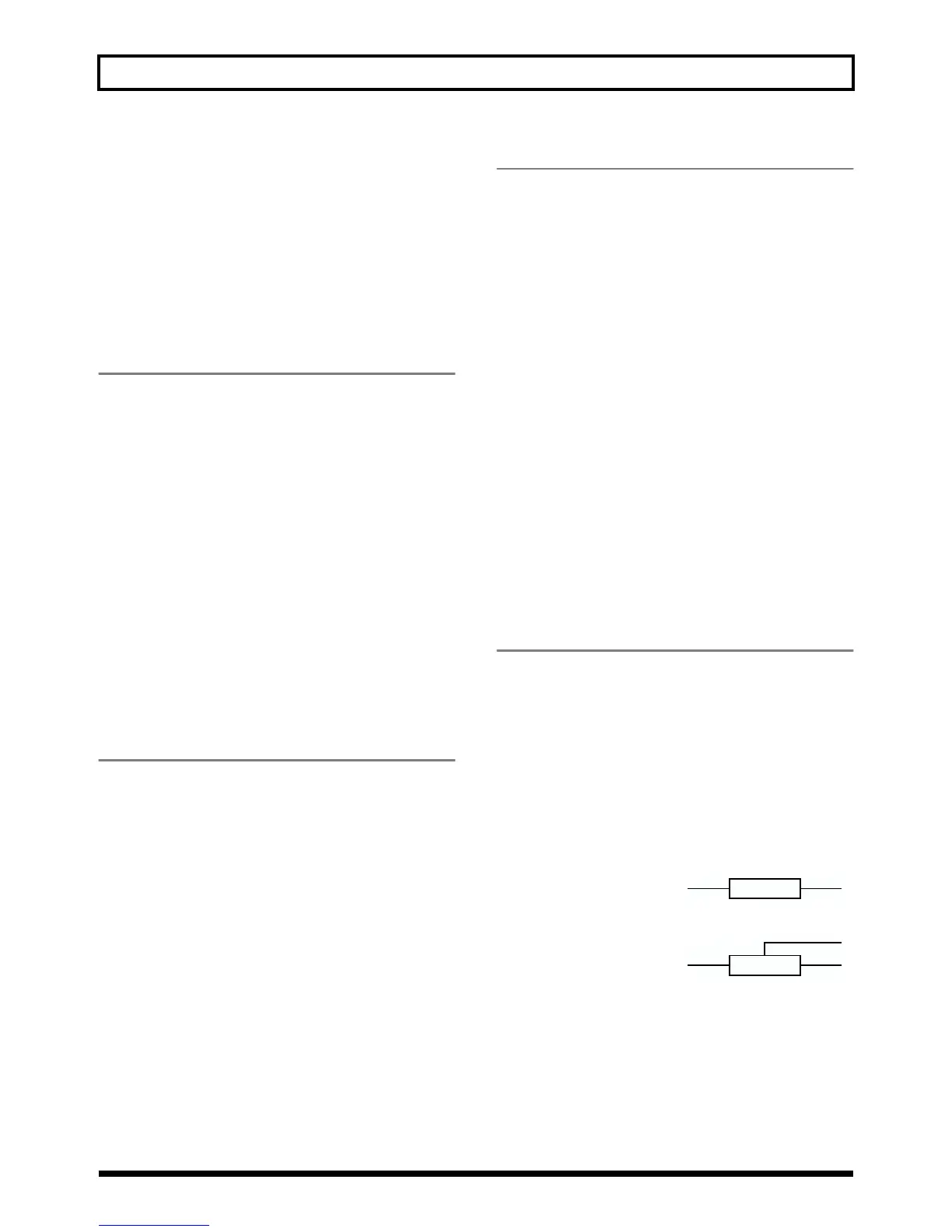
Type
This Parameter selects the type of delay.
* It is not possible to select TYPE when you using effect patch
for LINE.
fig.S03-04
SINGLE:
This is a simple delay.
fig.S03-05
PANNING:
Normal delay sound and
another delay sound with
half time of normal one are
panned across the left and right channels. This will be
effective when stereo output is used.
Delay Time
(SINGLE: 2–1000 mS, PANNING: 2–500 mS)
This parameter adjusts the delay time (i.e., the interval for
which sound is delayed).



 To Next Page