65
Using the Rhythm Guide
Advanced Use
1. Press PARAMETER [ ] repeatedly to move the
cursor to “ERS.”
fig.R12-08
2. To insert a step, press [ENTER].
To cancel the operation, press [EXIT].
Deleting all steps
This deletes Step 2 and all subsequent steps in the pattern
currently being created.
“Metro” (the metronome) is set in Step 1.
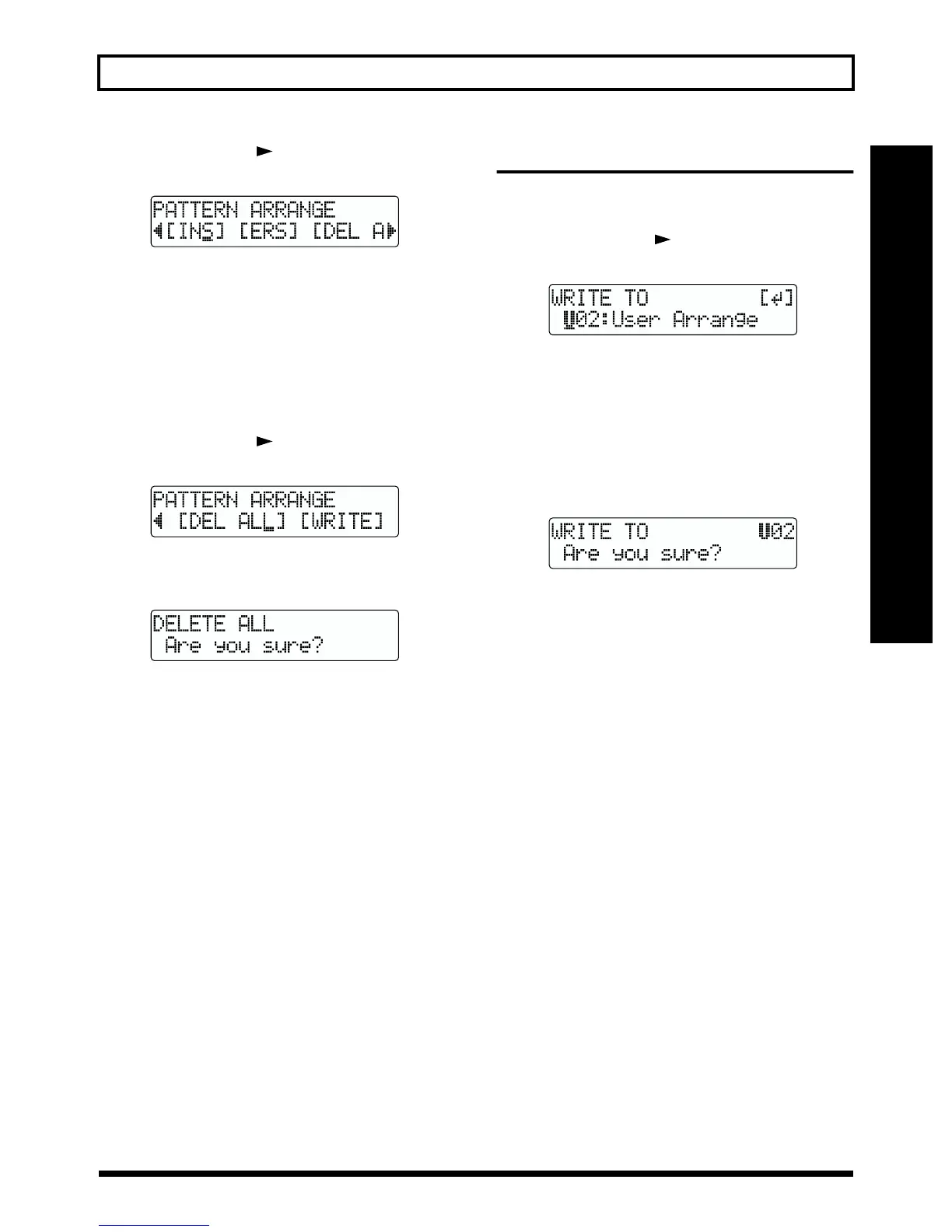
1. Press PARAMETER [ ] repeatedly to move the
cursor to “DEL ALL.”
fig.R12-100
2. Press [ENTER].
“Are you sure?” appears.
fig.R12-101
3. To delete, press [ENTER].
To cancel the operation, press [EXIT].
Saving the pattern
With the Step Entry screen or Drum Kit Selection screen
displayed, perform the procedure given below.
1. Press PARAMETER [ ] repeatedly to move the
cursor to “WRITE” and press [ENTER].
fig.R12-11
2. Turn the TIME/VALUE dial to select the number of the
pattern to which you want to save the pattern.
U01–U04: User patterns 1 through 4
SNG: Song pattern for the currently selected song
3. After you have selected the pattern number to which to
save, press [ENTER].
“Are you sure?” appears.
fig.R12-12
4. To continue with the save, press [ENTER] (YES).
To cancel the save, press [EXIT] (NO).



 To Next Page