36
Recording/playing back a song
Conserving battery power (Power Save)
Your BR-532 is equipped with a power save function that
limits the current dissipation during use.
When the power save function is activated, if no button, or
TIME/VALUE dial on the BR-532 is used for a certain
amount of time, the BR-532 will enter the standby state and
turn off the display backlight and button indicators.
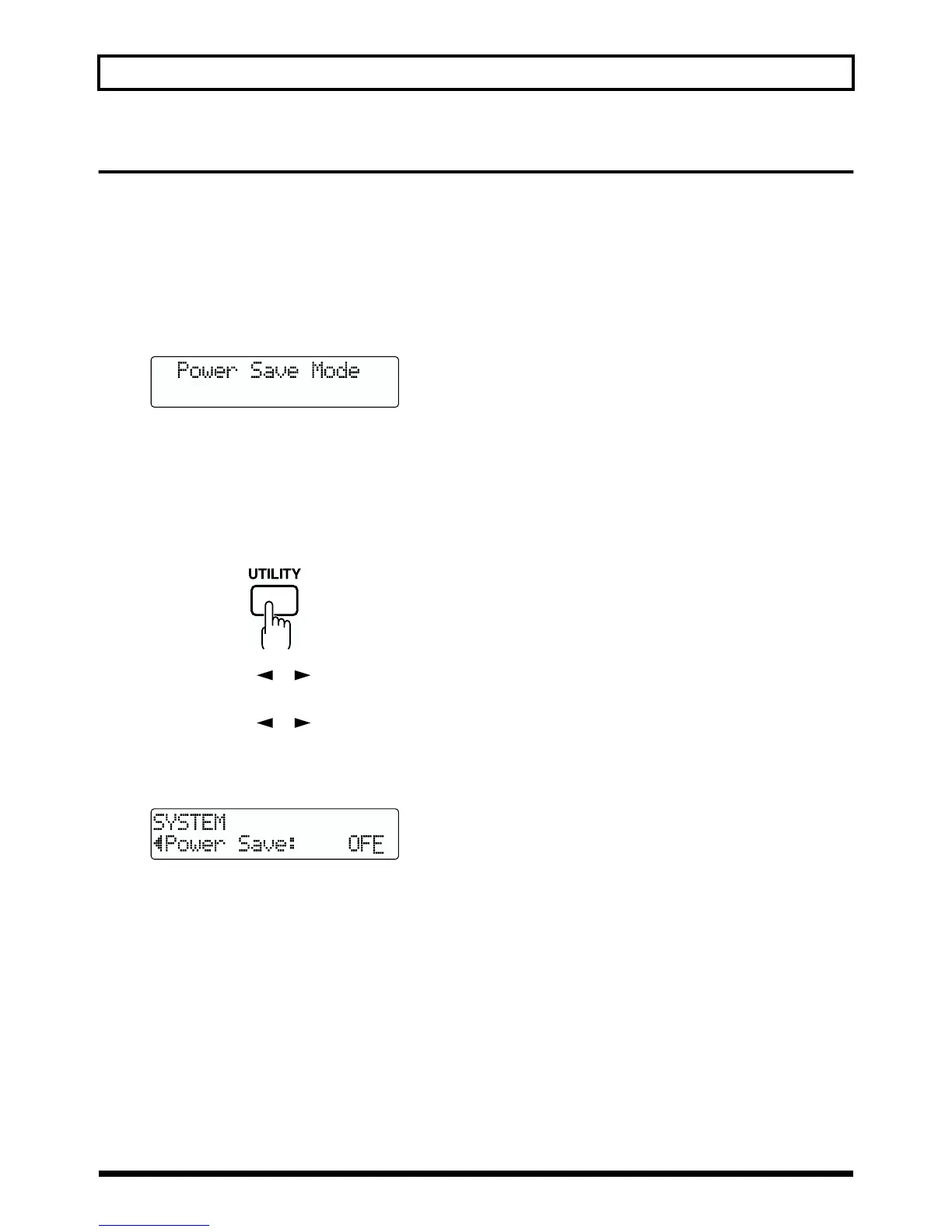
Also, when in the standby state, the display will appear as
shown below.
fig.Q01-100
* The power save function is especially helpful when the BR-532
is running on battery power.
Perform the procedure given below to activate the power
save function.
1. Press [UTILITY].
fig.Q01-08
2. Press PARAMETER [ ] [ ] to move the cursor to
“SYS,” and press [ENTER].
3. Press PARAMETER [ ] [ ] to select “Power
Save,” and turn the TIME/VALUE dial to set the time
until the Power Save function is activated.
Valid Settings: OFF, 1min, 3min, 5min, 10min
fig.Q01-101
4. Press [EXIT] (or [UTILITY]) to return to the Play page.
* During automatic updating, “Keep Power On!” appears in the
upper line of the display, while the lower line shows what is
being processed.
Deactivating the power save function
Press any of the panel buttons to deactivate power save.
* After the power save function is deactivated, the Play screen
appears.



 To Next Page