73
Advanced Use
Displaying the song information
Displaying the remaining
available recording time
Follow the procedure below to either display the elapsed
recording time or the remaining available recording time in
the recording standby and recording screens.
1. Press [UTILITY].
2. Press PARAMETER [ ] [ ] to move the cursor to
“SYS,” and press [ENTER].
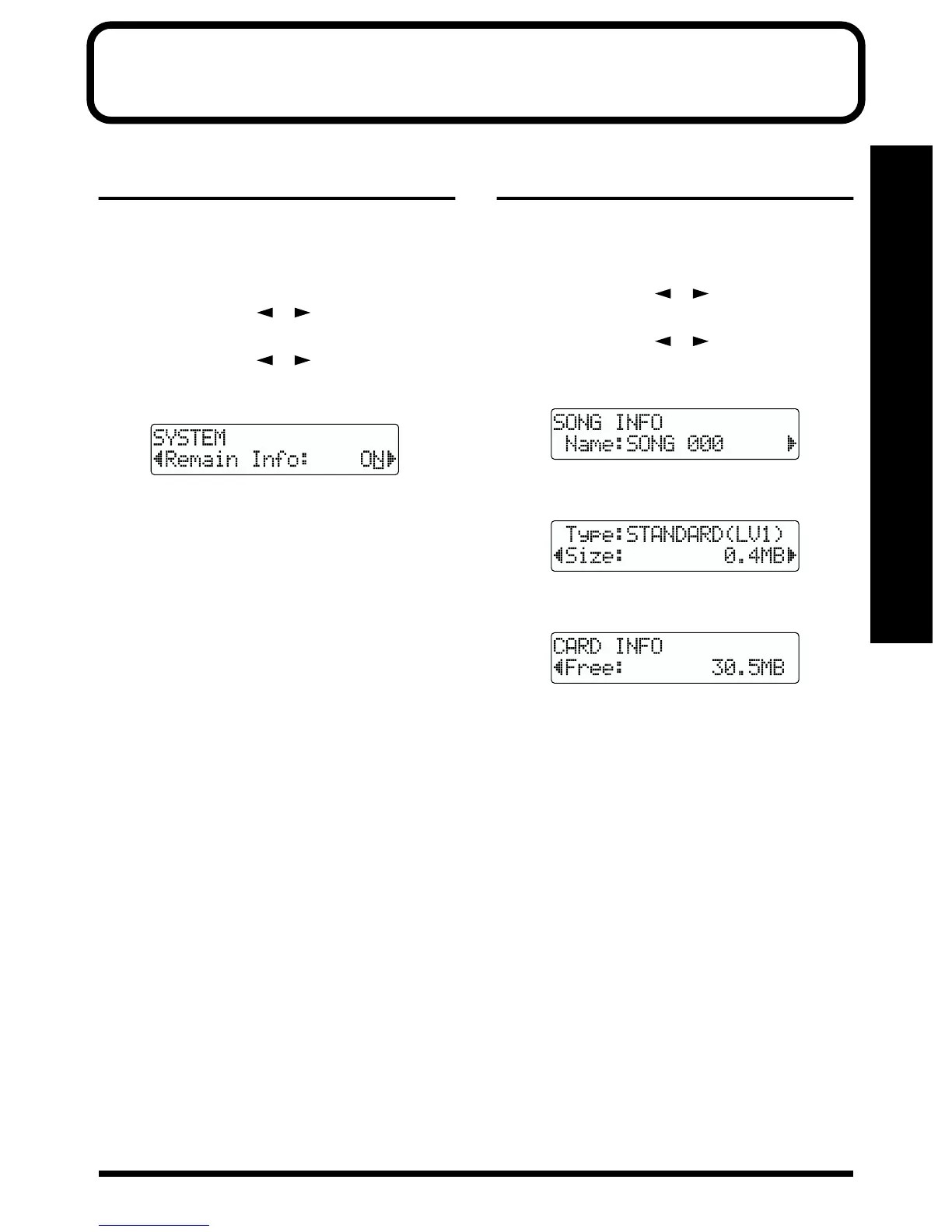
3. Press PARAMETER [ ] [ ] to select “Remain
Info,” and turn the TIME/VALUE dial to select “ON” or
“OFF.”
fig.R14-02
ON: Displays the remaining available recording time in
“minutes : seconds.”
OFF: Displays the elapsed recording time.
4. Press [EXIT] (or [UTILITY]) several times to return to
the Play page.
* During automatic updating, “Keep Power On!” appears in the
upper line of the display, while the lower line shows what is
being processed.
* When [PLAY] is pressed in the Play screen, putting the BR-
532 into record standby ([REC] flashes), the remaining
recording time is displayed in the FRAME area.
Displaying the memory card
usage
Follow the procedure below to display the current condition
of the memory card being used.
1. Press [UTILITY].
2. Press PARAMETER [ ] [ ] to move the cursor to
“INF,” and press [ENTER].
3. Press PARAMETER [ ] [ ] to select the
parameter to be displayed.
• Name of the currently selected song
fig.R14-03a
• Song’s data type and memory used
fig.R14-03b
• Remaining memory
fig.R14-03c
* The song sizes are displayed in units of 1M = 1,000,000 bytes.
The size displayed is an approximation.
4. Press [EXIT] (or [UTILITY]) several times to return to
the Play page.
* During automatic updating, “Keep Power On!” appears in the
upper line of the display, while the lower line shows what is
being processed.



 To Next Page