70
Synchronizing with MIDI devices
Using MMC
MMC stands for “MIDI Machine Control.” This is a protocol
that uses MIDI System Exclusive messages to remotely
control multiple recording devices from one device. Your BR-
532 supports the MMC protocol.
By using MMC, your BR-532 can send commands such as
PLAY, STOP, and FF to connected MIDI devices to operate
them.
Some MIDI devices do not support the BR-532’s MMC
functionality. If so, it will not be possible to operate them
from the BR-532 using the procedures described here.
For details on the MMC functionality supported by the
BR-532, read “MIDI implementation” (p. 111).
Operating MMC-compatible
devices with the BR-532
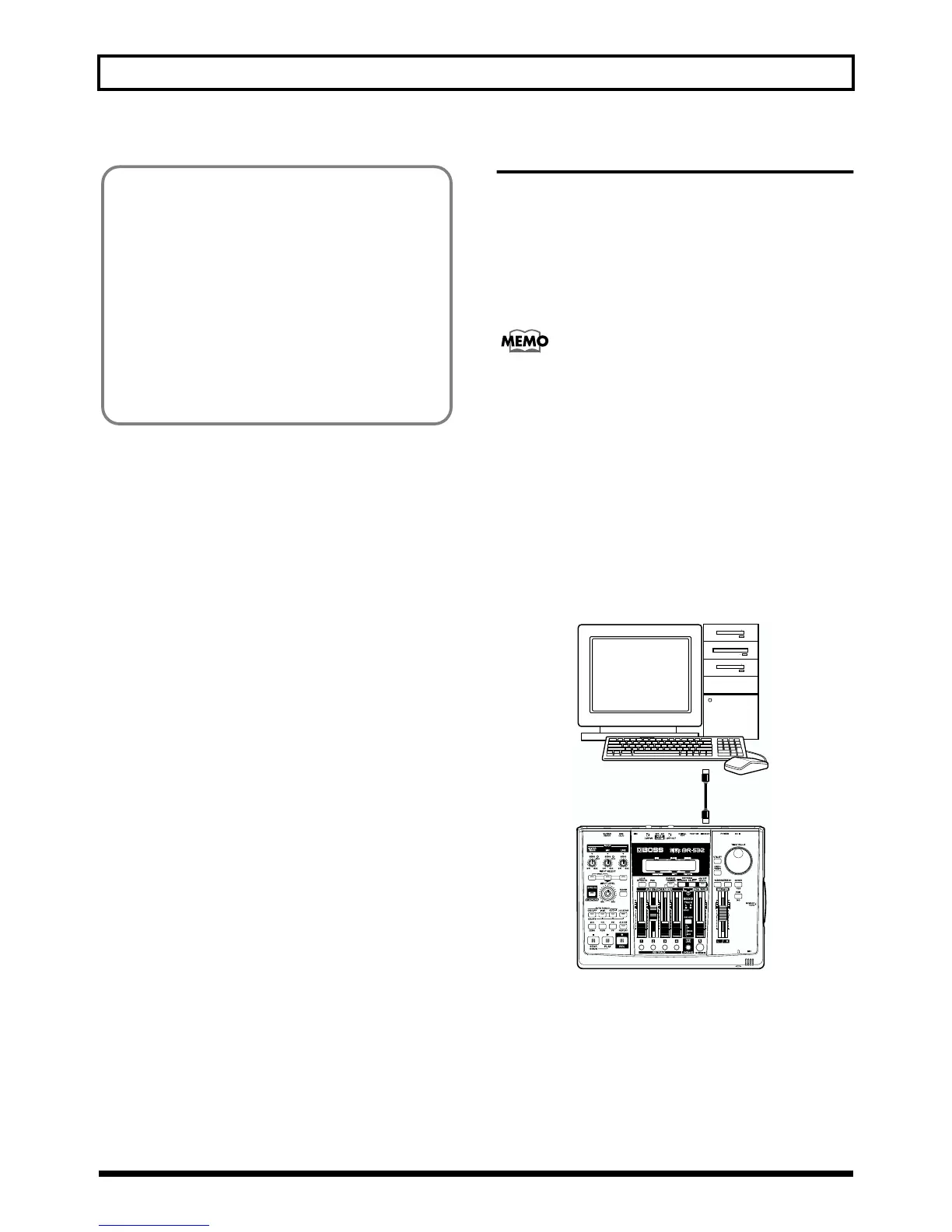
This section explains how to make settings for synchronizing
the playback with a computer-based sequencer program that
supports MMC and MTC. Make connections as shown in the
diagram below.
fig.R13-07
The BR-532 will be the master for MMC and MTC.
Follow the procedure given below to operate the play, stop,
fast-forward and other functions of a sequencer program
with the BR-532.
What are drop and non-drop formats?
There are two types of format used by NTSC video
cassette recorders, non-drop and drop. With the non-
drop format, the frames are continuous. On the other
hand, in order to support NTSC color video, the drop
format drops the first two frames of every minute
excluding minutes 10, 20, 30, 40, and 50.
In most video and audio production, since formats with
continuous frames are easier to deal with, non-drop is
generally used. In contrast, in situations such as in
broadcast, where the time code must match actual clock
time, drop is used.
MIDI OUT
MIDI IN



 To Next Page