71
Synchronizing with MIDI devices
Advanced Use
1. Press [UTILITY].
2. Press PARAMETER [ ] [ ] to move the cursor to
“SYS,” and press [ENTER].
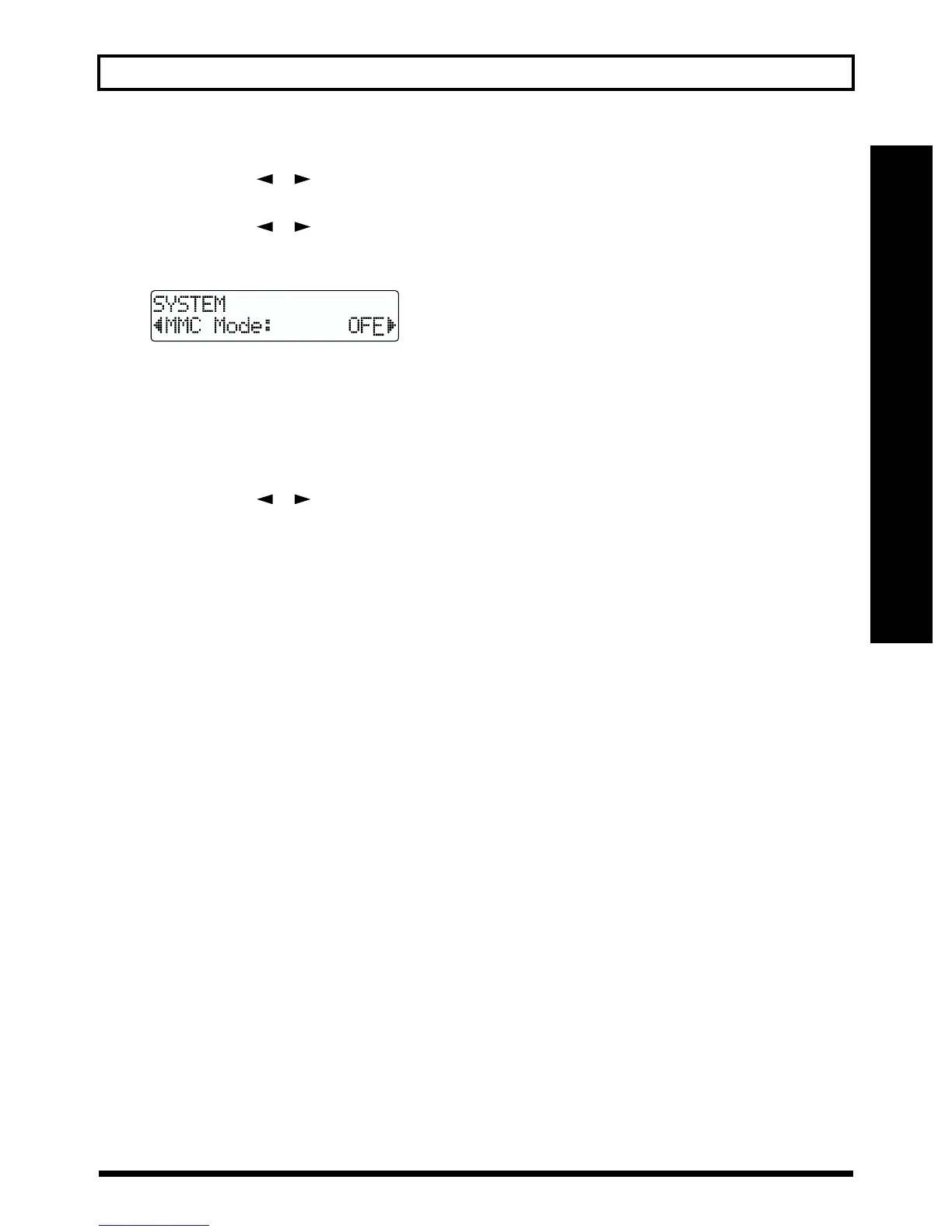
3. Press PARAMETER [ ] [ ] to select “MMC
Mode,” and turn the TIME/VALUE dial to set the MMC
mode.
fig.R13-08
OFF: MMC will not be transmitted.
MASTER: MMC information is sent. The BR-532
becomes the master of the external MIDI
instrument.
* For details on the MMC functionality supported by the BR-
532, read “MIDI implementation” (p. 111).
4. Press PARAMETER [ ] [ ] to select “Sync
Generator,” and turn the TIME/VALUE dial to set
“MTC.”
5. Make settings on your sequencer software.
Make the following settings on your sequencer software.
For details on making these settings, refer to the manual
for your sequencer software.
MTC: receive
MTC type: same setting as the MTC Type selected on
the BR-532
MMC: receive
6. Press [EXIT] (or [UTILITY]) several times to return to
the Play page.
* During automatic updating, “Keep Power On!” appears in the
upper line of the display, while the lower line shows what is
being processed.



 To Next Page