25
Listening to the Demo Song
Quick Start (Listening to the Demo Song)
(3) Listening to the demo songs
Selecting a song
Upon power-up, the song that was selected before the power
was turned off is selected, and the data of that song is loaded.
As soon as the data has been loaded, the Play page appears
in the display.
To change to a different song, follow the procedure given
below.
1. Press [UTILITY].
fig.Q01-08
2. Press PARAMETER [ ] [ ] to move the cursor to
“SEL,” and press [ENTER].
The Song Select screen appears.
3. Turn the TIME/VALUE dial to select “01:Crank It Up.”
fig.Q01-09
“Crank It Up”
Composed and produced by Gundy Keller
Copyright © 2001 A-TOWN recordings
4. Press [ENTER].
fig.Q01-12
■ If you have changed the recording or editing
Since the BR-532 automatically updates the recorded
data and operation content if the recording or editing
have been changed, you do not need to perform any
special operations for saving.
During automatic updating, “Keep Power On!” appears
in the upper line of the display, while the lower line
shows what is being processed.
* If the write-protect sticker is affixed to the memory card (p. 61),
you won’t be able to record data onto it, nor will you be able to
edit any of the data on it. If you try to record or edit data using
a protected memory card, “Protected!” appears.
Playing Back a Song
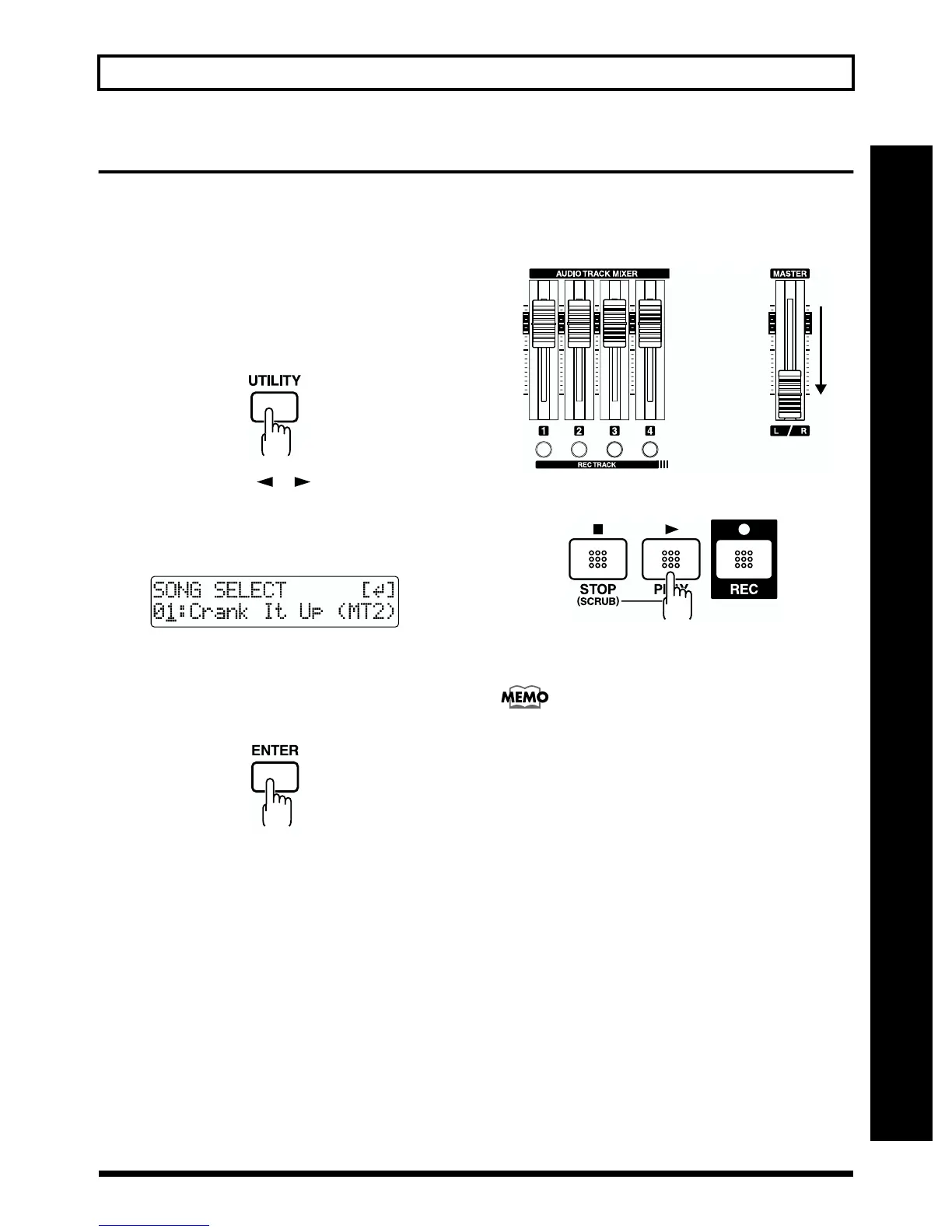
1. Move the TRACK faders 1 to 4 to the positions shown
below and lower the MASTER fader.
fig.Q01-13
2. Press [PLAY].
fig.Q01-14
The song starts. Slowly increase the MASTER fader and
adjust the volume to the desired level.
By adjusting the TRACK faders, you can listen to the
individual sounds recorded to each track one at a time or
listen to them at the balance you desire.
Press [FF] to fast-forward the song and press [REW] to
rewind the song. Press [ZERO] to return to the beginning
of the song.
In addition to the procedures given above, you can also change
your current position in the song using the procedures given
below.



 To Next Page