34
Recording/playing back a song
To spread the sound of your guitar backing spatially to
the left and right, first record the same guitar backing to
two different tracks and then use the panning feature to
spread the sound.This is known as “doubling .”
The BR-532 provides a “DOUBL’N (doubling)” (p. 82)
insert effect that lets you produce a doubling effect
without having to record the same performance twice.
By playing the backing music with the “DOUBL’N”
effect, you can create the doubling effect for a widely
spread sound space.
“DOUBL’N” is also provided as a loop effect. (p. 82)By
using the “DOUBL’N” loop effect, you can achieve the
doubling effect even on monaural recordings on single
tracks for more efficient use of your track space.
For more details regarding loop effect operations, refer
to “Using loop effects” (p. 82).
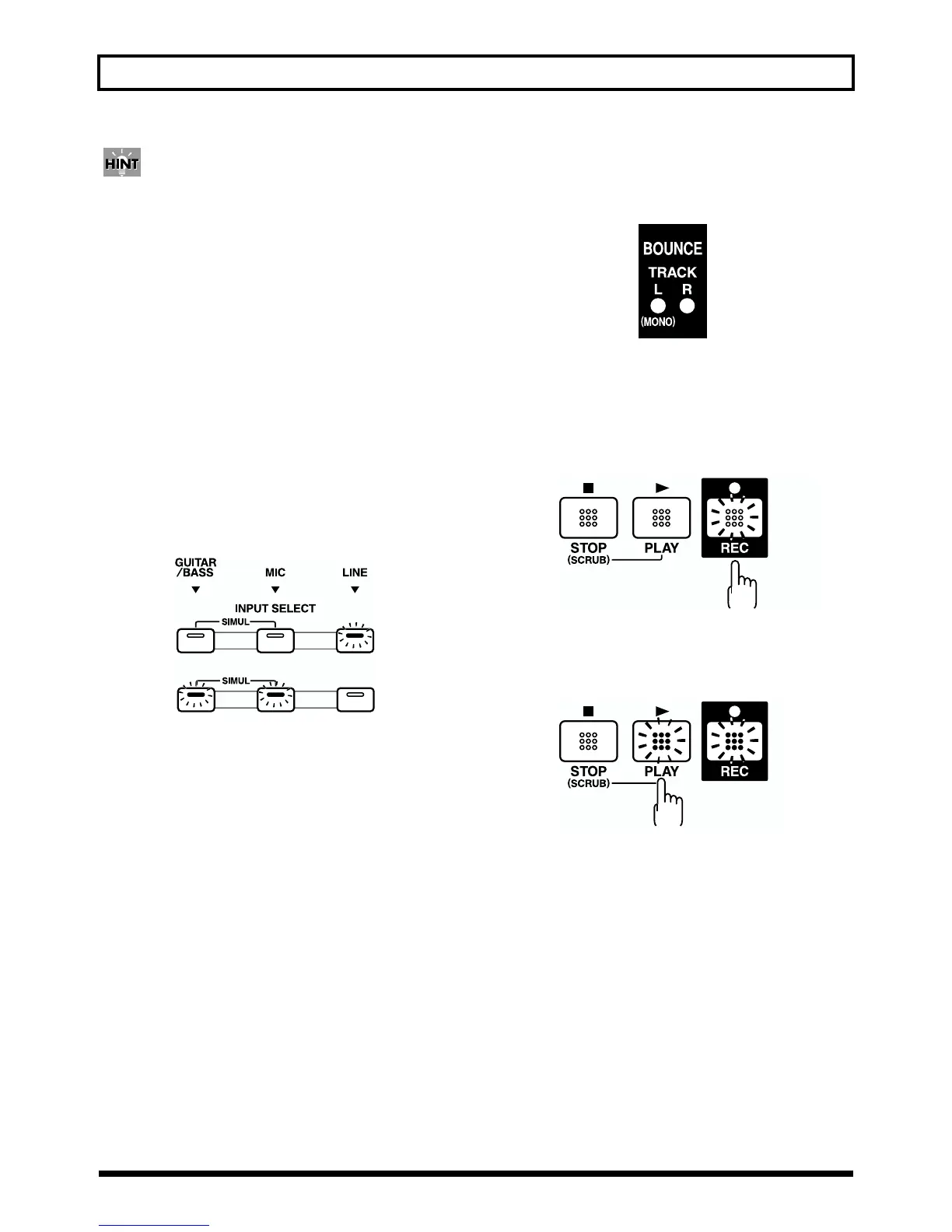
If INPUT SELECT [LINE] or [SIMUL] are lit
fig.Q01-29
Since the input is stereo, the recording is normally performed
on two tracks. REC Press either REC TRACK [1] or [2] to
select tracks 1 and 2, or [3] or [4] to select tracks 3 and 4.
However, if you want to mix together the left and right
channels being input onto one track, with tracks 1 and 2
selected, press REC TRACK [1] again to select track 1. Using
the same procedure, you can select any track 1 to 4 to be the
track to which to record.
Recording operations
1. Make sure that the BOUNCE [ON/OFF] indicator is
dark.
fig.Q01-30
If the indicator is lit, press BOUNCE [ON/OFF] to make
it go dark.
2. Press [REC].
[REC] flashes in red and the BR-532 enters the recording
standby state.
fig.Q01-31
3. Press [PLAY].
The [REC] and REC TRACK buttons stop flashing in red
and instead light solidly, and recording starts.
fig.Q01-32
4. When you finish recording, press [STOP].
The REC TRACK button lights alternately in orange and
green, indicating that track contains recorded data.
* During automatic updating, “Keep Power On!” appears in the
upper line of the display, while the lower line shows what is
being processed.
or
Flashing
Lit



 To Next Page