39
Repeating Playback—Repeat
Advanced Use
Setting the repeat portion
with accurate timing
Normally, the repeat start and end points are registered at
the exact position where [REPEAT] is pressed. This may
make it difficult for you to set the repeat portion exactly as
you desire.
If this is the case, you can use the quantize function to have
the time [REPEAT] is pressed be adjusted to the timing of the
song.
The quantize function allows you to set the timing in one-
measure units.
Perform the procedure given below to use the quantize
function.
1. Press [UTILITY].
2. Press PARAMETER [ ] [ ] to move the cursor to
“SYS,” and press [ENTER].
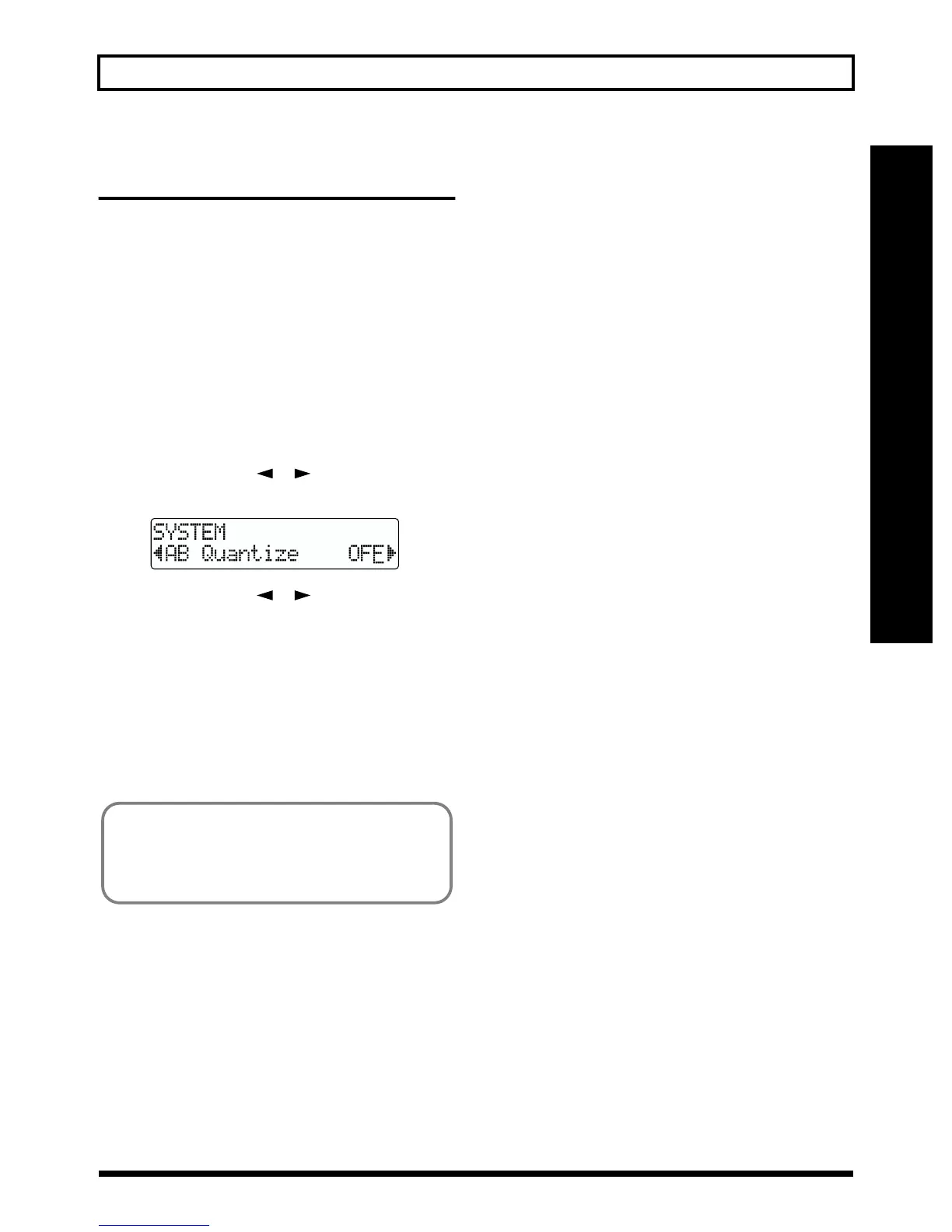
fig.R01-03
3. Press PARAMETER [ ] [ ] to select “AB
Quantize,” and turn the TIME/VALUE dial to turn the
setting on.
When off, the quantize function will not work.
4. Press [EXIT] (or [UTILITY]) several times to return to
the Play page.
* During automatic updating, “Keep Power On!” appears in the
upper line of the display, while the lower line shows what is
being processed.
* Changing the tempo after having made the quantize function
settings in a repeated portion will result in timing
discrepancies between the repeat start and end points and the
beginnings and ends of measures.
* You can set the repeat portion to one measure by pressing
[REPEAT] twice at the same position.
You can copy (p. 50), move (p. 53), and erase (p. 55) the
repeat portion.
Before using these functions, you can use the quantize
function to set the repeat portion with accurate timing.



 To Next Page