75
Search for the music’s start and end (Scrub/Preview)
Advanced Use
Changing the scrub points
You can set either the point before or after the current
position as the scrub point.
Follow the procedure given below to change the scrub point.
1. Press [UTILITY].
2. Press PARAMETER [ ] [ ] to move the cursor to
“SCR,” and press [ENTER].
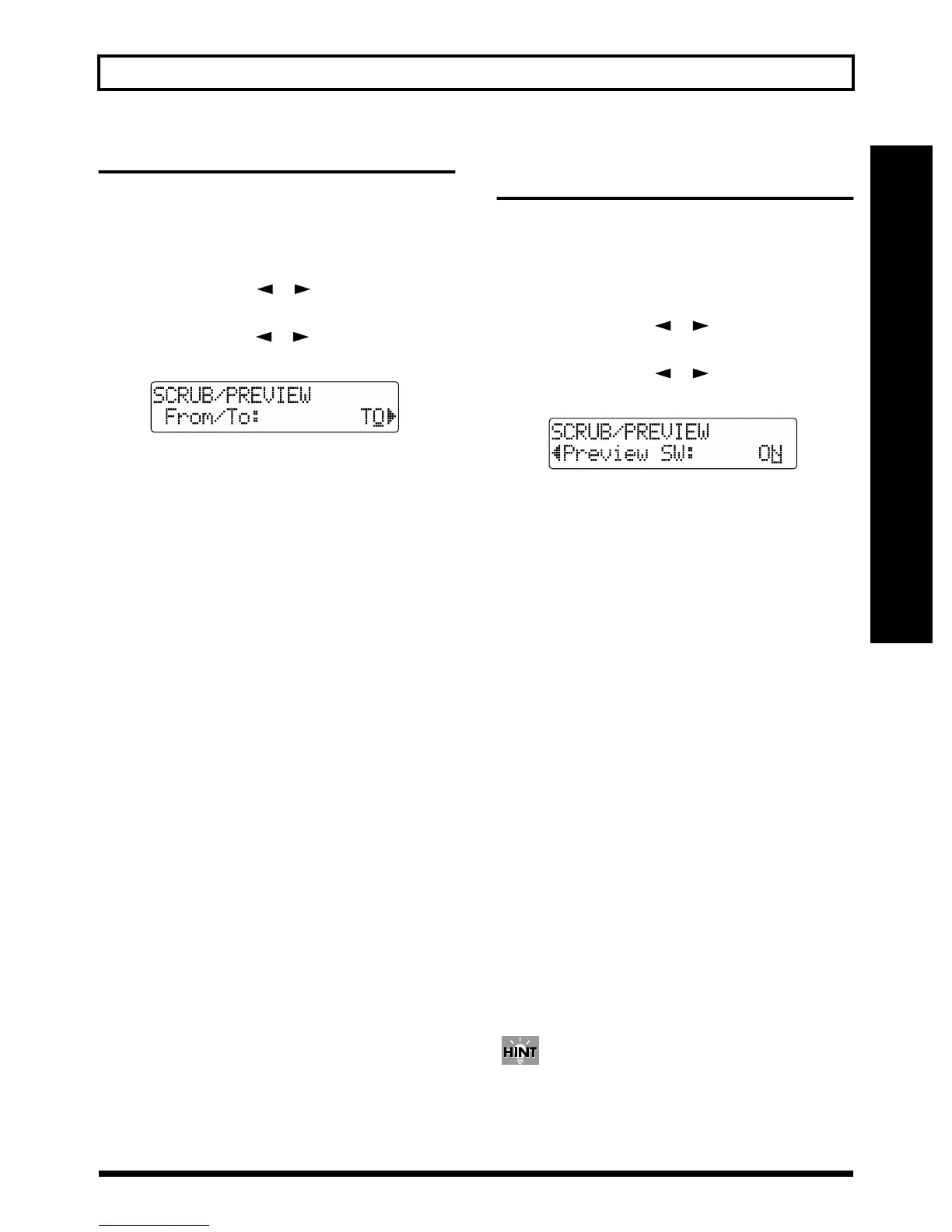
3. Press PARAMETER [ ] [ ] to select “FROM/TO,”
and turn the TIME/VALUE dial to change scrub points.
fig.R15-02
TO: Scrubs to your current position.
FROM: Scrubs from your current position.
4. After completing the setting, press [EXIT] (or
[UTILITY]) repeatedly to return to the Play screen.
* During automatic updating, “Keep Power On!” appears in the
upper line of the display, while the lower line shows what is
being processed.
Using Scrub and Preview to
find the music ending point
Enabling the Preview Function
First you must enable use of the Preview Function at the BR-
532.
1. Press [UTILITY].
2. Press PARAMETER [ ] [ ] to move the cursor to
“SCR,” and press [ENTER].
3. Press PARAMETER [ ] [ ] to select “Preview
SW,” and turn the TIME/VALUE dial to set “ON.”
fig.R15-03
This enables use of the Preview Function.
4. Press [EXIT] (or [UTILITY]) several times to return to
the Play page.
* During automatic updating, “Keep Power On!” appears in the
upper line of the display, while the lower line shows what is
being processed.
Finding the music ending point
1. Hold down [STOP] and press [PLAY].
The [PLAY] indicator begins flashing and scrubbing
starts.
When the Preview SW is ON, pressing [REW] during the
scrub plays back the data in the second leading up to the
current position; pressing [FF] (or [PLAY]) during the
scrub plays back the data for one second starting from
the current position.
2. Use the Preview Function while scrubbing to search for
the point where the music ends.
Slowly turn the TIME/VALUE dial to move the current
position and search for the ending point of the phrase
(e.g., where sound is last emitted).
At this time, use [REW] to make sure that the phrase is
not simply cutting in and out during playback.
3. After you find the exact point where the music ends,
press [STOP] to stop scrubbing.
You can now press [LOCATOR] to register a locator
point so that you can find the point easily later.
* [PLAY] plays back a preview of one second from the current
location, regardless of the Preview SW.



 To Next Page