59
Advanced Use
Organizing the songs you’ve recorded
Copying a Song (Song Copy)
Follow the procedure below to copy a song from the memory
card.
1. Press [UTILITY].
2. Press PARAMETER [ ] [ ] to move the cursor to
“SEL,” and press [ENTER].
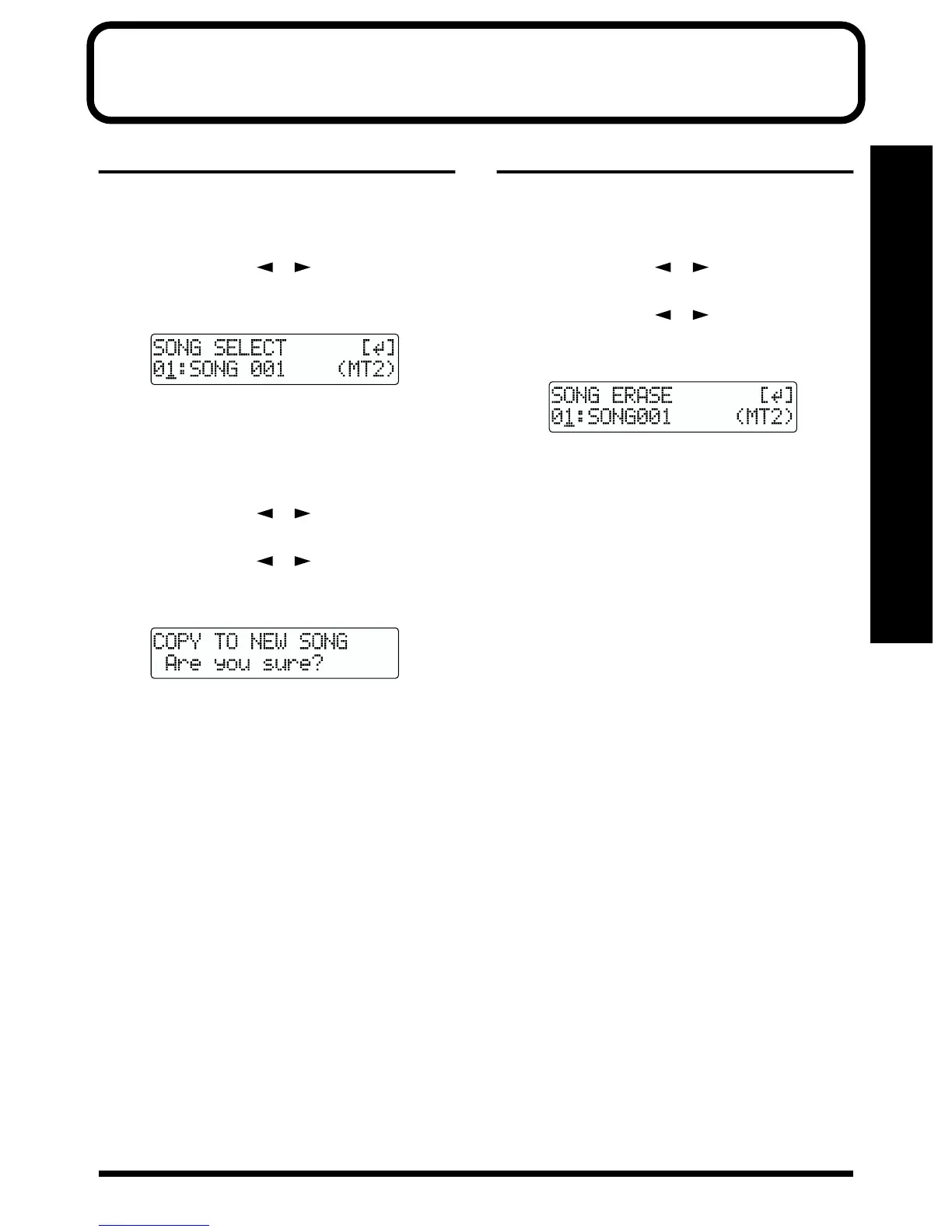
The Song screen appears.
fig.R10-01
3. Turn the TIME/VALUE dial and select the song to be
copied.
4. After selecting the song to be copied, press [ENTER].
5. Press [UTILITY].
6. Press PARAMETER [ ] [ ] to move the cursor to
“EDT,” and press [ENTER].
7. Press PARAMETER [ ] [ ] to move the cursor to
“CPY,” and press [ENTER].
The Copy Song screen appears.
fig.R10-03
<If “No more Memory!” appears>
If this message appears before the copy, it means that
there is insufficient space on the memory card to
complete the copy. Delete any unnecessary recording
from the memory card.
8. Press [ENTER].
The copy is executed. When the copy has been
completed, “Completed!” appears in the display, and
you are returned to the Play page.
Erasing songs (Song Erase)
Follow the procedure below to erase a song from the
memory card.
1. Press [UTILITY].
2. Press PARAMETER [ ] [ ] to move the cursor to
“EDT,” and press [ENTER].
3. Press PARAMETER [ ] [ ] to move the cursor to
“ERS,” and press [ENTER].
The Erase Song screen appears.
fig.R10-04
4. Turn the TIME/VALUE dial and select the song to be
erased.
5. After selecting the song to erase, press [ENTER].
“Are you sure?” appears.
6. To continue with the erasure, press [ENTER] (YES).
To cancel the operation press the [EXIT] (NO) (or
[UTILITY]).
* If you erase a song currently being used, the song on the
memory card with the lowest number is selected.
7. If you erased a song not currently being used, press
[EXIT] (or [UTILITY]) repeatedly to return to the Play
screen.



 To Next Page