84
Initializing the BR-532’s settings
Initializing the effect settings
Follow the procedure below to initialize the effect
parameters.
A list of the initial settings for each parameter is given in
the “Parameter List” (p. 107).
1. Press [UTILITY].
2. Press PARAMETER [ ] [ ] to move the cursor to
“INI,” and press [ENTER].
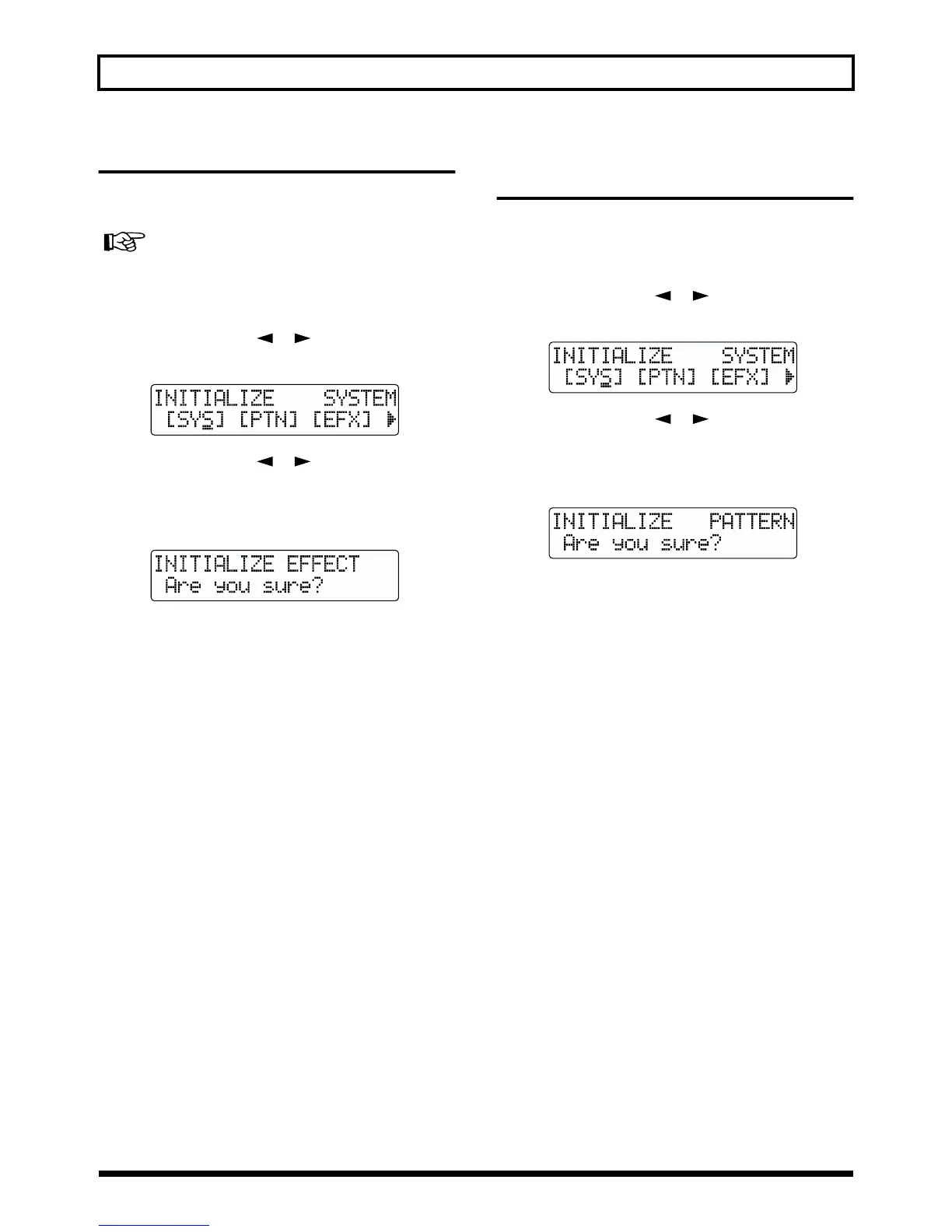
fig.00-50
3. Press PARAMETER [ ] [ ] to move the cursor to
“EFX,” and press [ENTER].
The confirmation message “Are you sure?” appears in
the display.
fig.00-53
4. To continue the initialization, press [ENTER] (YES).
To cancel, press [EXIT] (NO) (or [UTILITY]).
When [ENTER] is pressed, initialization begins.
After the initialization has been completed, you are
returned to the Play page.
Initializing the Rhythm Guide
User patterns
This initializes the Rhythm Guide User Patterns 1–4. After
initialization, the metronome is set.
1. Press [UTILITY].
2. Press PARAMETER [ ] [ ] to move the cursor to
“INI,” and press [ENTER].
fig.00-50
3. Press PARAMETER [ ] [ ] to move the cursor to
“PTN,” and press [ENTER].
The confirmation message “Are you sure?” appears in
the display.
fig.00-60
4. To continue the initialization, press [ENTER] (YES).
To cancel, press [EXIT] (NO) (or [UTILITY]).
When [ENTER] is pressed, initialization begins.
After the initialization has been completed, you are
returned to the Play page.



 To Next Page