83
Advanced Use
Initializing the BR-532’s settings
Initializing all the BR-532’s settings
1. Press [UTILITY].
2. Press PARAMETER [ ] [ ] to move the cursor to
“INI,” and press [ENTER].
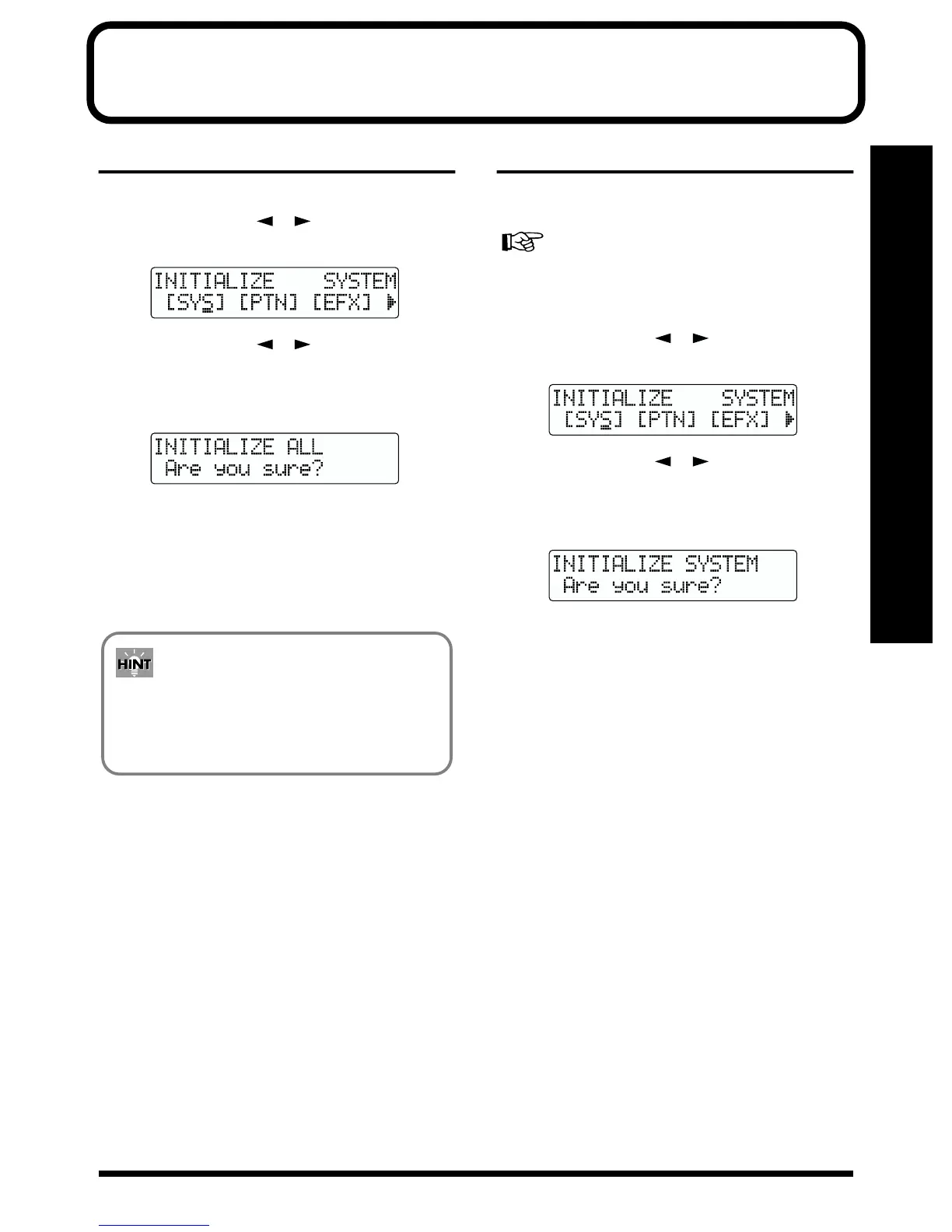
fig.00-50
3. Press PARAMETER [ ] [ ] to move the cursor to
“ALL,” and press [ENTER].
The confirmation message “Are you sure?” appears in
the display.
fig.00-51
4. To continue the initialization, press [ENTER] (YES).
To cancel, press [EXIT] (NO) (or [UTILITY]).
When [ENTER] is pressed, initialization begins.
After the initialization has been completed, you are
returned to the Play page.
Initializing the system settings
Follow the procedure below to initialize the system
parameters.
A list of the initial settings for each parameter is given in
the “Parameter List” (p. 107).
1. Press [UTILITY].
2. Press PARAMETER [ ] [ ] to move the cursor to
“INI,” and press [ENTER].
fig.00-50
3. Press PARAMETER [ ] [ ] to move the cursor to
“SYS,” and press [ENTER].
The confirmation message “Are you sure?” appears in
the display.
fig.00-52
4. To continue the initialization, press [ENTER] (YES).
To cancel, press [EXIT] (NO) (or [UTILITY]).
When [ENTER] is pressed, initialization begins.
After the initialization has been completed, you are
returned to the Play page.
You can initialize all the settings by holding down
INPUT SELECT [GUITAR/BASS], [MIC], and
[LINE] while turning the POWER switch ON, then
pressing [ENTER].



 To Next Page